Most Popular Christmas Backgrounds
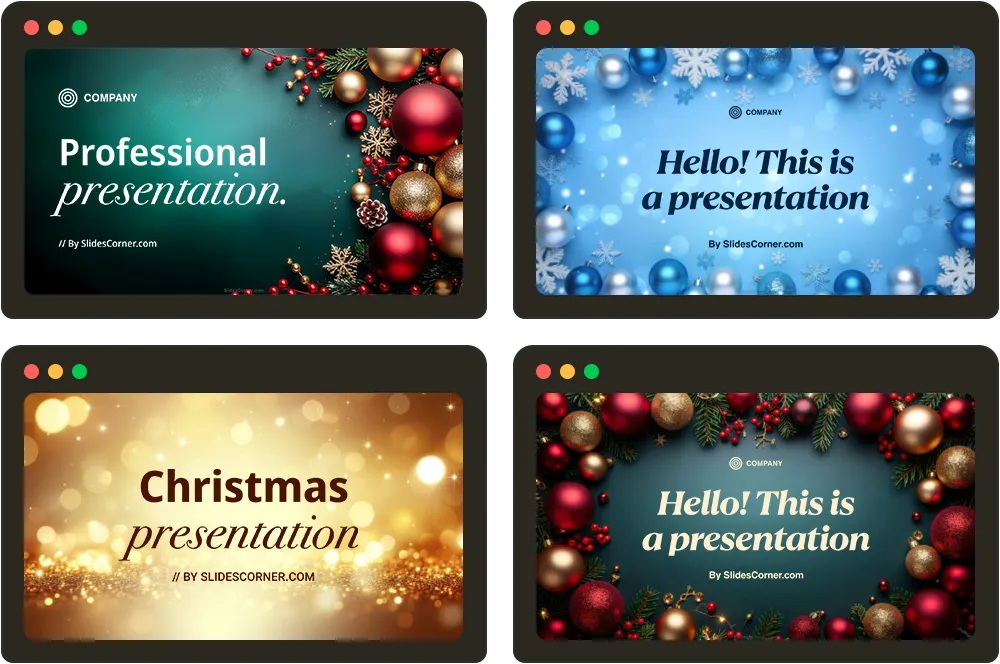
These are our most-downloaded Christmas PPT backgrounds — the designs people reach for most when building holiday, year-end and festive decks. Every one is high-resolution, works in both PowerPoint and Google Slides, and is free to download with no watermark.
Most popular christmas backgrounds
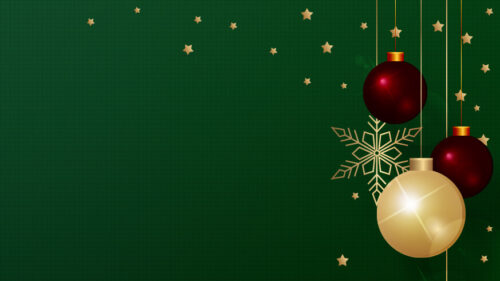
Christmas Powerpoint Background with golden baubles, snow and lights

Winter Snow PPT Background

Christmas Free PPT Background

Christmas Free PPT Background

Christmas Snowflakes Free PPT Background

Christmas Free PPT Background

Christmas Snow & Trees Free PPT Background

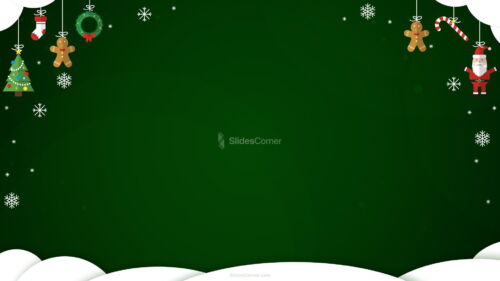
Green Christmas Background with Snow and Santa Figures

Blue Christmas background for PowerPoint with red and gold baubles

Christmas Background with Lights, hanging red and gold Baubles

Christmas Powerpoint Background with baubles, snow and bokeh lights

Classic Red, Gold & Green Christmas Backgrounds
The timeless holiday palette — deep reds, warm golds and festive greens. The safe, instantly-recognisable choice for Christmas cards, invites and year-end presentations.
Classic Red, Gold & Green Christmas Backgrounds
Gold Christmas Background with a Crystal Snowflake Vine


Holiday Season Background with Golden Stars and Lights

Holiday PowerPoint Background with Festive Golden Sparkles


Snow & Winter Backgrounds
Cool, calm and seasonal — snowfall, snowflakes and quiet winter scenes. Works beyond Christmas too, for January and winter-themed decks.
Snow & Winter Backgrounds

White Snow Sparkle Texture Background for PowerPoint

Winter Sunset Background for PowerPoint with Frosted Fern Snow

Winter Snow Background for Google Slides with Frosty Bokeh Night

Winter Background with Sunlit Snowdrifts and Frosted Pines

Forest Background For PowerPoint With A Magical Lantern-Lit Road


Winter Background For PowerPoint With A Glowing Snowy Forest Path

Winter Background with Snow and Twinkling Golden Lights


Christmas Trees, Baubles & Lights
Festive detail up close — decorated trees, hanging baubles and glowing bokeh lights for a warmer, celebratory feel.
Christmas Trees, Baubles & Lights
Gold Christmas Background with a Crystal Snowflake Vine


Green Christmas background with ornaments and tree branches


Red Christmas background with hanging gold baubles and flowers

Christmas Powerpoint Background with golden baubles, snow and lights

How to use these backgrounds in PowerPoint & Google Slides
Once you’ve downloaded a Christmas background, adding it to your slides takes under a minute. Here’s how to do it in both apps.
In PowerPoint
- Open your presentation and go to the Design tab.
- Click Format Background (top-right).
- In the panel that opens, choose Picture or texture fill, then Insert → From a File, and select your downloaded background.
- Click Apply to All to use it across every slide, or leave it to apply only to the current one.
In Google Slides
- Open your presentation and click the Slide menu.
- Choose Change background.
- Click Choose image → Upload, then select your downloaded background.
- Click Add to theme to apply it to all slides, or Done for just the current slide.
Quick tips: All backgrounds are 1920×1080 (16:9), so they fill standard widescreen slides without stretching. For text-heavy holiday slides, keep the busier tree-and-lights designs for title slides and use the calmer snow or solid-toned options behind body copy. Because every file is CC0, you’re free to use it in personal, school and commercial presentations with no attribution required.
Free christmas backgrounds — FAQ
Are these Christmas backgrounds really free?
Yes — every Christmas background on SlidesCorner is 100% free to download, with no watermark and no registration required. They’re released under a CC0 license, so you can use them however you like.
Can I use them for commercial or work presentations?
Yes. The CC0 license covers personal, educational and commercial use, with no attribution required — holiday cards, year-end reviews, company decks, paid courses and anything else.
What resolution are the backgrounds?
All Christmas backgrounds are high-resolution 1920×1080 (Full HD, 16:9) — the standard widescreen size for PowerPoint and Google Slides, so they fill the slide cleanly without stretching or blurring.
Do they work in both PowerPoint and Google Slides?
Yes — every background is a standard image file that works in PowerPoint, Google Slides, Keynote, Canva and any other tool that lets you set a slide background.
Which style should I pick for a Christmas presentation?
Classic red, gold and green reads as instantly festive. Snow and winter scenes are calmer and work through January too, while trees, baubles and lights add warmth to title and section slides.
How often do you add new designs?
We add fresh Christmas backgrounds every holiday season, across classic, snowy and festive-lights styles. Bookmark this page and check back, or browse the style sections above for the full collection.