You might also like:
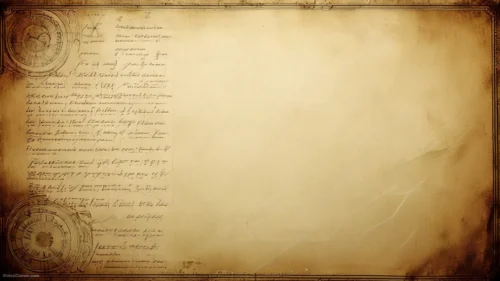
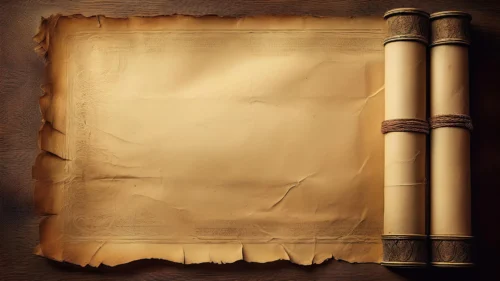
This background is for history lessons, storytelling decks, and any slide that wants an old-world feel — classroom timelines, mythology and literature units, museum and heritage talks, tabletop RPG handouts, or a “once upon a time” title slide. It shows an unrolled parchment scroll with turned wooden rollers on the left and right, its cream paper aged and softly stained at the edges, resting on a muted dark backdrop. The center of the scroll stays open and clean, so your text lands on calm paper instead of clutter.
Why I aged the parchment this way
I pushed the browning toward the edges and kept the middle of the scroll light on purpose. Real aged paper darkens where it’s handled and exposed, so the stains gather at the torn borders and around the rollers, while the center stays pale. That gradient does practical work: it frames your content and pulls the eye inward without a single graphic element getting in the way.
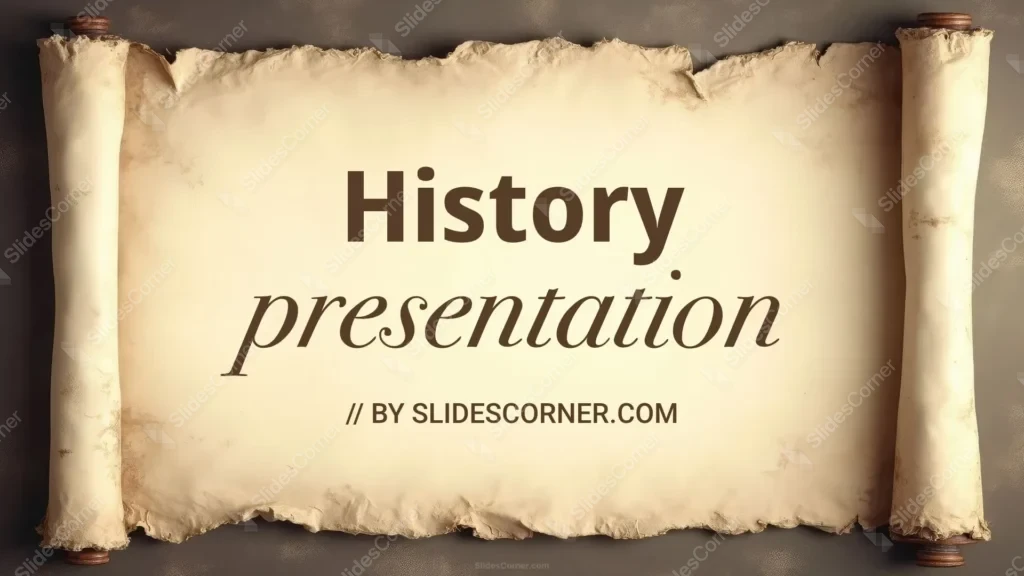
The backdrop behind the scroll is a desaturated charcoal-brown, not black, so the parchment glows against it while the whole slide still feels grounded and quiet. I chose a warm cream rather than a bright white paper because warm tones read as old, and they let dark serif type sit comfortably on top without harsh contrast. Every worn edge and frayed corner is there to sell one idea — that this is a document with history behind it.
Where this history background for PPT works best
- History, social studies, and world-civilization lessons
- Mythology, folklore, and classic-literature units
- Timeline, biography, and “this day in history” slides
- Museum, heritage, and genealogy presentations
- Fantasy and tabletop RPG maps, quests, and character sheets
- Wedding or event menus, vows, and program slides with a vintage theme
- A warm antique wallpaper for a desk that loves the old world
Because the scroll frame is fixed to the edges, the open paper in the middle gives you a generous, safe zone for titles, dates, quotes, and paragraphs.
How to apply it in PowerPoint and Google Slides
In PowerPoint: go to the Design tab, click Format Background, choose Picture or texture fill, select Insert, and load the downloaded image. Click Apply to All so every slide shares the same scroll. For a locked, un-nudgeable version, place it through View → Slide Master instead.
In Google Slides: open Slide → Change background, click Choose image, upload the file, and select Add to theme to apply it across the deck.
Readability tip: keep your text inside the pale center of the scroll, away from the darker stained borders. Dark brown or near-black serif type suits the period and reads cleanly on the warm paper. If a slide is text-heavy, drop a very light cream rectangle at 85% opacity behind the paragraph to lift contrast without breaking the aged look.
What you get
- One HD history background in 16:9, ready for widescreen slides
- Unrolled parchment scroll with wooden rollers on both sides
- Warm aged cream center kept clean for your content
- Naturalistic browning and torn edges for real vintage character
- No watermark and no attribution required
- Works in PowerPoint, Google Slides, Keynote, and as a wallpaper
- Free download for classroom, personal, and event use
FAQ
Is this history background free?
Yes. Download it at no cost and use it for lessons, personal projects, and events, with no watermark on the file.
Does it work in Google Slides?
It does. Upload it through Slide → Change background → Choose image, then pick Add to theme to use it on every slide.
What resolution is the file?
It is a high-definition 16:9 image built for widescreen presentations, so the parchment stays sharp when projected or shown full-screen.
Can I use it as a wallpaper?
Yes. The 16:9 ratio fits most laptop and desktop screens, which makes it a handsome antique wallpaper as well as a slide background.
Specs
- 1920 x 1080 px · 16:9 widescreen
- JPG, high quality, no compression artefacts
- PowerPoint · Google Slides · Keynote · Canva
- No watermark · no sign-up
- Free for personal and commercial use
You can use this Timeless Parchment Scroll History Background for Storytelling and Lesson Slides as a Wallpaper or use it as a background for slides.
Looking for something different? Browse all our free PPT Backgrounds, or see how to set a background in PowerPoint and Google Slides.