You might also like:

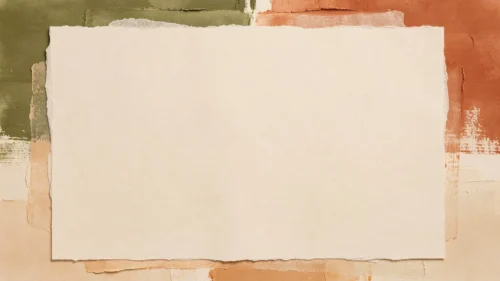


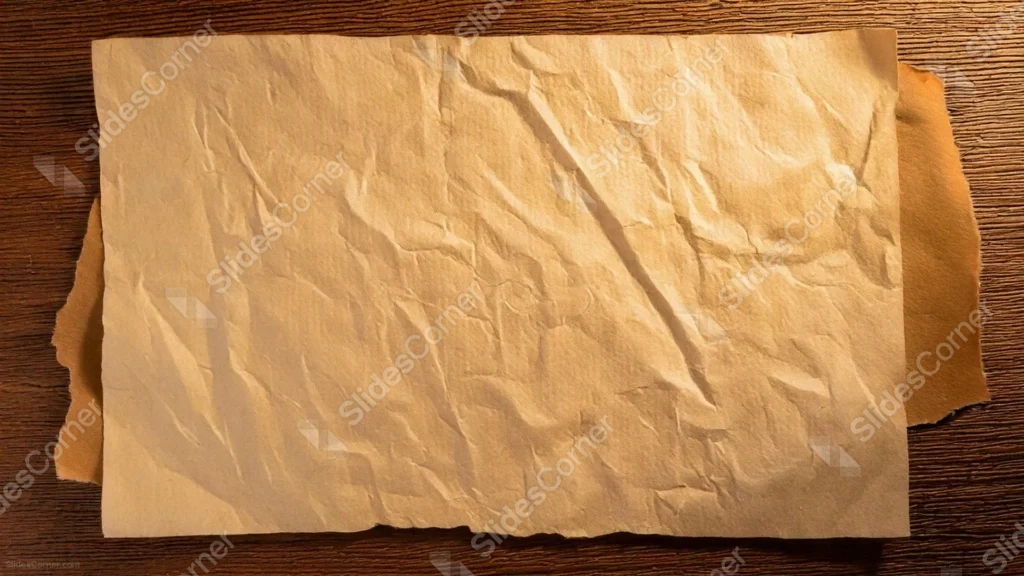
This kraft paper background for PowerPoint photographs a single crumpled sheet of brown kraft paper laid flat on a dark wood desk, its torn edges revealing a second sheet underneath.
The whole surface stays deliberately plain, with no brown writing, stamps, or borders, just natural creases and shadow.
What This Kraft Paper Background Looks Like
A large sheet of soft kraft paper fills most of the frame, its surface folded into gentle wrinkles that catch warm light from the upper right.
The paper’s torn, uneven edges sit slightly above a second sheet of darker orange-brown paper, both resting on a visible wood grain desk along the top and side margins.
No text, stamps, or illustrations appear anywhere, leaving the entire kraft surface open.
Where This Kraft Paper Background For PowerPoint Fits
- Rustic, craft, or handmade brand presentations
- Coffee shop, bakery, or packaging design decks
- Recipe, cooking, or DIY tutorials
- Any slide wanting a warm, tactile, natural texture
Design Choices Behind This Kraft Paper Shot
I left the kraft paper genuinely blank, without any handwriting or stamped detail, so it reads as raw material rather than a finished document like the manuscripts and maps I’ve photographed before.
Letting the torn edge peek out from underneath adds a small, honest imperfection, so the sheet feels handled rather than perfectly staged.
Keeping the wood desk visible only at the edges frames the paper without pulling focus away from the open kraft surface in the middle.
How to Apply It in PowerPoint
- Go to Design > Format Background.
- Choose Picture or texture fill, then Insert from file.
- Click Apply to All to carry it across the whole deck.
How to Apply It in Google Slides
- Open Slide > Change background.
- Click Choose image and upload the downloaded file.
- Select Done, repeating on any other slides you want to match.
Legibility Tip for This Kraft Paper Background
Use a dark brown or black font anywhere on the paper, since the kraft tone stays consistent enough that text will read clearly across the whole sheet.
Frequently Asked Questions
Is this kraft paper background free?
Yes, it’s a free download with no watermark and no account required.
Does it work in Google Slides too?
Yes, it’s a standard image file, so it applies the same way in both PowerPoint and Google Slides.
What resolution is included?
1920×1080 px, HD 16:9, suited to slides and to a desktop or phone wallpaper.
Can I use it as a wallpaper?
Yes, the 16:9 ratio matches most laptop and desktop screens.
Features at a Glance
- HD 1920×1080 resolution, 16:9 ratio
- Free download, no watermark
- Photographed kraft paper with natural creases and torn edge
- Visible wood desk framing the edges
- Completely blank surface, fully open for text
- Works as a PowerPoint background, Google Slides background, or wallpaper
Specs
- 1920 x 1080 px · 16:9 widescreen
- JPG, high quality, no compression artefacts
- PowerPoint · Google Slides · Keynote · Canva
- No watermark · no sign-up
- Free for personal and commercial use
You can use this Rustic Kraft Paper Background For PowerPoint as a Wallpaper or use it as a background for slides.
Looking for something different? Browse all our free PPT Backgrounds, or see how to set a background in PowerPoint and Google Slides.