




Elegant Floral Background For PowerPoint With Symmetric Red Branches
Download this free elegant floral background for PowerPoint with symmetric red branch illustrations.
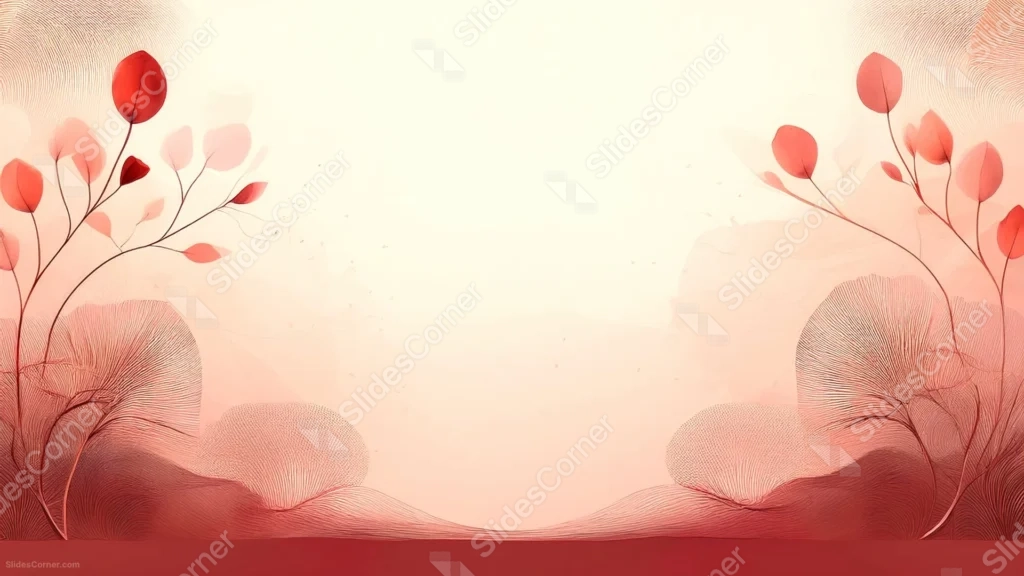
This elegant floral background for PowerPoint mirrors two illustrated red flowering branches on either side of the frame, framing a wide open cream center.
Fine, feathery line-work shrubs sit at the base of each branch, echoing the same linear detail found in the leaves above.
What This Elegant Floral Background Looks Like
A slender branch rises from each bottom corner, carrying deep red leaves and blossoms of varying size up toward the top edge of the frame.
At the base of each branch, a dense cluster of fine, hair-thin lines forms a soft, feathery mound, almost like an ornamental shrub rendered entirely in linework.
A solid deep maroon band runs along the very bottom edge, grounding the illustration, while the center of the frame stays a soft, open cream.
Where This Elegant Floral Background For PowerPoint Fits
- Wedding, anniversary, or formal invitation-style slides
- Editorial, literary, or fine art presentations
- Luxury or heritage brand decks
- Any title slide wanting a symmetric, illustrated frame
Design Choices Behind the Symmetric Branches
I mirrored the branches on both sides rather than balancing the composition asymmetrically, so the piece reads as formal and deliberate, closer to a printed invitation than a candid botanical sketch.
The feathery linework shrubs at the base echo the fine detail in the branches above, tying the whole illustration together in one consistent hand-drawn style.
Grounding the piece with a solid maroon band at the bottom gives the airy illustration above a stable, weighted base.
How to Apply It in PowerPoint
- Go to Design > Format Background.
- Choose Picture or texture fill, then Insert from file.
- Click Apply to All to carry it across the whole deck.
How to Apply It in Google Slides
- Open Slide > Change background.
- Click Choose image and upload the downloaded file.
- Select Done, repeating on any other slides you want to match.
Legibility Tip for This Floral Background
Keep text in the open cream center, using a deep maroon or charcoal font so it echoes the red branches without competing with them.
Frequently Asked Questions
Is this elegant floral background free?
Yes, it’s a free download with no watermark and no account required.
Does it work in Google Slides too?
Yes, it’s a standard image file, so it applies the same way in both PowerPoint and Google Slides.
What resolution is included?
1920×1080 px, HD 16:9, suited to slides and to a desktop or phone wallpaper.
Can I use it as a wallpaper?
Yes, the 16:9 ratio matches most laptop and desktop screens.
Features at a Glance
- HD 1920×1080 resolution, 16:9 ratio
- Free download, no watermark
- Mirrored red branch illustrations on both sides
- Fine feathery linework shrubs and a solid maroon base
- Wide, open cream center for text
- Works as a PowerPoint background, Google Slides background, or wallpaper
Specs
- 1920 x 1080 px · 16:9 widescreen
- JPG, high quality, no compression artefacts
- PowerPoint · Google Slides · Keynote · Canva
- No watermark · no sign-up
- Free for personal and commercial use
You can use this Refined Elegant Floral Background For PowerPoint as a Wallpaper or use it as a background for slides.
Looking for something different? Browse all our free PPT Backgrounds, or see how to set a background in PowerPoint and Google Slides.








