





Cute Colorful Background For Google Slides With Bold Blooms
Free cute colorful background for Google Slides with bold flowers, leaves, and vivid corner shapes.
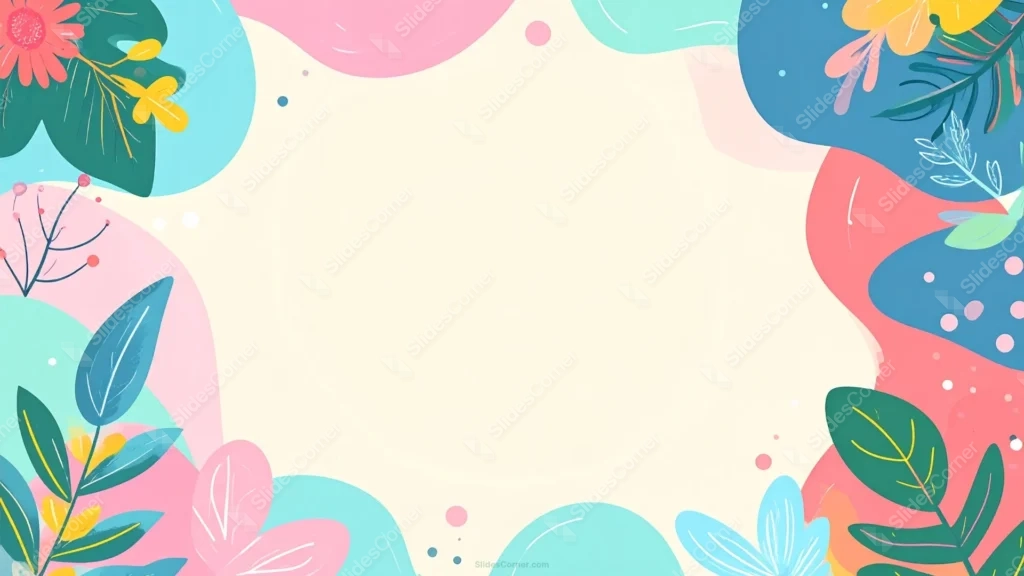
This cute colorful background for Google Slides fills every corner with a distinct, saturated color, teal, coral, blue, and pink, behind a mix of flowers and leaves.
A red gerbera daisy and pale blue blossoms join the foliage this time, adding real flower shapes alongside the leaves.
What This Cute Colorful Background Looks Like
A red gerbera daisy with yellow accents sits in the upper-left, while pale blue flowers bloom in the lower-right, both surrounded by green and blue leaves.
Bold teal, coral, pink, and blue organic shapes fill in behind the foliage in every corner, each one a fully saturated color rather than a muted pastel.
Small dots in varying sizes and colors scatter across all four corners, a repeated confetti-like detail tying the whole border together.
Where This Cute Colorful Background For Google Slides Fits
Its bold, playful palette suits children’s education, summer camp or event content, creative workshops, and any presentation wanting energetic color over soft pastels.
The fully framed cream center also makes it dependable for centered titles and quote slides.
Design Choices Behind the Bold Blooms
I filled every corner with a distinct, saturated color, teal, coral, blue, and pink, instead of a softer pastel mix, so the palette reads as bold and energetic rather than gentle.
Including actual flowers, a red gerbera and pale blue blossoms, alongside the leaves this time, rather than foliage alone, gives the corners more variety in shape.
Scattering small dots of different sizes and colors throughout the corners adds a repeated, confetti-like detail that ties all four corners together visually.
How to Apply It in Google Slides
- Open Slide > Change background.
- Click Choose image and upload the downloaded file.
- Select Done, repeating on each slide you want to match.
How to Apply It in PowerPoint
- Go to Design > Format Background.
- Choose Picture or texture fill, then Insert from file.
- Click Apply to All for the whole deck.
Legibility Tip for This Cute Colorful Background
Keep text in the cream center, using dark charcoal type, since every corner carries bold color and detail.
Frequently Asked Questions
Is this cute colorful background free?
Yes, it’s a free download with no watermark and no account required.
Does it work in PowerPoint too?
Yes, it’s a standard image file, so it applies the same way in both PowerPoint and Google Slides.
What resolution is included?
1920×1080 px, HD 16:9, suited to slides and to a desktop or phone wallpaper.
Can I use it as a wallpaper?
Yes, the 16:9 ratio matches most laptop and desktop screens.
Features at a Glance
- HD 1920×1080 resolution, 16:9 ratio
- Free download, no watermark
- Bold teal, coral, blue, and pink corner shapes
- Gerbera daisy and blue blossoms alongside leaves
- Scattered confetti-style dot accents
- Works as a Google Slides background, PowerPoint background, or wallpaper
Specs
- 1920 x 1080 px · 16:9 widescreen
- JPG, high quality, no compression artefacts
- PowerPoint · Google Slides · Keynote · Canva
- No watermark · no sign-up
- Free for personal and commercial use
You can use this Playful Bold Floral Background with Vivid Corner Shapes as a Wallpaper or use it as a background for slides.
Looking for something different? Browse all our free PPT Backgrounds, or see how to set a background in PowerPoint and Google Slides.