You might also like:

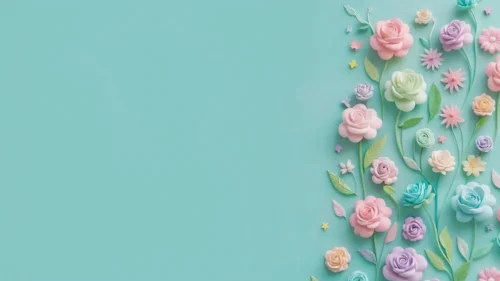
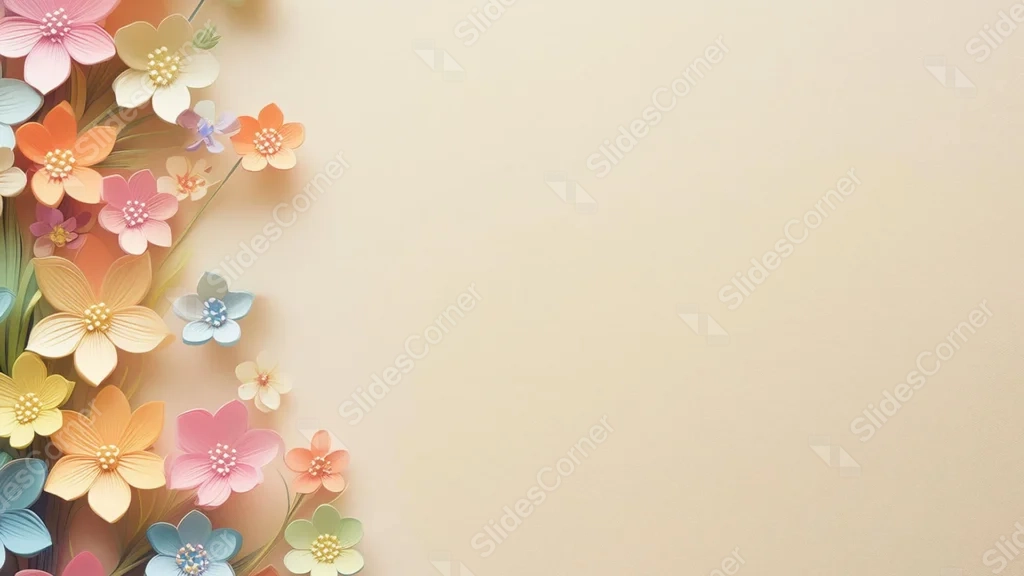
This background is for a slide that wants a handcrafted, tactile charm rather than a flat illustrated bouquet. Layered, dimensional paper-cut flowers in pink, orange, yellow, and blue cluster along the left edge, each petal catching a soft shadow, against a warm cream backdrop. Free, HD, and watermark-free for PowerPoint or Google Slides.
What This Cute Floral Background Looks Like
Unlike a flat, printed floral pattern, each flower here is built from layered paper petals with real depth and soft cast shadows, closer to a quilled paper craft than an illustration.
The blooms cluster densely along the entire left edge in a mix of pink, orange, cream, and pale blue, with tiny beaded centers catching extra light, while the right two-thirds stays a soft, plain cream.
Where This Background Fits
This suits craft and handmade brand decks, baby shower or birthday presentations, spring event slides, and any content that wants a cute, tactile floral feel with a clear, wide space for text.
Design Choices Behind These 3D Paper Cut Flowers
I gave each flower real dimension and shadow, rather than a flat fill, because the layered paper-craft look reads as more playful and handmade, which suits “cute” content better than a smooth, printed pattern.
Keeping every flower clustered along one edge, instead of scattering them across the frame, leaves the entire right side open for a headline, while the dimensional texture still gives the border real visual interest up close.
How to Apply This Background in PowerPoint
- Download and unzip the file, then open your PowerPoint presentation.
- Go to the Design tab and click Format Background.
- Choose Picture or texture fill, then Insert picture from a file, and select the downloaded image.
- Click Apply to All to use it across the whole deck, or leave it on a single slide.
How to Apply This Background in Google Slides
- Open your presentation and go to Slide, then Change background.
- Click Choose image and upload the downloaded file.
- Click Done to apply it to the current slide.
- To apply it across every slide, make the change from the master theme instead.
Legibility Tip for This Background
Dark brown or charcoal text reads clearly across the open cream area on the right. Keep dense text out of the left-hand flower cluster.
FAQ
Is this cute floral background free? Yes, it’s a free download with no watermark and no attribution required.
Does it work in Google Slides? Yes, it’s a standard image file, so it applies the same way in both PowerPoint and Google Slides.
What resolution is the file? It’s full HD at 1920×1080, so it stays sharp on any screen or projector.
Can I use this as a wallpaper? Yes, the dimensional paper flowers work well as a charming desktop background too.
Features at a Glance
- Free HD 1920×1080 download, no watermark
- Layered, dimensional 3D paper-cut flowers
- Colorful mix of pink, orange, yellow, and blue blooms
- Soft cream backdrop, open on the right two-thirds
- Works in PowerPoint, Google Slides, and as a wallpaper
- Cute, handcrafted mood suited to spring and celebration decks
Specs
- 1920 x 1080 px · 16:9 widescreen
- JPG, high quality, no compression artefacts
- PowerPoint · Google Slides · Keynote · Canva
- No watermark · no sign-up
- Free for personal and commercial use
You can use this Charming Cute Floral Background With 3D Paper Cut Flowers For Presentations as a Wallpaper or use it as a background for slides.
Looking for something different? Browse all our free PPT Backgrounds, or see how to set a background in PowerPoint and Google Slides.