


Old Paper Frame Background For PPT With An Ornate Border
Free old paper frame background for PPT with a full ornate border and heavy stains, HD 16:9.
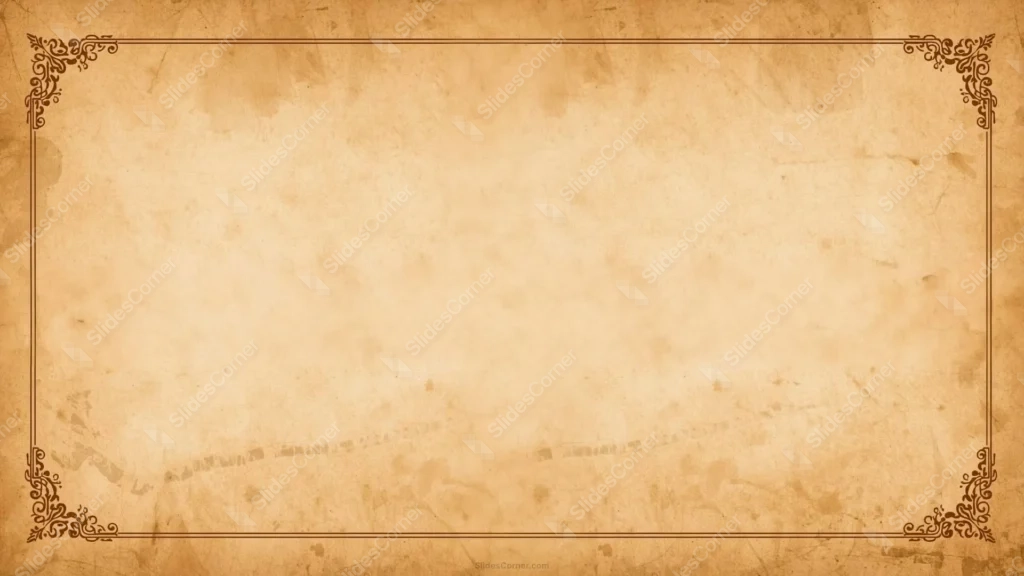
This old paper frame background for PPT wraps a full, continuous ornate border around a heavily stained sheet of aged, brown-toned paper.
Unlike a simple torn or burnt paper scrap, this one reads more like a certificate or diploma, with a deliberate double-line frame and flourish corners running unbroken around all four edges.
What This Old Paper Frame Background Looks Like
A thin double line traces the full rectangle, with an ornate scrollwork flourish filling each of the four corners, drawn in the same warm brown as the aged paper beneath.
Inside that frame, the paper itself carries real wear: uneven brown water stains, small scuffs, and a faint trail of scorched-looking marks running diagonally across the lower half.
Despite all that aging, the center stays large and completely unmarked, giving a clean, quiet space for text.
Where This Old Paper Frame Background For PPT Fits
It suits certificates and diplomas, historical or archival presentations, literature and storytelling decks, treasure map or adventure-themed content, and any keynote wanting a genuinely aged, document-like feel.
The wide, unmarked center works well for a title, an award name, or a block of formal text.
Design Choices Behind the Ornate Border
I connected the border into one continuous frame, rather than leaving the corners disconnected, so the piece reads as a formal document rather than a loose decorative accent.
Keeping the stains, scuffs, and the faint scorched trail was intentional. A clean template with a border added on top would look staged, while genuine wear makes the aging believable.
I made sure the center stayed untouched by any of that damage, so the history sits around the edges of the page without ever crowding the content in the middle.
How to Apply It in PowerPoint
- Go to Design > Format Background.
- Choose Picture or texture fill, then Insert from file.
- Click Apply to All, or leave it on a single title or certificate slide.
How to Apply It in Google Slides
- Open Slide > Change background.
- Click Choose image and upload the downloaded file.
- Select Done, repeating on each slide you want to match.
Legibility Tip for This Old Paper Frame Background
Keep text in the clean center, well inside the ornate border. Dark brown or black text reads cleanly against the pale paper tone.
Frequently Asked Questions
Is this old paper frame background free?
Yes, it’s a free download with no watermark and no account required.
Does it work in Google Slides too?
Yes, it’s a standard image file, so it applies the same way in both PowerPoint and Google Slides.
What resolution is included?
1920×1080 px, HD 16:9, suited to slides and to a desktop or phone wallpaper.
Can I use it as a wallpaper?
Yes, the 16:9 ratio matches most laptop and desktop screens.
Features at a Glance
- HD 1920×1080 resolution, 16:9 ratio
- Free download, no watermark
- Full continuous ornate double-line border
- Genuine stains, scuffs, and a faint scorched trail
- Large, clean center for text
- Works as a PowerPoint background, Google Slides background, or wallpaper
Specs
- 1920 x 1080 px · 16:9 widescreen
- JPG, high quality, no compression artefacts
- PowerPoint · Google Slides · Keynote · Canva
- No watermark · no sign-up
- Free for personal and commercial use
You can use this Weathered Ornate Frame Background on Stained Antique Paper as a Wallpaper or use it as a background for slides.
Looking for something different? Browse all our free PPT Backgrounds, or see how to set a background in PowerPoint and Google Slides.








