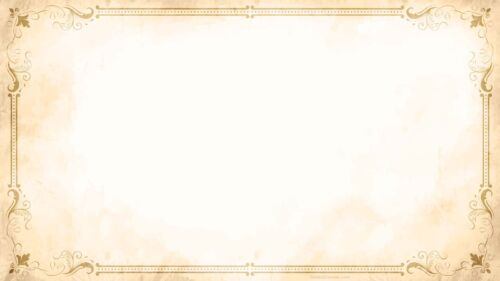

Classy History Background Big Isolated Old Paper Sheet
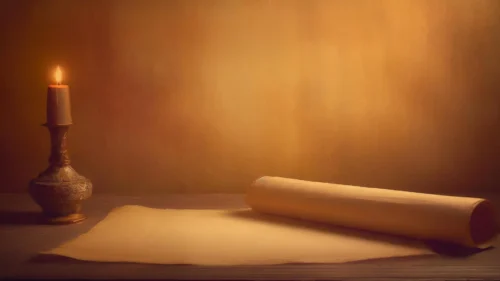
Download this classy history background with an antique paper sheet, perfect for PowerPoint, Google Slides, or wallpaper.
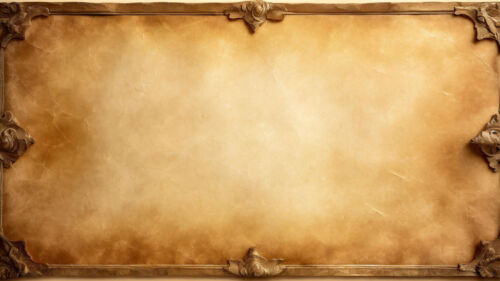
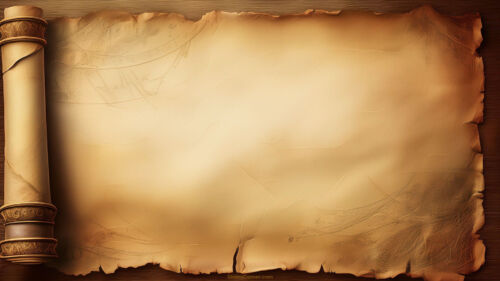
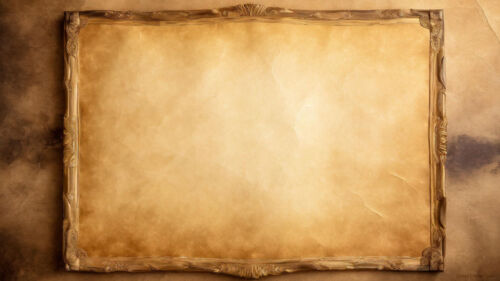
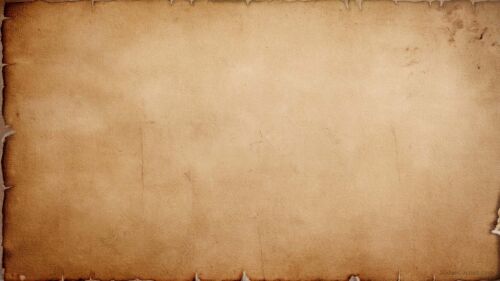
Looking for a classy history background that adds an air of sophistication and elegance to your presentations? This free background features a big, isolated, antique paper sheet, perfect for use in PowerPoint, Google Slides, or even as wallpaper. The soft sepia tones and the aged, medieval-style parchment evoke a sense of history, making it an excellent choice for any project focused on heritage, tradition, or storytelling.
The Perfect Background for History-Themed Presentations
This classy history background is designed to suit various presentations, from academic lectures to business slideshows. Its neutral, antique paper style makes it versatile while adding a touch of historical depth. The faded, simple design highlights your content without overwhelming it, allowing your audience to focus on your message.
- Ideal for history, literature, and educational themes.
- Compatible with PowerPoint, Google Slides, and as a wallpaper.
- Features an antique, old paper sheet in sepia tones.
How to Use the Classy History Background
Whether you’re working on a medieval-themed project, discussing ancient history, or simply want to add a vintage touch, this background is an excellent resource. It is entirely free to download and easy to integrate into your slides. Just add your text, images, or graphics over this simple yet elegant design to create a professional look.
Key Features:
- Antique parchment look
- Old, medieval-style paper design
- Free for PowerPoint, Google Slides, or wallpaper use
Download this classy background today and elevate your presentations with a touch of the past.
Specs
- 1920 x 1080 px · 16:9 widescreen
- JPG, high quality, no compression artefacts
- PowerPoint · Google Slides · Keynote · Canva
- No watermark · no sign-up
- Free for personal and commercial use
You can use this Classy and Timeless History Background: Big Antique Paper Sheet Free for PPT and Google Slides as a Wallpaper or use it as a background for slides.
Looking for something different? Browse all our free PPT Backgrounds, or see how to set a background in PowerPoint and Google Slides.