You might also like:






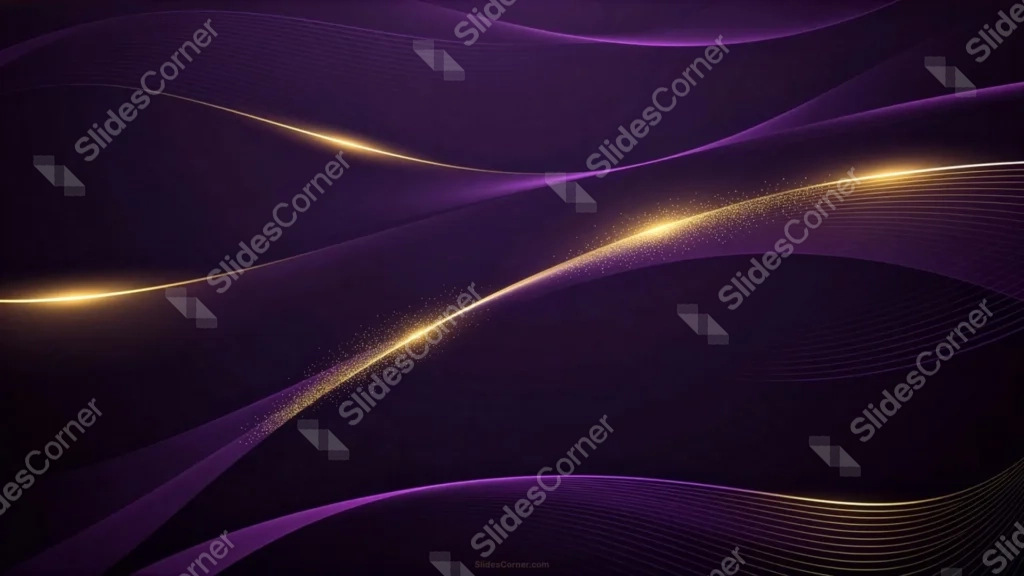
This dark purple gold background for PowerPoint layers deep purple wave shapes over near-black, crossed by three separate glowing gold lines.
The most diagonal line carries the thickest trail of sparkle, running from the lower left up through the center.
What This Dark Purple Gold Background Looks Like
Overlapping wave shapes in violet and near-black sweep across the frame, thin white contour lines tracing along some of their edges.
Three separate gold lines cross the piece at different angles, each brightening into a distinct glowing point rather than lighting evenly along its length.
The most diagonal of the three carries a long, dense trail of gold dust and small stars, running from the lower left corner up through the center of the frame.
Where This Dark Purple Gold Background For PowerPoint Fits
- Corporate, finance, or luxury brand presentations
- Award ceremonies, galas, or year-end recap decks
- Product launches wanting a premium, moody tone
- Any wallpaper or title slide needing strong contrast for light text
Design Choices Behind the Sparkling Streaks
I ran three separate gold lines through the waves instead of just one, each catching its own glow at a different point, so the piece feels layered rather than built around a single effect.
I let the thickest sparkle trail follow the most diagonal line, since a longer, more dramatic path gave the dust somewhere real to travel across the frame.
Keeping the wave layers close in tone, violet on near-black, means the gold stays the only real source of contrast in the piece.
How to Apply It in PowerPoint
- Go to Design > Format Background.
- Choose Picture or texture fill, then Insert from file.
- Click Apply to All to use it across the whole deck.
How to Apply It in Google Slides
- Open Slide > Change background.
- Click Choose image and upload the downloaded file.
- Select Done, repeating on any other slides you want to match.
Legibility Tip for This Dark Purple Gold Background
Place text in the plain dark upper right area, away from the sparkle trail, using a white or pale gold font for strong contrast.
Frequently Asked Questions
Is this dark purple gold background free?
Yes, it’s a free download with no watermark and no account required.
Does it work in Google Slides too?
Yes, it’s a standard image file, so it applies the same way in both PowerPoint and Google Slides.
What resolution is included?
1920×1080 px, HD 16:9, suited to slides and to a desktop or phone wallpaper.
Can I use it as a wallpaper?
Yes, the 16:9 ratio matches most laptop and desktop screens.
Features at a Glance
- HD 1920×1080 resolution, 16:9 ratio
- Free download, no watermark
- Layered violet wave shapes over a near-black backdrop
- Three glowing gold lines with distinct flare points
- Long, dense trailing gold sparkle
- Works as a PowerPoint background, Google Slides background, or wallpaper
Specs
- 1920 x 1080 px · 16:9 widescreen
- JPG, high quality, no compression artefacts
- PowerPoint · Google Slides · Keynote · Canva
- No watermark · no sign-up
- Free for personal and commercial use
You can use this Majestic Dark Purple Gold Background For PowerPoint Presentations as a Wallpaper or use it as a background for slides.
Looking for something different? Browse all our free PPT Backgrounds, or see how to set a background in PowerPoint and Google Slides.