You might also like:
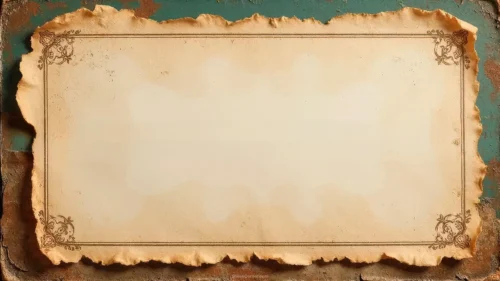
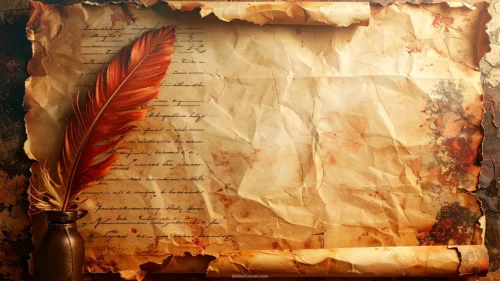
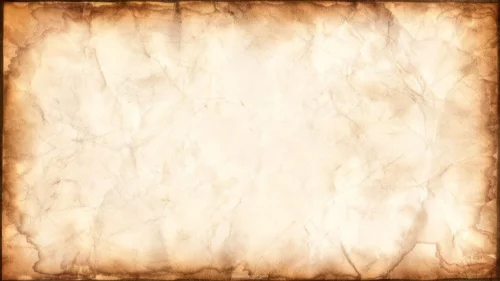
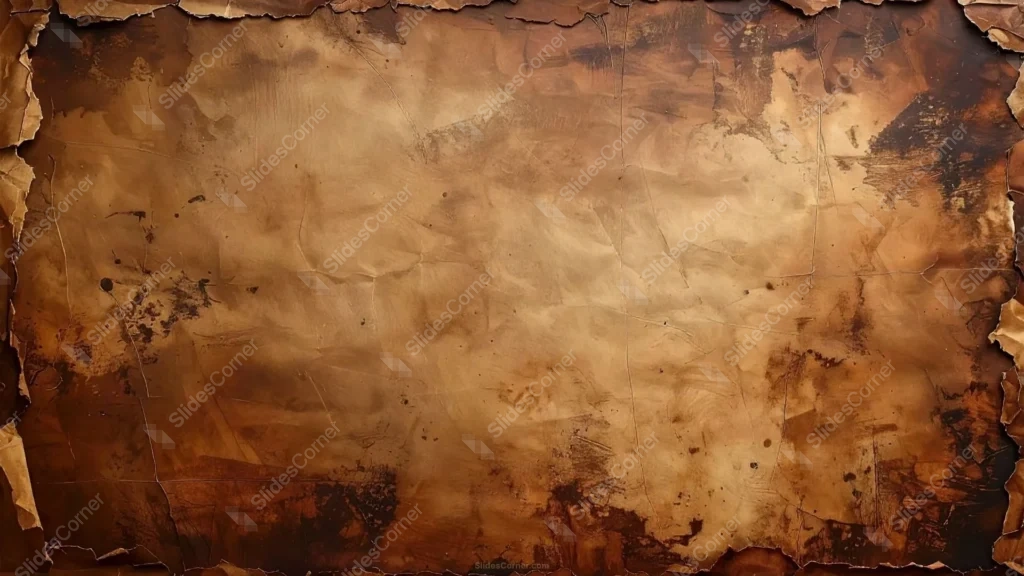
This old paper background for Google Slides doesn’t just darken toward the edges, the edges themselves are torn. The paper’s silhouette is genuinely ragged and irregular, jagged bites and curling flaps at the top, sides, and bottom, the way a real sheet looks after it’s been handled, burned, and handled again.
Inside that torn border, the surface carries a warm sepia-tan center that darkens unevenly toward brown and near-black scorch marks concentrated in the corners. Ink-like blots, faint crease lines, and small stains scatter across the page, none of it placed symmetrically.
That irregularity is the whole point. A perfectly even burnt vignette reads as a filter; torn, uneven edges read as an object that actually existed and survived some damage.
What This Old Paper Background for Google Slides Fits
It’s built for history lessons, ancient civilization units, pirate or treasure-map themed classroom content, mystery and adventure storytelling, genealogy projects, and any deck that wants to feel like a recovered document rather than a clean template.
The ragged edges make it especially strong for a reveal moment, a map, a quote, or a “lost document” framing device, where the torn silhouette itself becomes part of the story.
Design Choices Behind the Torn, Burnt Texture
I kept the center relatively calm, closer to #C9A876, so there’s a genuinely usable field for text once you get past the edges. The scorched corners drop to near #1A0F08, almost black, which gives the torn silhouette real visual weight against whatever sits behind or around the slide.
Making the tears irregular rather than uniform took more care than it might look. Even spacing between “bites” in the edge would have read as a repeating pattern; uneven, overlapping damage reads as one-of-a-kind, like a specific sheet rather than a generic texture.
I left the fold lines faint rather than pronounced, since heavy creases would start competing with text placed in the center. They’re there to add believability up close, not to be the main visual event.
How to Apply It in Google Slides
- Open Slide > Change background.
- Click Choose image and upload the file from your computer.
- Select Done. Repeat on each slide you want to match, since Slides sets backgrounds one at a time.
How to Apply It in PowerPoint
- Open your slide, go to Design > Format Background.
- Choose Picture or texture fill, then Insert from file and select the downloaded image.
- Click Apply to All for the whole deck, or use it on a single title or divider slide.
Legibility Tip for This Torn Paper Background
Keep text inside the calmer sepia center, well clear of the scorched corners and torn edges. Dark brown or black text reads best there; avoid pale or white text, since even the lightest part of this background stays warm and mid-toned.
Frequently Asked Questions
Is this old paper background for Google Slides free?
Yes, it’s a free download with no watermark and no account required.
Does it work in PowerPoint too?
Yes. It’s a standard image file, so it uploads and applies the same way it does in Google Slides.
What resolution is included?
1920×1080 px, HD 16:9, suited to slides and to a desktop or phone wallpaper.
Can I use it as a wallpaper?
Yes, the 16:9 ratio matches most laptop and desktop screens.
Features at a Glance
- HD 1920×1080 resolution, 16:9 ratio
- Free download, no watermark
- Irregular, torn paper silhouette with burnt, charred edges
- Warm sepia center with ink stains and faint fold lines
- Ideal for history, mystery, and “recovered document” themes
- Works as a Google Slides background, PowerPoint background, or wallpaper
Specs
- 1920 x 1080 px · 16:9 widescreen
- JPG, high quality, no compression artefacts
- PowerPoint · Google Slides · Keynote · Canva
- No watermark · no sign-up
- Free for personal and commercial use
You can use this Weathered Torn Parchment Background for History Google Slides as a Wallpaper or use it as a background for slides.
Looking for something different? Browse all our free PPT Backgrounds, or see how to set a background in PowerPoint and Google Slides.