

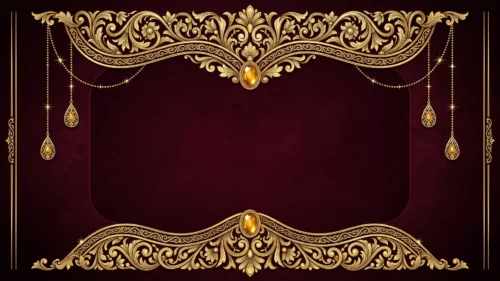
PPT Background Design with Golden Flowers and Diamonds
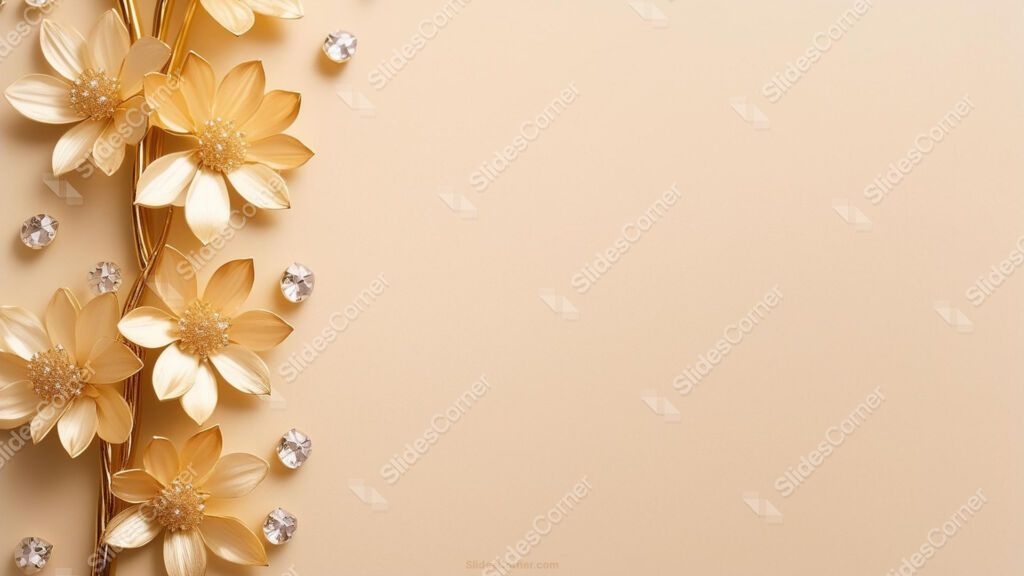
A free PPT background design with a warm golden gradient and a delicate line of gold flowers and diamonds — HD, no watermark, for PowerPoint, Slides, or wallpaper.
This PPT background design pairs a warm golden gradient with a slim vertical accent of gold flowers and diamonds running down one side. The decoration stays at the edge on purpose, so the rest of the slide stays open and usable. It reads as luxurious without turning busy, and it works in 16:9 Full HD for PowerPoint, Google Slides, or as a desktop wallpaper.
What Makes This Golden PPT Background Design Work
I built this design around restraint, because gold goes wrong the moment it’s everywhere. Instead of flooding the whole slide with ornament, I kept the flowers and diamonds to a single vertical band and let a smooth golden gradient carry the rest. That choice leaves you a large, calm area for titles, text, and charts, while the jeweled strip signals “premium” at a glance. The warm tones shift gently rather than clashing, so the background feels rich but never competes with your content. Every element was drawn in-house, so this exact combination won’t show up recycled on other sites.
Where This Gold Flower and Diamond Background Fits
This design suits any project that wants a touch of luxury and polish. It’s a natural fit for business and corporate decks, fashion and beauty presentations, product launches, and award or gala slideshows. It also works for wedding and event invitations, jewelry or luxury-brand catalogs, and elegant social media graphics. Whenever your topic benefits from a sense of quality and occasion, this gold background sets that tone before your first word.
How to Use This Background Design in PowerPoint and Google Slides
In PowerPoint, open the Design tab, choose Format Background, select Picture or texture fill, and insert the downloaded image — or right-click a slide, pick Format Background, and apply it to one slide or to all of them. In Google Slides, open Slide in the top menu, choose Change background, click Choose image, upload the file, and use Add to theme to apply it across the deck. Because the file is 1920×1080, the golden detail stays crisp even on large projector screens.
Keeping Your Text Readable on a Gold Background
Gold rewards a few smart choices. Place your text over the open gradient area, away from the decorated band, so nothing fights for attention. Dark charcoal or deep brown text reads more comfortably on warm gold than pure black, and it keeps the elegant feel. If a slide runs text-heavy, drop a subtle light or white panel behind the text block to lift it off the gradient without losing the luxe look.
What’s Inside the Download
You’ll get a Full HD 1920×1080 image in 16:9 widescreen, with no watermark, free for personal and commercial use. It drops straight into PowerPoint, Google Slides, or Keynote, and doubles as a wallpaper. The file arrives in a quick .zip download.
- Warm golden gradient with a refined, high-end feel
- Delicate vertical band of gold flowers and diamonds
- Open layout with plenty of room for your content
- Full HD 1920×1080, sharp on large screens
- No watermark, free for personal and commercial use
- Works in PowerPoint, Google Slides, Keynote, and as a wallpaper
Frequently Asked Questions
Is this golden background free? Yes — free to download and use in personal and commercial projects, with no watermark. Does it work in Google Slides? Yes, plus PowerPoint and Keynote. What resolution is it? Full HD, 1920×1080. Can I use it as a wallpaper? Yes — the 16:9 format fits most desktop screens.
Download your free golden flowers and diamonds PPT background design below and give your next presentation a refined, high-end finish.
Specs
- 1920 x 1080 px · 16:9 widescreen
- JPG, high quality, no compression artefacts
- PowerPoint · Google Slides · Keynote · Canva
- No watermark · no sign-up
- Free for personal and commercial use
You can use this Opulent Golden Flower and Diamond Background Design for Luxury Presentation Slides as a Wallpaper or use it as a background for slides.
Looking for something different? Browse all our free PPT Backgrounds, or see how to set a background in PowerPoint and Google Slides.








