

Old Paper Background For PPT With Folded Grid Creases
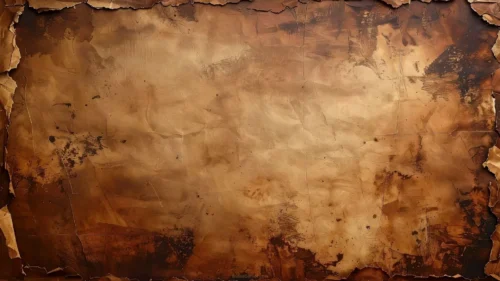
Free old paper background for PPT with deep fold creases and burnt edges on a dark rusted surface, HD 16:9.
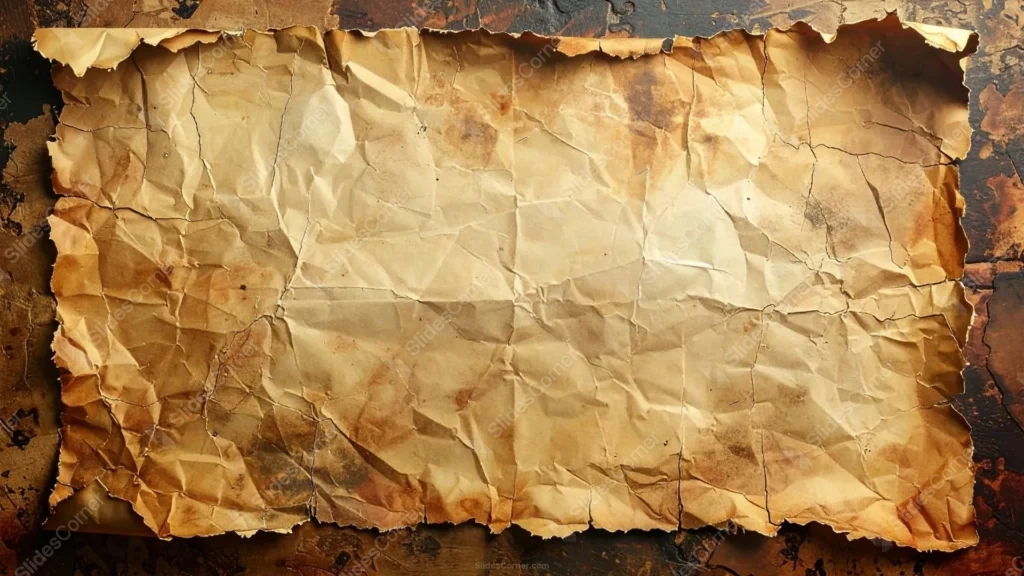
This old paper background for PPT stays a full rectangle, unlike a ragged torn scrap. What ages it is a deep grid of fold creases running across the whole sheet, plus scorched, blackened edges on a dark, rusted surface underneath.
The fold lines split the page into roughly eight panels, the pattern a real letter gets after being folded down small and carried in a pocket or a drawer for years.
What This Old Paper Background For PPT Looks Like
Scorching isn’t even on all four sides. It burns darkest along the top and right edge, lighter along the bottom-left, so the damage reads as something that actually happened to one side of the sheet.
Scattered coffee-colored stains and small water rings sit across the middle of the page, mixed in with the fold lines rather than layered cleanly on top.
At the very corners, a dark, oxidized metal-like surface peeks through behind the paper, grounding the sheet as an object resting on something rather than floating on a flat color.
Where This Old Paper Background Fits
It works for treasure-map and pirate-themed classroom content, mystery or escape-room decks, old contracts and legal documents, war-era history lessons, and classic literature presentations.
The lighter center panel, where the fold creases are calmest, gives a clear spot for a title or a short passage of text without fighting the busiest scorched corners.
Design Choices Behind the Folds and Scorching
I kept the grid of fold lines instead of smoothing the paper flat, since that crease pattern is one of the clearest signs a document was actually handled and carried, not just aged with a filter.
Letting the burn concentrate more on the top and right than the bottom-left took more care than an even vignette would have. Uneven damage reads as a specific, one-of-a-kind sheet.
I let the dark surface underneath show through at the corners on purpose, so the paper reads as sitting on a real desk or floor rather than cut out and pasted onto an empty background.
How to Apply It in PowerPoint
- Open your slide, go to Design > Format Background.
- Choose Picture or texture fill, then Insert from file and select the downloaded image.
- Click Apply to All for the whole deck, or leave it on a single title or divider slide.
How to Apply It in Google Slides
- Open Slide > Change background.
- Click Choose image and upload the downloaded file.
- Select Done. Repeat on each slide you want to match, since Slides applies backgrounds one at a time.
Legibility Tip for This Old Paper Background
Keep text in the calmer center panels, away from the scorched top and right edges. Dark brown or black type reads best here; avoid pale text, since even the lightest part of the sheet stays warm and mid-toned.
Frequently Asked Questions
Is this old paper background for PPT free?
Yes, it’s a free download with no watermark and no account required.
Does it work in Google Slides too?
Yes. It’s a standard image file, so it uploads and applies the same way it does in PowerPoint.
What resolution is included?
1920×1080 px, HD 16:9, suited to slides and to a desktop or phone wallpaper.
Can I use it as a wallpaper?
Yes, the 16:9 ratio matches most laptop and desktop screens.
Features at a Glance
- HD 1920×1080 resolution, 16:9 ratio
- Free download, no watermark
- Deep grid of fold creases across a full rectangular sheet
- Uneven scorched, blackened edges heaviest at the top and right
- Dark, rusted surface visible behind the paper at the corners
- Works as a PowerPoint background, Google Slides background, or wallpaper
Specs
- 1920 x 1080 px · 16:9 widescreen
- JPG, high quality, no compression artefacts
- PowerPoint · Google Slides · Keynote · Canva
- No watermark · no sign-up
- Free for personal and commercial use
You can use this Charred Grid-Creased Paper Background for Vintage PPT Decks as a Wallpaper or use it as a background for slides.
Looking for something different? Browse all our free PPT Backgrounds, or see how to set a background in PowerPoint and Google Slides.








