You might also like:
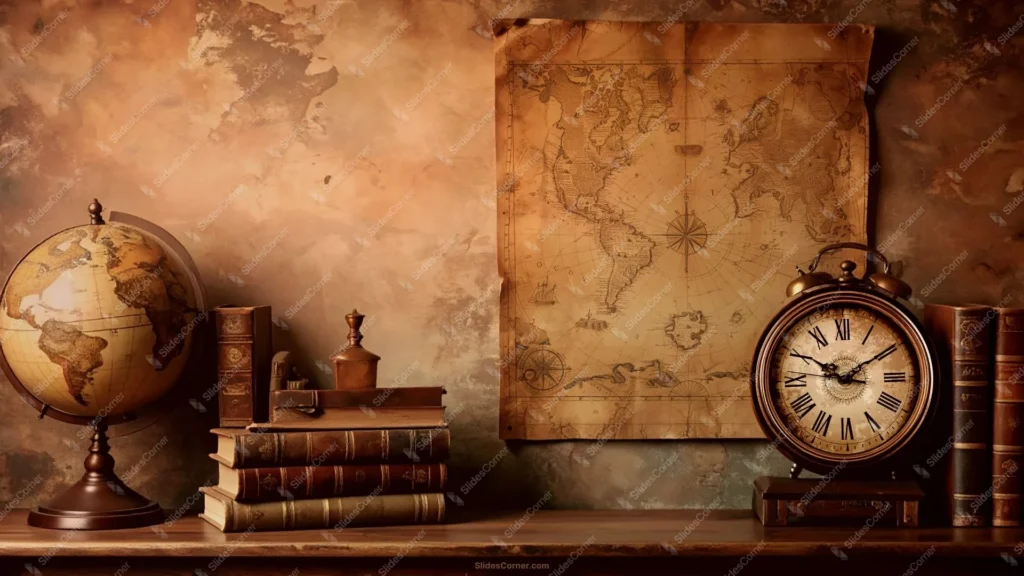
This background is for anyone who wants a history slide to feel like a real desk instead of a flat texture behind a title. It’s a full HD 16:9 history lesson background for PowerPoint: a warm, sepia-toned still life with an old world globe, stacked leather-bound books, a hand-drawn nautical map pinned to a weathered wall, and a brass alarm clock, all sitting on a wooden shelf. Free to download, no watermark, ready for PowerPoint, Google Slides, or as a plain wallpaper.
What This History Lesson Background Looks Like
Unlike a flat paper or parchment texture, this one is a full scene. On the left sits an antique globe on a dark wood stand, its continents faded into muted tan and olive. Next to it, a stack of worn leather books with gilded spine detailing rises toward a small brass ornament. Center-right, a large aged nautical chart hangs against a mottled, water-stained wall, complete with a hand-drawn compass rose and a tiny sailing ship illustration. On the far right, a brass double-bell alarm clock with roman numerals sits on a small wooden box, flanked by more leather-bound volumes. A faint ghost of a world map bleeds through the plaster on the upper left, tying the whole composition back to its geography theme. The top third of the frame, above the props, stays open and relatively plain, in warm sepia and rust tones.
Design Notes: Why I Built This as a Scene, Not a Flat Texture
History content usually benefits from context clues rather than an abstract texture, so I arranged four recognizable objects — globe, books, map, clock — at a similar height along the bottom two-thirds of the frame, almost like items resting on a real museum shelf. Keeping them aligned along one visual baseline stops the eye from bouncing around and gives the composition a calm, deliberate rhythm even though there’s a lot happening.
I graded everything into one warm sepia-and-rust palette so the globe, the books, the map, and the clock read as a single cohesive scene instead of four unrelated objects pasted together. That’s also why the top of the frame was left clear: with this much visual detail below, a busy top edge would have made the whole background feel cluttered the moment you added a headline. The wall texture up there stays soft and mottled, dark enough to hold light text but calm enough not to compete with your title.
Where to Use This Background for a History Lesson in PowerPoint
- History, geography, or social studies lessons
- Exploration, cartography, or navigation-themed presentations
- Museum, library, or archive-related slides
- Book clubs, literature, or classic-lit presentations
- Time management or productivity talks (the clock doubles well here)
- Desktop or phone wallpaper for a scholarly, old-world look
Key features at a glance:
- Full HD resolution, 16:9 aspect ratio
- No watermark, no logo, free for personal and commercial use
- Full still-life scene: globe, books, nautical map, and brass clock
- Warm sepia and rust color grading throughout
- Open, low-clutter top third built for text legibility
- Works as a PowerPoint background, Google Slides background, or wallpaper
How to Apply This Background in PowerPoint
Once you’ve downloaded the file:
- Open your PowerPoint presentation and go to the Design tab
- Click Format Background on the right side of the ribbon
- Select Picture or texture fill, then Insert from a file
- Choose the downloaded history lesson image
- Click Apply to All if you want it on every slide, or leave it on just the current one
How to Apply It in Google Slides
- Open your presentation and click Background in the toolbar
- Click Choose image, then Upload from computer
- Select the file and confirm
- Click Done, or Add to theme to carry it across every slide automatically
Readability Tip
Keep your title and key text in the top third, above the globe, books, map, and clock, where the wall texture stays calm and even. Cream, pale gold, or white text reads best against that darker upper section; avoid placing text directly over the map or clock face, since both already carry their own fine detail.
FAQ
Is this history lesson background free?
Yes. It’s a single free download, no watermark, no account required.
Does it work in Google Slides, or only PowerPoint?
Both. It’s a plain image file, so it uploads the same way into either tool.
What resolution do I get?
Full HD, 1920×1080, in a 16:9 aspect ratio — sharp on any modern screen or projector.
Can I use it as a wallpaper instead of a slide background?
Yes, the same file works as a desktop or phone wallpaper without needing to resize it for most widescreen displays.
Specs
- 1920 x 1080 px · 16:9 widescreen
- JPG, high quality, no compression artefacts
- PowerPoint · Google Slides · Keynote · Canva
- No watermark · no sign-up
- Free for personal and commercial use
You can use this Scholarly History Background With Globe, Map and Clock for Presentations as a Wallpaper or use it as a background for slides.
Looking for something different? Browse all our free PPT Backgrounds, or see how to set a background in PowerPoint and Google Slides.