Elegant Wedding Background For PPT With Corner Pearl Blooms
Download this free elegant wedding background for PPT with ivory blooms and long pearl sprigs.
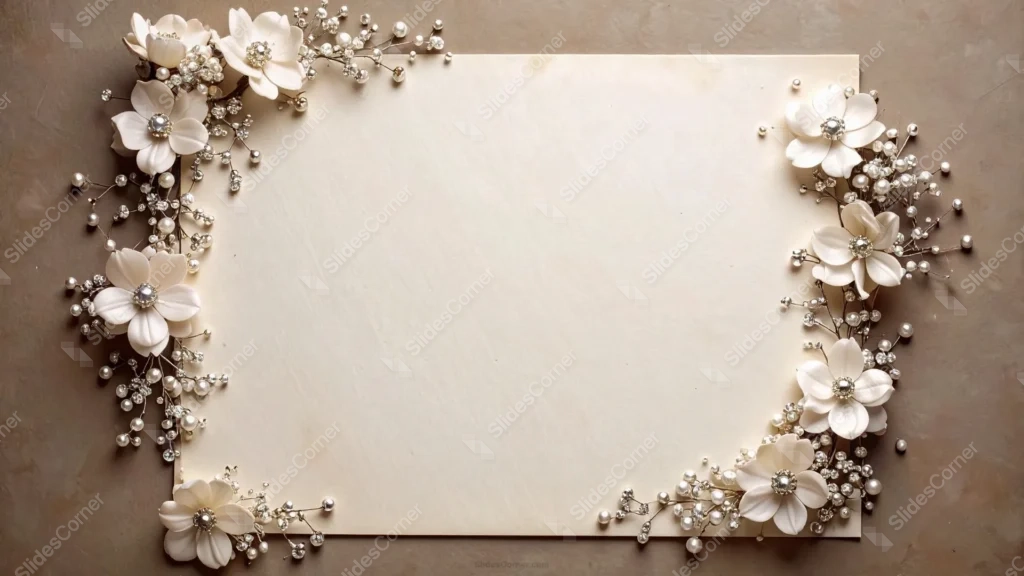
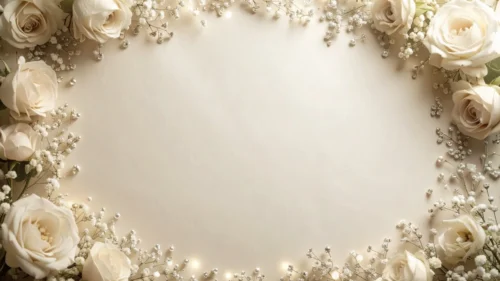
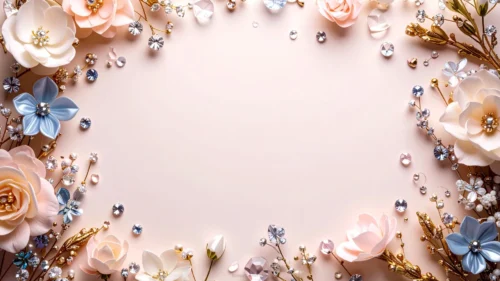
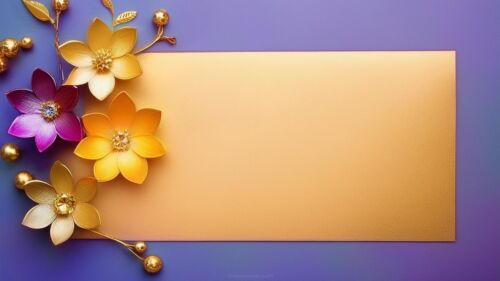
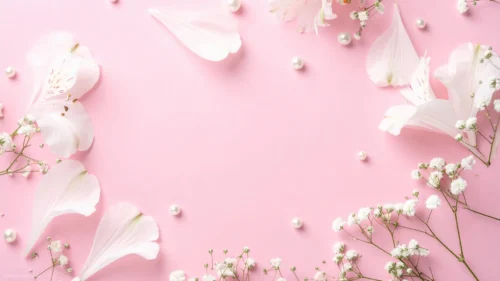
This elegant wedding background for PPT places soft white flower clusters at all four corners of a raised ivory card, set against a warm stone surface.
Long sprigs of pearl and crystal beads trail from each cluster deep into the frame, giving the corners more visual weight than a side-only border.
What This Elegant Wedding Background Looks Like
Each of the four corners holds two or three ivory flowers with faceted crystal centers, surrounded by dense sprigs of pearl beads on thin silver stems.
The card itself is a soft, warm ivory rather than pure white, with a few faint age spots that give it the feel of real handmade stationery.
It sits raised above a warm taupe stone surface, with a soft shadow separating the card from the background.
Where This Elegant Wedding Background For PPT Fits
It’s a natural fit for wedding invitation templates, engagement announcement slides, bridal shower decks, and any presentation wanting an opulent, jewelry-store feel.
The wide open center also works well for a couple’s monogram or a short verse.
Design Choices Behind the Corner Pearl Blooms
I placed flower clusters at all four corners this time, rather than only along the sides, so the card reads as a complete invitation frame.
Warming the card to a soft ivory with a few faint age spots, instead of pure white, gives it the feel of real handmade stationery rather than a flat digital sheet.
I let the pearl and crystal sprigs trail longer and denser into the frame, so the corners carry more visual weight against the plain stone surface.
How to Apply It in PowerPoint
- Go to Design > Format Background.
- Choose Picture or texture fill, then Insert from file.
- Click Apply to All to use it across the deck.
How to Apply It in Google Slides
- Open Slide > Change background.
- Click Choose image and upload the downloaded file.
- Select Done, repeating on any other slides you want to match.
Legibility Tip for This Elegant Wedding Background
Keep text centered on the ivory card, using a dark brown or charcoal font, since the corners now carry more decoration than a side-only design.
Frequently Asked Questions
Is this elegant wedding background free?
Yes, it’s a free download with no watermark and no account required.
Does it work in Google Slides too?
Yes, it’s a standard image file, so it applies the same way in both PowerPoint and Google Slides.
What resolution is included?
1920×1080 px, HD 16:9, suited to slides and to a desktop or phone wallpaper.
Can I use it as a wallpaper?
Yes, the 16:9 ratio matches most laptop and desktop screens.
Features at a Glance
- HD 1920×1080 resolution, 16:9 ratio
- Free download, no watermark
- Ivory flower clusters at all four corners
- Long, dense pearl and crystal bead sprigs
- Raised ivory card with faint age spots on a warm stone surface
- Works as a PowerPoint background, Google Slides background, or wallpaper
Specs
- 1920 x 1080 px · 16:9 widescreen
- JPG, high quality, no compression artefacts
- PowerPoint · Google Slides · Keynote · Canva
- No watermark · no sign-up
- Free for personal and commercial use
You can use this Opulent Elegant Wedding Background For PPT Presentations as a Wallpaper or use it as a background for slides.
Looking for something different? Browse all our free PPT Backgrounds, or see how to set a background in PowerPoint and Google Slides.