Elegant Wedding Background For PowerPoint With Scattered Crystals
Download this free elegant wedding background for PowerPoint with silk florals and scattered crystals.
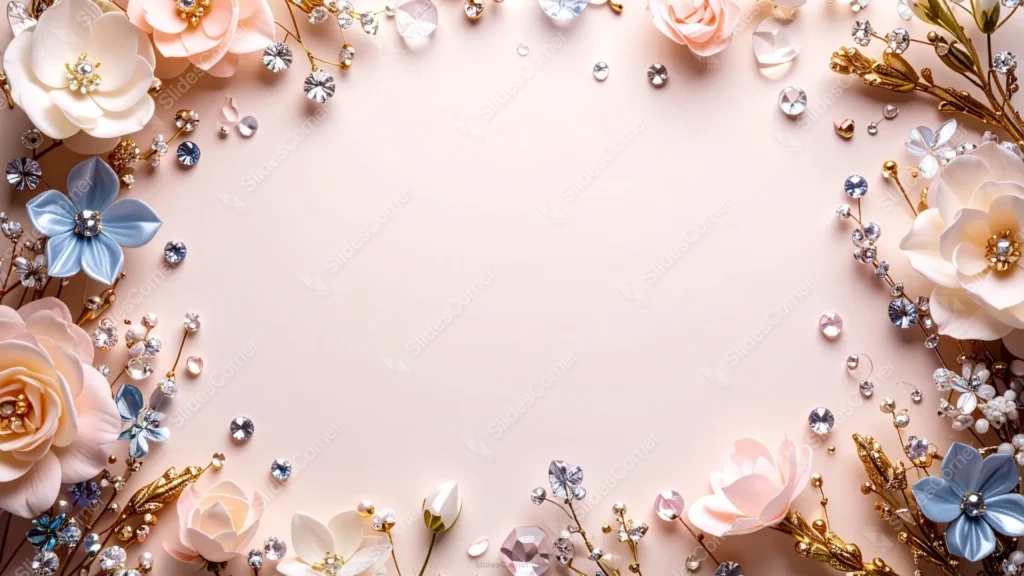
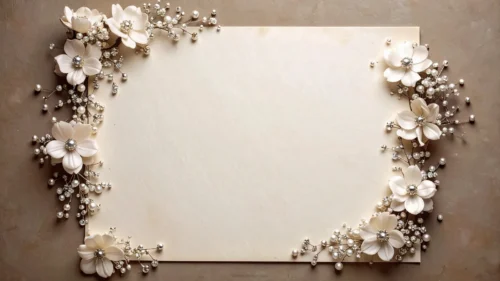
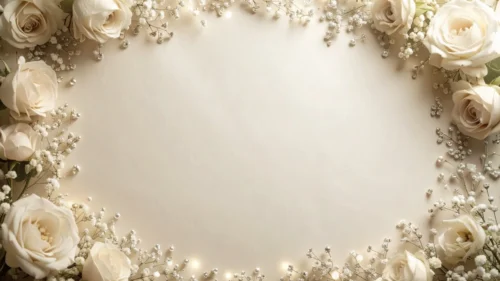
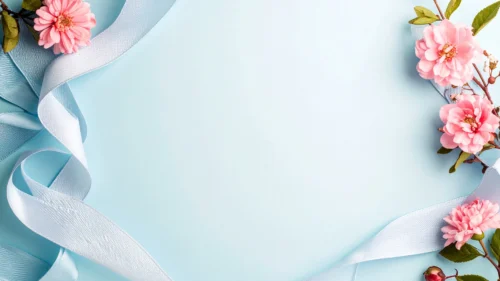
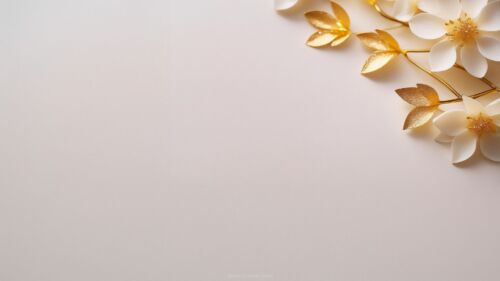
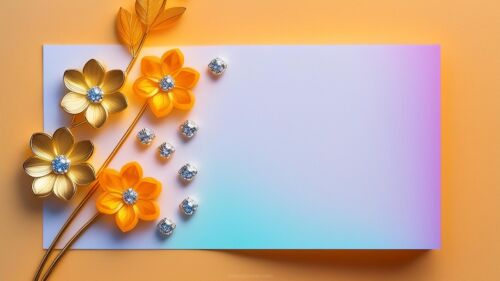
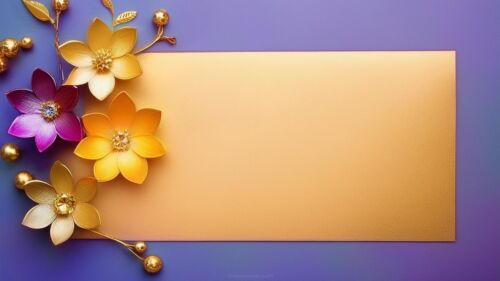
This elegant wedding background for PowerPoint frames a soft blush base with real-looking silk roses, blue satin blossoms, gold branch sprigs, and loose-cut crystal gems.
Everything sits scattered rather than tightly clustered, so the crystals catch light at different points all the way around the open center.
What This Elegant Wedding Background Looks Like
Fabric roses in blush and cream sit alongside cooler blue satin flowers, gold leaf branches, and dozens of clear and pink crystal gems scattered across the border.
The arrangement reads like a real flat-lay photograph rather than a drawn illustration, with visible shadows and highlights on each petal and gem.
The center stays a smooth, solid blush pink, completely free of texture or staining, keeping the focus on the sparkle around the edges.
Where This Elegant Wedding Background For PowerPoint Fits
It’s a natural fit for wedding planning decks, bridal shower slides, save-the-date presentations, and any luxury or beauty brand wanting a glamorous, photographic feel.
The plain center also works well for a couple’s names, a date, or a short quote in a script font.
Design Choices Behind the Scattered Crystals
I shot this as a flat-lay rather than an illustration, mixing real fabric flowers with loose-cut crystal gems and gold branch sprigs, so it reads like an actual tablescape.
Keeping the flowers and crystals loosely scattered, rather than tightly clustered, lets the light catch the facets at different points around the frame.
I chose a soft blush base so the cooler blue satin flowers stand out as a deliberate accent against the warmer pinks and golds, rather than blending in.
How to Apply It in PowerPoint
- Go to Design > Format Background.
- Choose Picture or texture fill, then Insert from file.
- Click Apply to All to use it across the whole deck.
How to Apply It in Google Slides
- Open Slide > Change background.
- Click Choose image and upload the downloaded file.
- Select Done, repeating on any other slides you want to match.
Legibility Tip for This Elegant Wedding Background
Keep text in the smooth blush center, using a dark charcoal or deep gold font, since the crystals near the edges can compete with lighter colors.
Frequently Asked Questions
Is this elegant wedding background free?
Yes, it’s a free download with no watermark and no account required.
Does it work in Google Slides too?
Yes, it’s a standard image file, so it applies the same way in both PowerPoint and Google Slides.
What resolution is included?
1920×1080 px, HD 16:9, suited to slides and to a desktop or phone wallpaper.
Can I use it as a wallpaper?
Yes, the 16:9 ratio matches most laptop and desktop screens.
Features at a Glance
- HD 1920×1080 resolution, 16:9 ratio
- Free download, no watermark
- Flat-lay photo style with real fabric flowers and gold branches
- Scattered crystal gems catching light around the whole border
- Smooth, solid blush pink open center
- Works as a PowerPoint background, Google Slides background, or wallpaper
Specs
- 1920 x 1080 px · 16:9 widescreen
- JPG, high quality, no compression artefacts
- PowerPoint · Google Slides · Keynote · Canva
- No watermark · no sign-up
- Free for personal and commercial use
You can use this Glamorous Elegant Wedding Background For PowerPoint Slides as a Wallpaper or use it as a background for slides.
Looking for something different? Browse all our free PPT Backgrounds, or see how to set a background in PowerPoint and Google Slides.