You might also like:






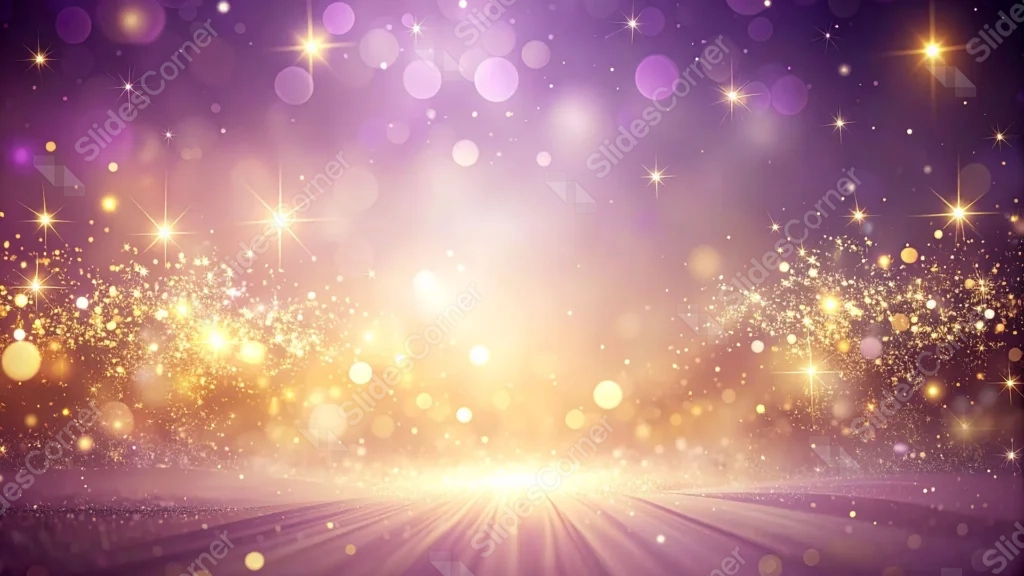
This background is for a slide that wants glamour without a falling-confetti effect. Fine gold sparkle and dust rise from a glowing horizon line at the bottom of the frame, drifting up into a deep purple sky scattered with soft bokeh circles and bright four-point stars. Free, HD, and watermark-free for PowerPoint or Google Slides.
What This Purple Gold Sparkle Background Looks Like
Instead of glitter falling from the top edge, this version reverses the motion: dense gold particles cluster low near a bright horizon line and drift upward, thinning out as they rise into the purple sky.
A soft light glow radiates outward from the center of that horizon, like sunrise breaking across a stage floor, while large, soft purple bokeh circles and scattered stars fill the upper two-thirds of the frame.
Where This Background Fits
This suits award ceremonies, milestone announcements, luxury product reveals, and any celebration deck that wants an upward, hopeful energy rather than a shower of falling confetti.
Design Choices Behind This Rising Light Horizon
I flipped the direction of the sparkle on purpose, having it rise from a glowing horizon rather than fall from above, because upward motion reads as more hopeful and triumphant, useful for milestone or achievement-focused content.
Spreading the gold dust across the full width of the horizon, rather than concentrating it at one point, keeps the glow feeling expansive, like a wide stage rather than a single spotlight beam.
How to Apply This Background in PowerPoint
- Download and unzip the file, then open your PowerPoint presentation.
- Go to the Design tab and click Format Background.
- Choose Picture or texture fill, then Insert picture from a file, and select the downloaded image.
- Click Apply to All to use it across the whole deck, or leave it on a single slide.
How to Apply This Background in Google Slides
- Open your presentation and go to Slide, then Change background.
- Click Choose image and upload the downloaded file.
- Click Done to apply it to the current slide.
- To apply it across every slide, make the change from the master theme instead.
Legibility Tip for This Background
White or pale gold text reads clearly against the darker purple upper zone. Keep dense text out of the brightest center-bottom glow, where contrast drops sharply.
FAQ
Is this purple gold sparkle background free? Yes, it’s a free download with no watermark and no attribution required.
Does it work in Google Slides? Yes, it’s a standard image file, so it applies the same way in both PowerPoint and Google Slides.
What resolution is the file? It’s full HD at 1920×1080, so it stays sharp on any screen or projector.
Can I use this as a wallpaper? Yes, the glowing horizon and rising sparkle work well as a festive desktop background too.
Features at a Glance
- Free HD 1920×1080 download, no watermark
- Gold sparkle rising from a glowing horizon line
- Wide, expansive glow rather than a single spotlight
- Soft purple bokeh circles and scattered stars above
- Works in PowerPoint, Google Slides, and as a wallpaper
- Hopeful, triumphant mood suited to awards and milestone decks
Specs
- 1920 x 1080 px · 16:9 widescreen
- JPG, high quality, no compression artefacts
- PowerPoint · Google Slides · Keynote · Canva
- No watermark · no sign-up
- Free for personal and commercial use
You can use this Triumphant Purple Gold Sparkle Background With A Rising Light Horizon as a Wallpaper or use it as a background for slides.
Looking for something different? Browse all our free PPT Backgrounds, or see how to set a background in PowerPoint and Google Slides.