

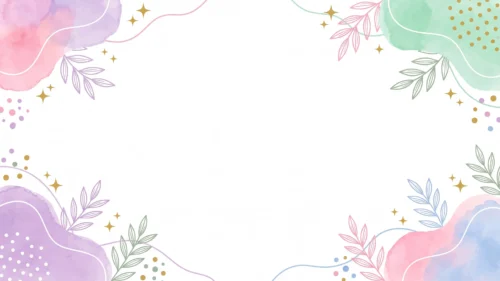


Elegant Purple Floral Background For Google Slides With Pearl Wire Accents
Download this free elegant purple floral background for Google Slides with pearl accents.
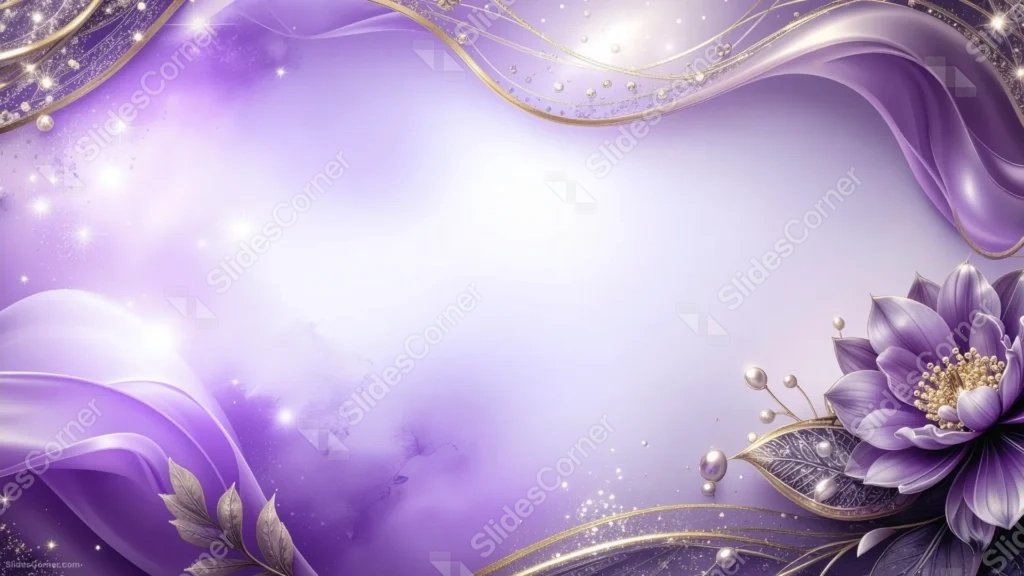
This elegant purple floral background for Google Slides strings small pearls along winding gold wires, framing a large purple bloom in the bottom right corner.
A soft, watercolor-like wash bleeds through the open center, with silk drapes gathering at the top and bottom left.
What This Elegant Purple Floral Background Looks Like
Winding gold wires cross the top and bottom right of the frame, strung with small pearls and studded with points of sparkle.
A large purple flower with a golden center sits in the bottom right corner, surrounded by silvery leaves and more pearls hanging from its stem.
The open center carries a faint, mottled wash of violet, almost like watercolor bleeding into paper, while smooth purple silk gathers at the top edge and lower left corner.
Where This Elegant Purple Floral Background For Google Slides Fits
- Weddings, engagements, or bridal shower presentations
- Jewelry, beauty, or luxury brand decks
- Invitation or announcement mockups
- Any title slide wanting a soft, jeweled finish
Design Choices Behind the Pearl Wire Accents
I strung small pearls along the gold wire lines rather than leaving them bare, so the metallic threads read as jewelry rather than plain drawn lines.
Letting a soft, watercolor-like wash bleed through the open center, instead of a flat gradient, gives the middle quiet texture without pulling focus from the flower.
I placed silk drapes at both the top and bottom left, framing the open center from two directions instead of one, so the whole composition feels balanced rather than top-heavy.
How to Apply It in PowerPoint
- Go to Design > Format Background.
- Choose Picture or texture fill, then Insert from file.
- Click Apply to All to use it across the whole deck.
How to Apply It in Google Slides
- Open Slide > Change background.
- Click Choose image and upload the downloaded file.
- Select Done, repeating on any other slides you want to match.
Legibility Tip for This Elegant Purple Floral Background
Keep text in the open, lightly washed center, using a deep violet or charcoal font so it holds up against the pale lilac tone.
Frequently Asked Questions
Is this elegant purple floral background free?
Yes, it’s a free download with no watermark and no account required.
Does it work in PowerPoint too?
Yes, it’s a standard image file, so it applies the same way in both Google Slides and PowerPoint.
What resolution is included?
1920×1080 px, HD 16:9, suited to slides and to a desktop or phone wallpaper.
Can I use it as a wallpaper?
Yes, the 16:9 ratio matches most laptop and desktop screens.
Features at a Glance
- HD 1920×1080 resolution, 16:9 ratio
- Free download, no watermark
- Gold wire lines strung with small pearls
- Large purple flower with leaf and pearl accents
- Soft watercolor wash through the open center
- Works as a Google Slides background, PowerPoint background, or wallpaper
Specs
- 1920 x 1080 px · 16:9 widescreen
- JPG, high quality, no compression artefacts
- PowerPoint · Google Slides · Keynote · Canva
- No watermark · no sign-up
- Free for personal and commercial use
You can use this Enchanting Elegant Purple Floral Background For Google Slides as a Wallpaper or use it as a background for slides.
Looking for something different? Browse all our free PPT Backgrounds, or see how to set a background in PowerPoint and Google Slides.







