You might also like:
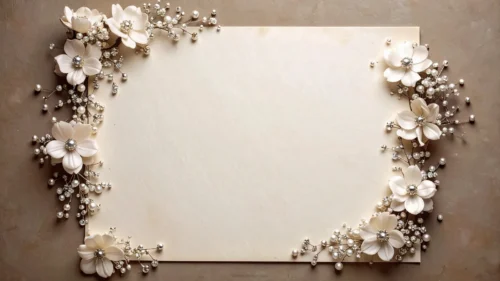
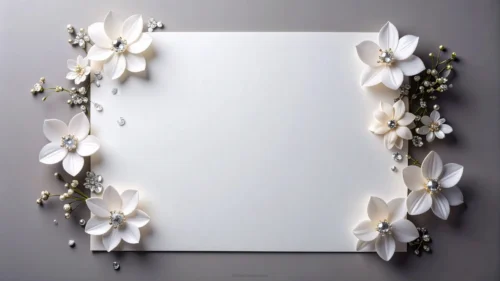
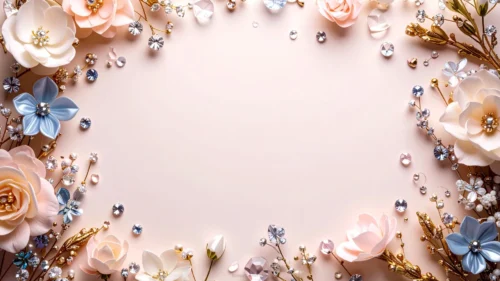
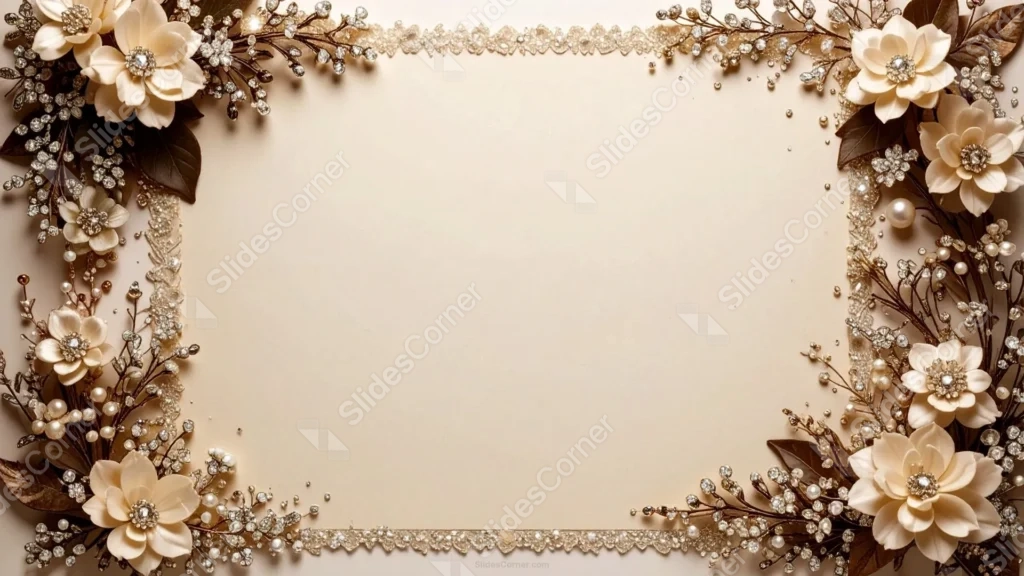
This elegant vintage frame background for PowerPoint runs a continuous glittering rhinestone strip along the top and bottom edges, in addition to cream flower clusters at every corner.
Pearl beads and faceted crystals weave through bronze-brown leaves and branches, all set on a warm beige card.
What This Elegant Vintage Frame Background Looks Like
A dense strip of glittering rhinestones runs continuously along the top and bottom edges, like a jeweled ribbon trim rather than a scattered accent.
Cream flowers with crystal centers cluster in each corner, joined by pearl-beaded branches and dark bronze-brown leaves.
The card itself stays a warm, soft beige, letting the metallic sparkle of the crystals and pearls stand out clearly against it.
Where This Elegant Vintage Frame Background For PowerPoint Fits
It’s a strong fit for formal wedding invitations, anniversary and gala event slides, luxury brand presentations, and any deck wanting a fully jeweled, opulent frame.
The clean beige center also works well for a monogram or a short formal announcement.
Design Choices Behind the Jeweled Border
I ran a continuous rhinestone strip along the top and bottom edges, in addition to the corner flower clusters, so the frame reads as one complete jeweled border rather than four separate accents.
Keeping the flowers a soft cream with dark bronze-brown leaves echoes the metallic sparkle of the crystals instead of contrasting sharply against it.
I set everything on a warm beige card, rather than pure white, so the whole piece feels cohesive and antique rather than stark.
How to Apply It in PowerPoint
- Go to Design > Format Background.
- Choose Picture or texture fill, then Insert from file.
- Click Apply to All to use it across the whole deck.
How to Apply It in Google Slides
- Open Slide > Change background.
- Click Choose image and upload the downloaded file.
- Select Done, repeating on any other slides you want to match.
Legibility Tip for This Elegant Vintage Frame Background
Keep text centered on the beige card, using a dark brown or charcoal font, well clear of the jeweled border along the top and bottom.
Frequently Asked Questions
Is this elegant vintage frame background free?
Yes, it’s a free download with no watermark and no account required.
Does it work in Google Slides too?
Yes, it’s a standard image file, so it applies the same way in both PowerPoint and Google Slides.
What resolution is included?
1920×1080 px, HD 16:9, suited to slides and to a desktop or phone wallpaper.
Can I use it as a wallpaper?
Yes, the 16:9 ratio matches most laptop and desktop screens.
Features at a Glance
- HD 1920×1080 resolution, 16:9 ratio
- Free download, no watermark
- Continuous glittering rhinestone strip along top and bottom
- Cream flower clusters with crystal centers at each corner
- Warm beige card with bronze-brown leaves
- Works as a PowerPoint background, Google Slides background, or wallpaper
Specs
- 1920 x 1080 px · 16:9 widescreen
- JPG, high quality, no compression artefacts
- PowerPoint · Google Slides · Keynote · Canva
- No watermark · no sign-up
- Free for personal and commercial use
You can use this Opulent Elegant Vintage Frame Background For PowerPoint as a Wallpaper or use it as a background for slides.
Looking for something different? Browse all our free PPT Backgrounds, or see how to set a background in PowerPoint and Google Slides.