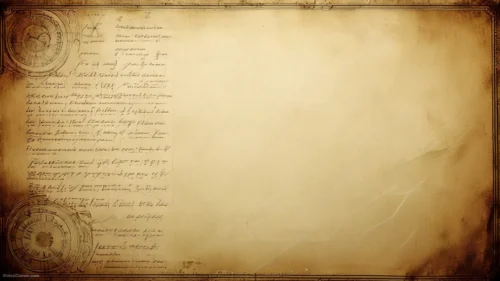
Old Paper Texture Background For PPT With Faded Handwritten Script
Download this free old paper texture background for PPT with burnt edges and faded script.
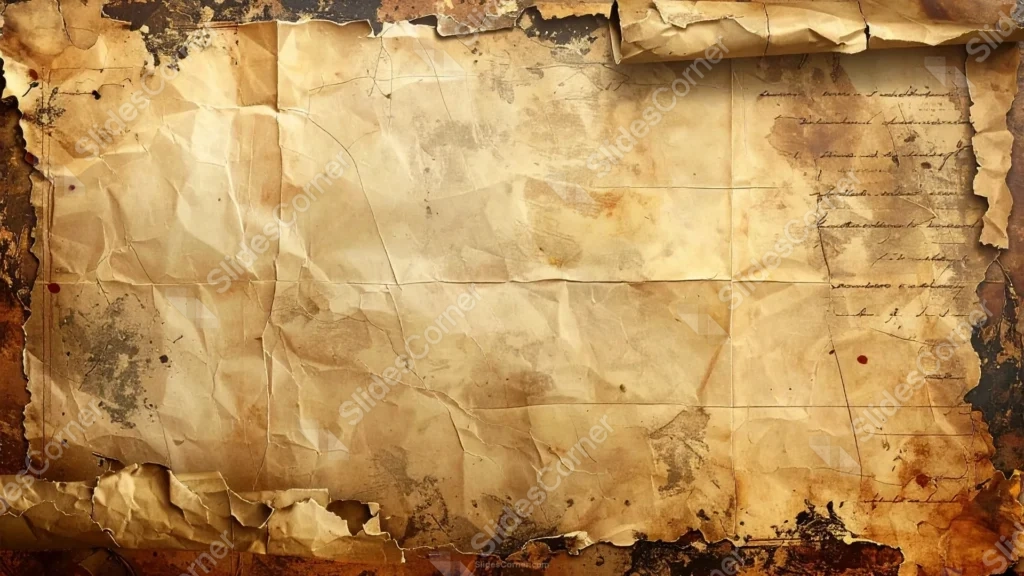
This old paper texture background for PPT burns and chars its parchment border along all four sides, framing a creased sheet with faded cursive handwriting still visible on the right.
A few small dark red dots scatter across the page, like old wax or ink, adding a quiet, unresolved detail.
What This Old Paper Texture Background Looks Like
Charred, rust-colored burn marks eat into the paper from every edge, curling and darkening toward black at the corners.
The tan paper inside is deeply creased into a grid of fold lines, with faded cursive script still legible along the right side, hinting at an old letter.
Small dark red dots and stains dot the surface here and there, along with fine cracks and grime that build up the paper’s aged texture.
Where This Old Paper Texture Background For PPT Fits
It’s a strong fit for history and mystery presentations, treasure map or adventure themes, archive and museum displays, and any deck wanting a dramatic, weathered feel.
The open left side of the sheet works well for a handwritten-style heading or an old proclamation layout.
Design Choices Behind the Faded Handwritten Script
I burned and charred the border along all four sides, rather than confining the damage to one corner, so the whole sheet feels rescued from a fire rather than simply aged.
Keeping a trace of faded cursive handwriting visible on the right side hints at a real letter rather than a blank prop.
I scattered a few small dark red dots across the paper, like old wax or ink, adding a quiet, unresolved detail that invites a story.
How to Apply It in PowerPoint
- Go to Design > Format Background.
- Choose Picture or texture fill, then Insert from file.
- Click Apply to All to use it across the whole deck.
How to Apply It in Google Slides
- Open Slide > Change background.
- Click Choose image and upload the downloaded file.
- Select Done, repeating on any other slides you want to match.
Legibility Tip for This Old Paper Texture Background
Keep new text on the open left side, using a dark brown or black font, and leave the faded handwriting on the right undisturbed.
Frequently Asked Questions
Is this old paper texture background free?
Yes, it’s a free download with no watermark and no account required.
Does it work in Google Slides too?
Yes, it’s a standard image file, so it applies the same way in both PowerPoint and Google Slides.
What resolution is included?
1920×1080 px, HD 16:9, suited to slides and to a desktop or phone wallpaper.
Can I use it as a wallpaper?
Yes, the 16:9 ratio matches most laptop and desktop screens.
Features at a Glance
- HD 1920×1080 resolution, 16:9 ratio
- Free download, no watermark
- Burnt, charred border on all four sides
- Faded cursive handwriting visible on the page
- Small dark red stains and fine cracks throughout
- Works as a PowerPoint background, Google Slides background, or wallpaper
Specs
- 1920 x 1080 px · 16:9 widescreen
- JPG, high quality, no compression artefacts
- PowerPoint · Google Slides · Keynote · Canva
- No watermark · no sign-up
- Free for personal and commercial use
You can use this Antique Old Paper Texture Background For PPT Presentations as a Wallpaper or use it as a background for slides.
Looking for something different? Browse all our free PPT Backgrounds, or see how to set a background in PowerPoint and Google Slides.