







Most popular professional backgrounds
Education School Paper Background for PPT
Download
Free · HD
PPT Background Cute School Border Design
Download
Free · HD
Creative PPT Background for Kids with Green Pencil Border
Download
Free · HD
Torn Page from Notebook on Blue Background for PPT Slides
Download
Free · HD

School PowerPoint Background for Kids – Hand-Drawn Doodle Frame
Download
Free · HD
Back to School Multicolor Free PPT Background
Download
Free · HD

PPT Background for Kids Colorful Watercolor Stripes
Download
Free · HD
Creative PPT Background for Kids – Pastel Brushstroke Frame
Download
Free · HD
Kids PPT Backgrounds

Cute Pink School Frame Background for Google Slides with Purple Border, Pencil and Stars
Download
Free · HD



Baby Shower Boy Background for Google Slides with Teddy and Toy Car
Download
Free · HD

Cute Birthday Teddy Background for Slides with Coral Scalloped Card
Download
Free · HD


Cute Spring Slide Backgrounds with Smiling Sun and Meadow Path
Download
Free · HD

Cute Fairytale Frame Background for Google Slides with a Pastel Castle, Teddy Bear, Balloons and Bunting
Download
Free · HD
Nautical Frame Background for PowerPoint with a Rope Border, Red Lighthouse, Anchors and Sailboats
Download
Free · HD
Underwater Ocean Background for Google Slides with Watercolor Jellyfish, Coral, a Seahorse and Sun Rays
Download
Free · HD
Back to School Backgrounds
Cute Pink School Frame Background for Google Slides with Purple Border, Pencil and Stars
Download
Free · HD
Baby Shower Boy Background for Google Slides with Teddy and Toy Car
Download
Free · HD
Cute Birthday Teddy Background for Slides with Coral Scalloped Card
Download
Free · HD
Cute Spring Slide Backgrounds with Smiling Sun and Meadow Path
Download
Free · HD
Cute Fairytale Frame Background for Google Slides with a Pastel Castle, Teddy Bear, Balloons and Bunting
Download
Free · HD
Nautical Frame Background for PowerPoint with a Rope Border, Red Lighthouse, Anchors and Sailboats
Download
Free · HD
Underwater Ocean Background for Google Slides with Watercolor Jellyfish, Coral, a Seahorse and Sun Rays
Download
Free · HD
Borders & Frames Backgrounds
Cute Rainbow School Frame Background For Google Slides With A Wavy Pink And Blue Clay Border
Download
Free · HD
Cute Nursery Frame Background For PowerPoint With A Blossom Branch Oval And Teddy Bear
Download
Free · HD

Cute School Cloud Frame Background For Google Slides With Kawaii Pencil And Backpack
Download
Free · HD
Cute Scrapbook Frame Background For Google Slides With A Teddy Bear And Stitched Cream Center
Download
Free · HD
Creative PPT Background For Kids With A Wavy Blue And Mustard Frame
Download
Free · HD
Cute School PPT Background With A Dashed Grid Paper Frame
Download
Free · HD
Floral Notebook Frame Background for PowerPoint with Roses
Download
Free · HD
Rainbow School Frame Background for PowerPoint with Backpack
Download
Free · HD
Paper Backgrounds
Vintage Notebook Slide Background with a Kraft Journal, Washi Tape, Sage Greenery and a Hairline Frame
Download
Free · HD
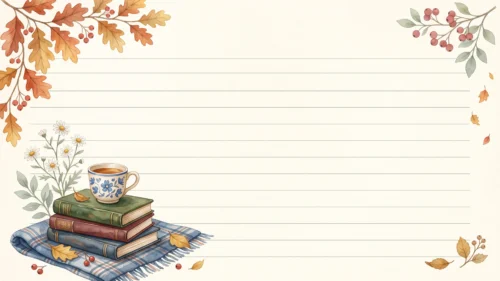
Autumn Notebook Slide Background with Oak Leaves, a Tea Cup on Stacked Books and a Plaid Blanket
Download
Free · HD
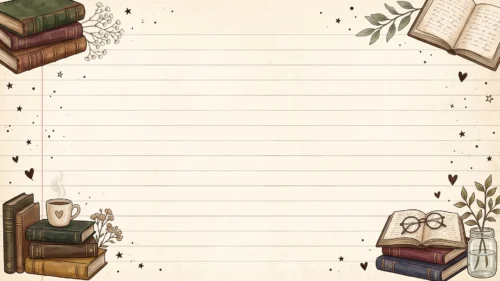
Vintage Books Slide Background on Lined Notebook Paper with a Red Margin and a Heart Mug
Download
Free · HD
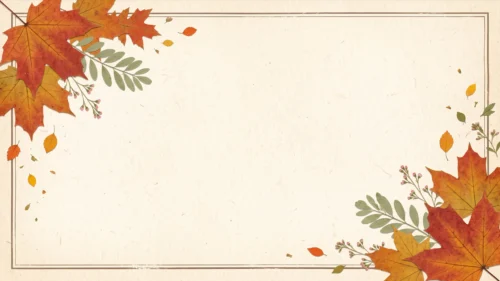
Autumn Powerpoint Background with Maple Leaves in Diagonal Corners and a Thin Double Line Frame
Download
Free · HD
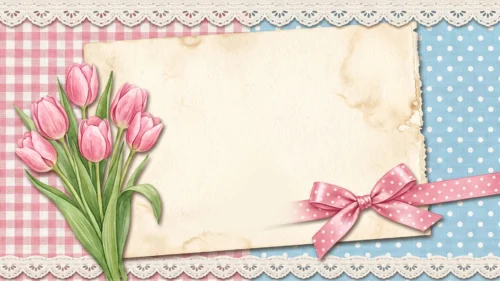
Cute Tulip Scrapbook Background for Slides with Pink Gingham, Blue Polka Dots and a Lace Trim
Download
Free · HD
Yellow Texture Background for PowerPoint with Mottled Lemon Paper and Tiny White Dots
Download
Free · HD

Space Lined Paper Background for Google Slides with Navy Night Sky and Gold Constellations
Download
Free · HD