

Most popular professional backgrounds
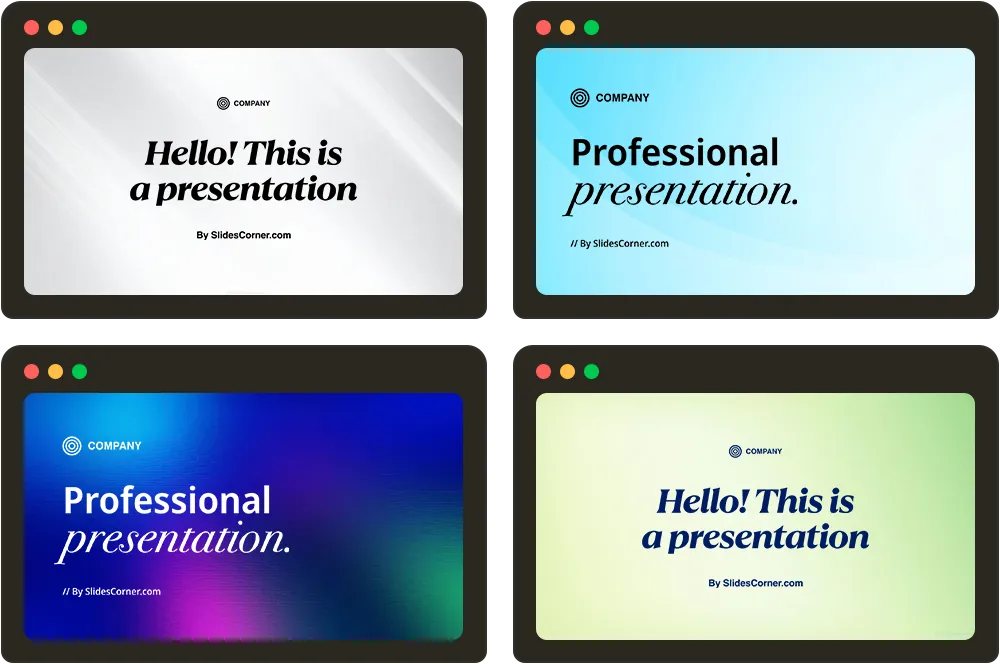
Professional PPT Background Clear and Simple Gray for PowerPoint
Download
Free · HD

Blue Gradients Professional PPT Background for Slides and Wallpaper
Download
Free · HD

Professional PPT Background in Neutral Pastel Blue
Download
Free · HD

Professional PPT Background Clear Light Blue Gradient for Slides
Download
Free · HD

Professional PPT Background Minimalist Neutral Gray Gradient
Download
Free · HD

Professional PPT Background Light Blue Pastel Gradient for Slides
Download
Free · HD


Free Professional PPT Background Light Blue
Download
Free · HD

Professional PPT Background Light Gray Gradient Scene
Download
Free · HD

Red Background Aesthetic Professional free for PowerPoint PPT
Download
Free · HD

Professional PPT Background Clear Gray Gradients for Slides
Download
Free · HD

Business Pastel Green and Yellow Background With Organic Shapes
Download
Free · HD

Blue Professional Backgrounds
Pastel Rainbow Gradient PowerPoint Background with a Diagonal Purple, Pink and Aqua Sweep
Download
Free · HD


Dark Navy Professional PPT Background with a Midnight Blue Glow and a Black Right Edge
Download
Free · HD


Dark Blue Waves Professional PowerPoint Background with Teal Glow
Download
Free · HD

Navy Blue Grid Background for PowerPoint with Royal Blueprint Lines
Download
Free · HD

Simple Blue Professional Slide Background with Corner Bands
Download
Free · HD

Blue Pink Blur Gradient Slide Background with Peach Glow
Download
Free · HD

Royal Blue Dark Slide Background with Electric Blue Silk Folds Fading into a Midnight Black Diagonal
Download
Free · HD

Blue Bokeh Background for PowerPoint with a Glowing Light Stream Across Deep Cobalt and Sky Blue Haze
Download
Free · HD

Blue Orange Gradient Slideshow Background with a Steel Blue Glow, Amber Heat and a Golden Yellow Top
Download
Free · HD

Dark Teal Gradient Professional PPT Background with Navy Shadows, a Teal Glow and a Faint Ember Edge
Download
Free · HD

Teal Galaxy Background for Slides with a Mint Nebula Fading into a Starry Navy Night Sky
Download
Free · HD
Gray & Neutral Professional Backgrounds


Black 3D Squares Background for PowerPoint with Tilted Gray Pixel Tiles in Perspective
Download
Free · HD

Black Professional PowerPoint Background with Satin Gradient and Diagonal Light Streaks
Download
Free · HD


Simple Dark Professional PowerPoint Background in Slate Grey with a Soft Spotlight Glow
Download
Free · HD

Black Gradient Background for PowerPoint with a Charcoal Grey Glow Fading to Deep Black
Download
Free · HD

Black Chalkboard Background for PowerPoint with Fine Scratches and Faint Vertical Dust Streaks
Download
Free · HD
Dark Grey Tartan Plaid Background for PowerPoint with Black Stripes and Red Threads
Download
Free · HD

Black Ripped Paper Background for Google Slides with Cracked Stone Shards on All Sides
Download
Free · HD

White Marble Background For PowerPoint With Bold Sweeping Waves
Download
Free · HD
Silver Metal Background For PowerPoint With Brushed Foil Waves
Download
Free · HD

Dark Grey Texture Background For PowerPoint With Slate Cracks
Download
Free · HD
White Background For PowerPoint With Hexagon Corner Accents
Download
Free · HD

Dark Background For PowerPoint With Overlapping Geometric Triangles
Download
Free · HD

Gradient Professional Backgrounds
Pastel Rainbow Gradient PowerPoint Background with a Diagonal Purple, Pink and Aqua Sweep
Download
Free · HD
Dark Navy Professional PPT Background with a Midnight Blue Glow and a Black Right Edge
Download
Free · HD


Dark Green Flowing Waves Slideshow Background with Lime Glow
Download
Free · HD
Dark Blue Waves Professional PowerPoint Background with Teal Glow
Download
Free · HD
Blue Pink Blur Gradient Slide Background with Peach Glow
Download
Free · HD
Royal Blue Dark Slide Background with Electric Blue Silk Folds Fading into a Midnight Black Diagonal
Download
Free · HD
Blue Orange Gradient Slideshow Background with a Steel Blue Glow, Amber Heat and a Golden Yellow Top
Download
Free · HD
Dark Teal Gradient Professional PPT Background with Navy Shadows, a Teal Glow and a Faint Ember Edge
Download
Free · HD
Rainbow Gradient Background for PowerPoint with a White Fade, Lime Green Glow and Magenta Orange Base
Download
Free · HD
Minimalist Professional Backgrounds
White Texture Background For PowerPoint With Frosted Glass Folds
Download
Free · HD

Dark Blue Background for Google Slides with a Glowing Crescent
Download
Free · HD

Dark Green Background for PowerPoint with Teal Light Arc
Download
Free · HD


White Background For PowerPoint With Hexagon Corner Accents
Download
Free · HD
Blue Background For PowerPoint With A Soft Glowing Curve
Download
Free · HD

Blue Landscape Background For PowerPoint With Layered Dunes
Download
Free · HD

Teal Gradient Background for PowerPoint with Dual Corner Glow
Download
Free · HD

Light Blue Background For Google Slides With A Plain Diagonal Fade
Download
Free · HD


Soft Pink Striped Background For Slides With Thin Delicate Bands
Download
Free · HD


Wood Background For PowerPoint With A Light Whitewashed Grain
Download
Free · HD

Yellow Striped Background For PowerPoint With Warm Horizontal Bands
Download
Free · HD

Green Striped Background For PowerPoint With Even Vertical Bands
Download
Free · HD

Pink Striped Background For PowerPoint With Bold Horizontal Bands
Download
Free · HD