

Elegant Flower Background for PPT with a Gold Double Frame
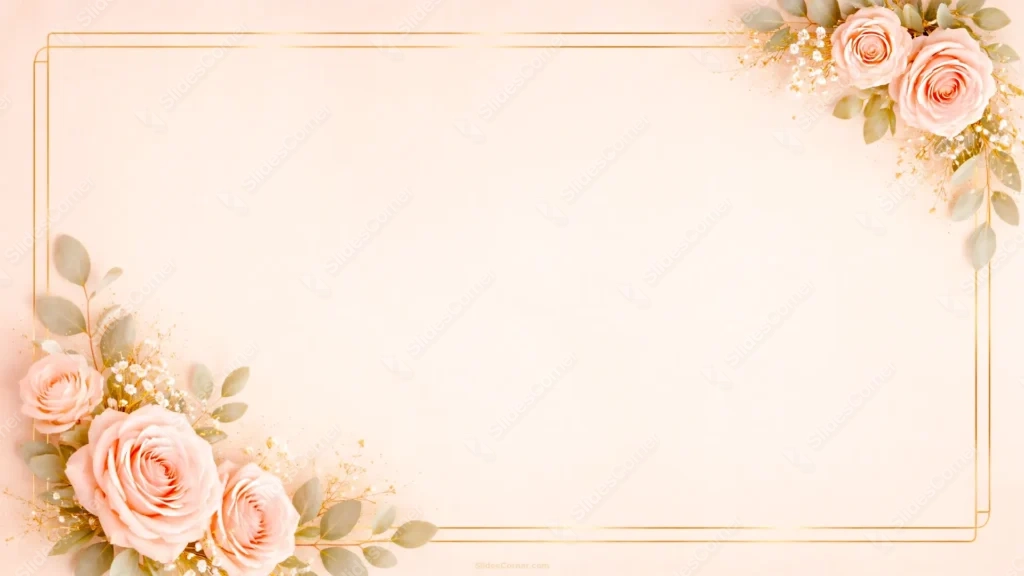
Free elegant flower background for PPT with peach roses and a gold double frame.
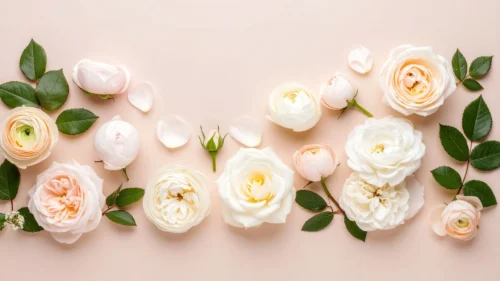
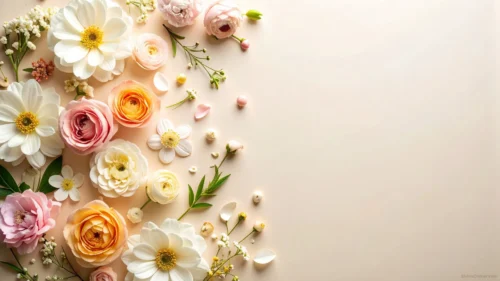
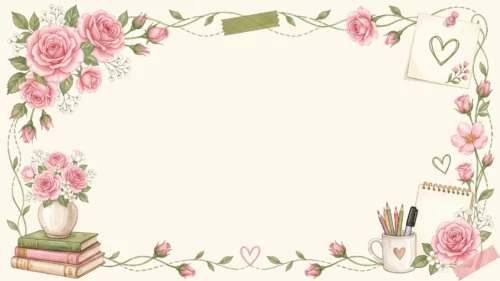
This elegant flower background for PPT sits on a soft peach field, framed by a thin gold double line that runs just inside the edges of the slide. Two rose clusters anchor opposite corners, top-right and bottom-left, so the whole thing feels balanced without being centered or stiff.
Each cluster mixes full, open peach-pink roses with eucalyptus leaves, sprigs of baby’s breath, and a scatter of gold flecks. The bottom-left corner carries a bit more weight, four roses instead of two, which keeps the diagonal from feeling too symmetrical or mechanical.
The gold frame line breaks wherever the flowers cross it, tucking behind the petals and leaves instead of cutting through them. That detail took a few passes to get right, since a frame that just stops abruptly reads as a mistake rather than a design choice.
What This Elegant Flower Background for PPT Is Best For
It’s built for wedding invitations turned into slides, save-the-date presentations, bridal shower decks, event programs, and any formal announcement that wants a romantic, hand-finished feel rather than a corporate one.
It also works well for quote slides, thank-you pages, or a closing slide in a more personal presentation, anywhere a wide open center and soft color matter more than dense information.
Design Choices Behind the Peach and Gold Palette
I kept the whole background inside one warm hue, from a pale cream near #FAEEE0 at the center to a deeper blush around #F5DCC8 toward the edges, so the roses could carry the color contrast instead of the background fighting them for attention.
The roses themselves sit closer to #EFA997, warm enough to read as romantic without tipping into a hot pink that would clash with the gold line work.
Diagonal corner framing, rather than a full border of flowers, was a legibility call. A dense floral border all the way around eats into usable space; leaving two corners loaded and the rest of the frame bare keeps almost the entire slide open for text.
How to Apply It in PowerPoint
- Open your slide, go to Design > Format Background.
- Choose Picture or texture fill, then Insert from file and select the downloaded image.
- Click Apply to All for the whole deck, or keep it on a single title or closing slide.
How to Apply It in Google Slides
- Open Slide > Change background.
- Click Choose image and upload the file from your computer.
- Select Done. Repeat on each slide you want to match, since Slides sets backgrounds one at a time.
Legibility Tip for This Floral Background
Keep text inside the open center, clear of both corners and the gold frame line. Dark brown, charcoal, or deep green text reads cleanly against the pale peach; avoid placing text over the rose clusters themselves, since the petals vary too much in tone.
Frequently Asked Questions
Is this elegant flower background for PPT free?
Yes, the download is free with no watermark and no account required.
Does it work in Google Slides?
Yes. It’s a standard image file, so it uploads and applies the same way it does in PowerPoint.
What resolution does it come in?
1920×1080 px, HD 16:9, suited to slides and to a desktop or phone wallpaper.
Can I use it for something other than a wedding?
Yes, the soft peach and gold palette also suits invitations, thank-you cards, and any formal or romantic presentation.
Features at a Glance
- HD 1920×1080 resolution, 16:9 ratio
- Free download, no watermark
- Soft peach background with a thin gold double-line frame
- Two diagonal rose clusters with eucalyptus and baby’s breath
- Wide open center for titles, quotes, or event details
- Works as a PowerPoint background, Google Slides background, or wallpaper
Specs
- 1920 x 1080 px · 16:9 widescreen
- JPG, high quality, no compression artefacts
- PowerPoint · Google Slides · Keynote · Canva
- No watermark · no sign-up
- Free for personal and commercial use
You can use this Romantic Peach Rose Background for Wedding PowerPoint Slides as a Wallpaper or use it as a background for slides.
Looking for something different? Browse all our free PPT Backgrounds, or see how to set a background in PowerPoint and Google Slides.