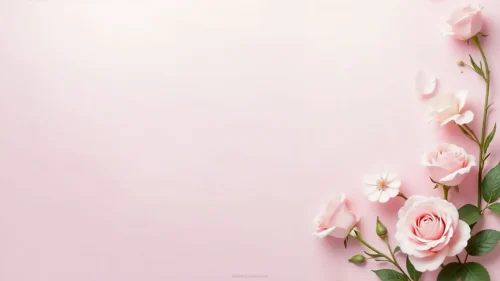


Elegant Floral Background For PPT With Roses And Wide Open Space
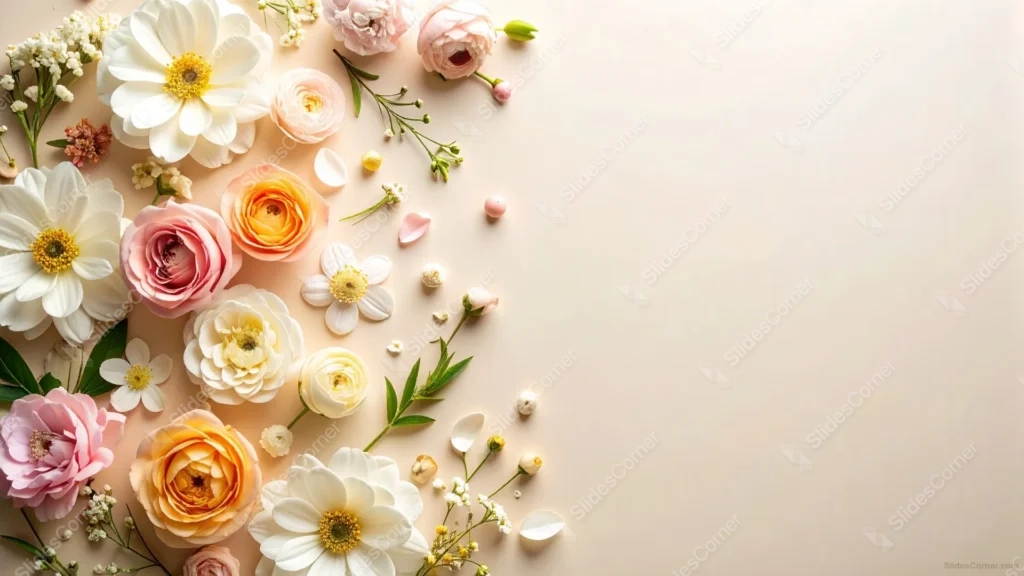
Free elegant floral background for PPT with roses, ranunculus, and daisies on cream, wide open on the right.
This elegant floral background for PPT gathers garden roses, ranunculus, and small daisies into a cluster along the left edge, over a warm cream backdrop.
The entire right two-thirds of the frame stays plain, giving this one more open space than most floral backgrounds offer.
What This Elegant Floral Background Looks Like
Peach and coral garden roses sit alongside blush pink roses, cream ranunculus, and white daisies with bright yellow centers, all photographed from directly above.
Small buds, loose petals, baby’s breath sprigs, and a few green leaves scatter between the larger blooms, thinning out gradually as they reach toward the center.
By the midpoint of the frame, the flowers stop completely, leaving a wide, uninterrupted stretch of warm cream across the entire right side.
Where This Elegant Floral Background For PPT Fits
The generous open space makes it well suited to text-heavy slides, wedding planning decks, invitations, and beauty or lifestyle brand presentations.
It also works for spring or garden-themed content where several flower varieties feel more natural than a single repeated bloom.
Design Choices Behind the Rose Cluster
I mixed several flower types, garden roses, ranunculus, daisies, and peonies, instead of repeating one bloom, so the cluster reads as a gathered bouquet rather than a single specimen shot.
Pushing every flower to the left third and stretching the plain cream area across the entire right two-thirds gives this background more open space than a typical floral piece, useful for decks that need real room for paragraphs of text.
Choosing a warm cream backdrop instead of a tinted pastel keeps the peach, pink, and yellow flower centers as the most saturated color anywhere in the frame.
How to Apply It in PowerPoint
- Go to Design > Format Background.
- Choose Picture or texture fill, then Insert from file.
- Click Apply to All for the whole deck.
How to Apply It in Google Slides
- Open Slide > Change background.
- Click Choose image and upload the downloaded file.
- Select Done, repeating on each slide you want to match.
Legibility Tip for This Elegant Floral Background
With so much open cream space, dark brown or charcoal text reads cleanly anywhere across the right two-thirds of the slide.
Frequently Asked Questions
Is this elegant floral background free?
Yes, it’s a free download with no watermark and no account required.
Does it work in Google Slides too?
Yes, it’s a standard image file, so it applies the same way in both PowerPoint and Google Slides.
What resolution is included?
1920×1080 px, HD 16:9, suited to slides and to a desktop or phone wallpaper.
Can I use it as a wallpaper?
Yes, the 16:9 ratio matches most laptop and desktop screens.
Features at a Glance
- HD 1920×1080 resolution, 16:9 ratio
- Free download, no watermark
- Mixed real roses, ranunculus, and daisies
- Warm cream backdrop
- Wide, fully open right two-thirds for text
- Works as a PowerPoint background, Google Slides background, or wallpaper
Specs
- 1920 x 1080 px · 16:9 widescreen
- JPG, high quality, no compression artefacts
- PowerPoint · Google Slides · Keynote · Canva
- No watermark · no sign-up
- Free for personal and commercial use
You can use this Romantic Rose Garden Background with Generous Blank Space as a Wallpaper or use it as a background for slides.
Looking for something different? Browse all our free PPT Backgrounds, or see how to set a background in PowerPoint and Google Slides.