You might also like:
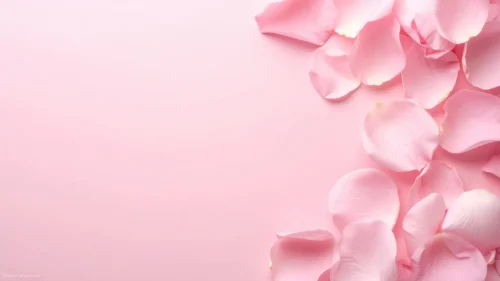



This classy pink PowerPoint background is for anyone who wants soft and elegant without slipping into childish or fussy. A smooth pink gradient fills the frame — deeper rose on the left, warming to a pale cream glow in the top-right corner — and a delicate line of white illustrated blossoms rises along the bottom edge. The flowers are drawn, not photographed: fine white linework of petals, buds, and leafy stems that feels hand-sketched and refined. The top two-thirds stay almost bare, which is exactly where your words will go.
The whole layout rests on one decision: keep the flowers low and the gradient clean. I anchored the botanical detail to the bottom border so it frames the slide without ever crowding a headline, and I let the pink fade toward cream in one corner so the surface has warmth and direction instead of sitting flat. The palette is deliberately gentle and monochromatic — pinks and whites only — because that restraint is what reads as classy rather than loud. Soft as it is, the gradient still carries enough depth to feel considered on a big screen.
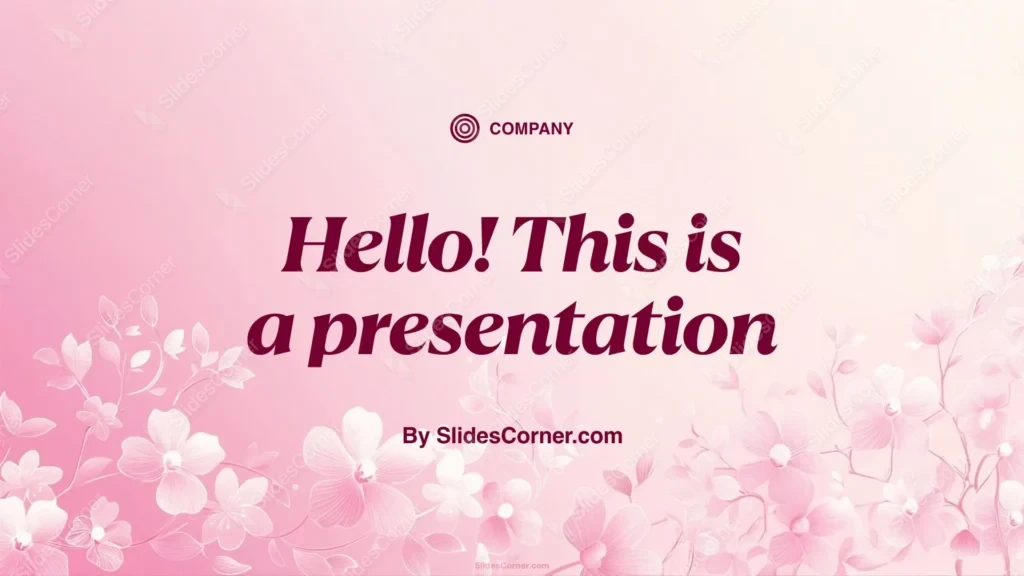
What this classy pink PowerPoint background is
This is a free, high-definition 16:9 background with no watermark, sized for slides and screens. It works as a title slide, a section divider, an invitation, or a full wallpaper for a laptop or phone. It’s built for PowerPoint, Google Slides, and Keynote, and exports cleanly to a JPG you can set as a desktop image.
Where I pictured you using it
I concept’d this elegant pink background for soft, feminine, celebratory content rather than dense corporate data. It fits:
- Wedding, bridal shower, and engagement presentation slides
- Baby shower, birthday, and anniversary PPT decks
- Feminine brand, beauty, and boutique Slides
- Spa, wellness, and self-care presentations
- Mother’s Day and Valentine’s greetings and cards
- Quotes, vows, and invitation title slides
- Fashion, floral, and lifestyle mood boards
- Teacher, classroom, and thank-you PowerPoint slides
- A soft, pretty wallpaper for a laptop or phone
- Any Background where understated elegance beats bold color
The design decision I care about most: readability on soft pink
A pale pink background looks lovely and can quietly sabotage your text if you’re not careful. The open upper area — especially the paler cream corner — is your headline zone, but because the surface is so light, pale type will simply vanish. Reach for a dark color: charcoal, deep rose, plum, or burgundy all sit beautifully on pink and stay legible from the back of a room. A soft muted gold works too if you want warmth. Keep text in the clean upper two-thirds and off the white blossoms at the bottom, where the linework competes with letters. If you want a lighter font, drop a subtle darker panel or a soft shadow behind it first.
How to apply this classy pink PowerPoint background in PowerPoint and Google Slides
In PowerPoint: open your deck, go to Design → Format Background → Picture or texture fill → Insert → From a File, and select the JPG. Choose Apply to All to carry the pink theme across the deck, or keep it on the title slide only. Add a text box in the open upper area and set the font to a dark tone so it reads.
In Google Slides: open Slide → Change background, click Choose image, upload the JPG, then pick Add to theme to apply it deck-wide or Done for a single slide. Insert a text box near the top and switch the text color to charcoal or deep rose under Format → Format options.
Readability tip that saves most soft decks: on a pale background, go darker and a touch heavier with your font than instinct suggests. Thin pastel type looks delicate on your monitor and disappears on a projector.
FAQ
Is this classy pink PowerPoint background free?
Yes. It’s a free download with no watermark, ready for personal and everyday presentation projects.
Does it work in Google Slides?
Yes. Upload the JPG through Slide → Change background. It also works in PowerPoint and Keynote the same way.
What resolution is it?
It’s HD 16:9, sized for widescreen slides and standard laptop and monitor screens.
Can I use it as a wallpaper?
Absolutely. Set the JPG as your desktop or phone wallpaper for a soft, elegant look between decks.
Specs
- 1920 x 1080 px · 16:9 widescreen
- JPG, high quality, no compression artefacts
- PowerPoint · Google Slides · Keynote · Canva
- No watermark · no sign-up
- Free for personal and commercial use
You can use this Elegant Soft Pink Floral Background for Classy Wedding PowerPoint Slides as a Wallpaper or use it as a background for slides.
Looking for something different? Browse all our free PPT Backgrounds, or see how to set a background in PowerPoint and Google Slides.