





Autumn Paper Background For PowerPoint With A Pressed Leaf Vine
Download this free autumn paper background for PowerPoint with a pressed leaf vine border.
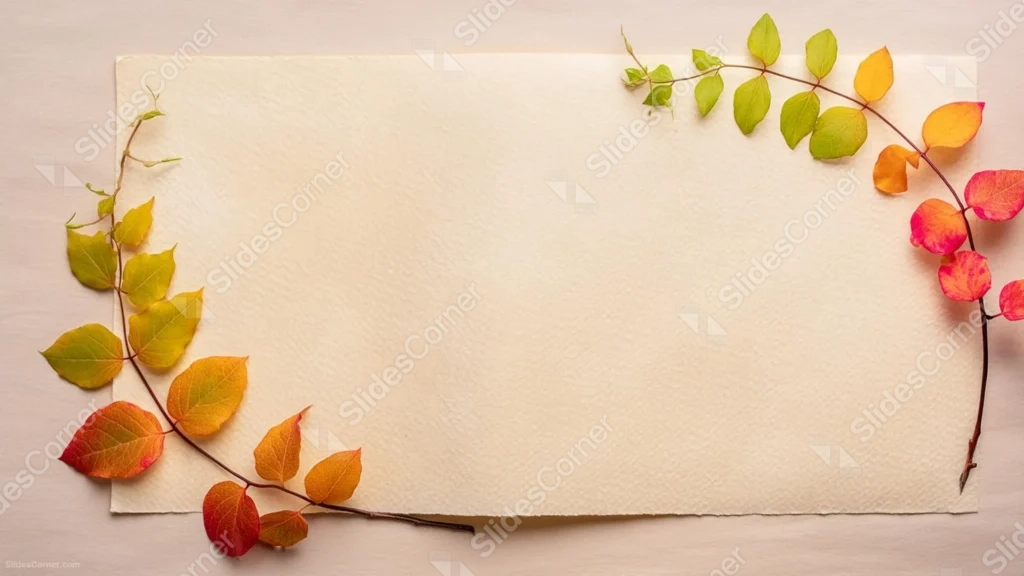
This autumn paper background for PowerPoint traces a single vine of pressed leaves along the left edge and up over the top right, resting on a textured cream paper sheet.
Each leaf along the branch shifts naturally from green to yellow, orange, and deep red, following one continuous stem rather than a scattered pile.
What This Autumn Paper Background Looks Like
A thin branch curves in an open arc from the bottom left, up the left side, across the top, and down the right edge, with individual leaves attached along its length.
The leaves closest to the top are still green and just turning yellow, while those lower on the branch have progressed through gold, orange, and finally a deep red-purple.
The vine sits on a piece of visibly textured cream paper, which itself rests on a slightly darker mauve surface, and the center-right of the frame stays entirely open.
Where This Autumn Paper Background For PowerPoint Fits
- Fall events, harvest festivals, or Thanksgiving decks
- Nature, gardening, or seasonal brand presentations
- Wedding or invitation-style slides with a fall theme
- Any title slide wanting a warm, natural border
Design Choices Behind the Leaf Vine
I kept every leaf on a single continuous branch, rather than scattering loose leaves around the frame, so the color progression from green to red tells its own small story.
Photographing the branch on real, visibly textured paper instead of a flat digital background gives the piece a tactile, handmade quality.
Running the vine along just two sides of the frame, rather than framing it on all four, leaves a large, genuinely open space for a full block of text.
How to Apply It in PowerPoint
- Go to Design > Format Background.
- Choose Picture or texture fill, then Insert from file.
- Click Apply to All to carry it across the whole deck.
How to Apply It in Google Slides
- Open Slide > Change background.
- Click Choose image and upload the downloaded file.
- Select Done, repeating on any other slides you want to match.
Legibility Tip for This Autumn Paper Background
Keep text in the open cream paper area at the center-right, using a deep brown or burgundy font that echoes the reddest leaves on the vine.
Frequently Asked Questions
Is this autumn paper background free?
Yes, it’s a free download with no watermark and no account required.
Does it work in Google Slides too?
Yes, it’s a standard image file, so it applies the same way in both PowerPoint and Google Slides.
What resolution is included?
1920×1080 px, HD 16:9, suited to slides and to a desktop or phone wallpaper.
Can I use it as a wallpaper?
Yes, the 16:9 ratio matches most laptop and desktop screens.
Features at a Glance
- HD 1920×1080 resolution, 16:9 ratio
- Free download, no watermark
- Single pressed leaf vine from green to deep red
- Textured cream paper surface
- Wide open center-right for text
- Works as a PowerPoint background, Google Slides background, or wallpaper
Specs
- 1920 x 1080 px · 16:9 widescreen
- JPG, high quality, no compression artefacts
- PowerPoint · Google Slides · Keynote · Canva
- No watermark · no sign-up
- Free for personal and commercial use
You can use this Rustic Autumn Paper Background For PowerPoint as a Wallpaper or use it as a background for slides.
Looking for something different? Browse all our free PPT Backgrounds, or see how to set a background in PowerPoint and Google Slides.







