You might also like:






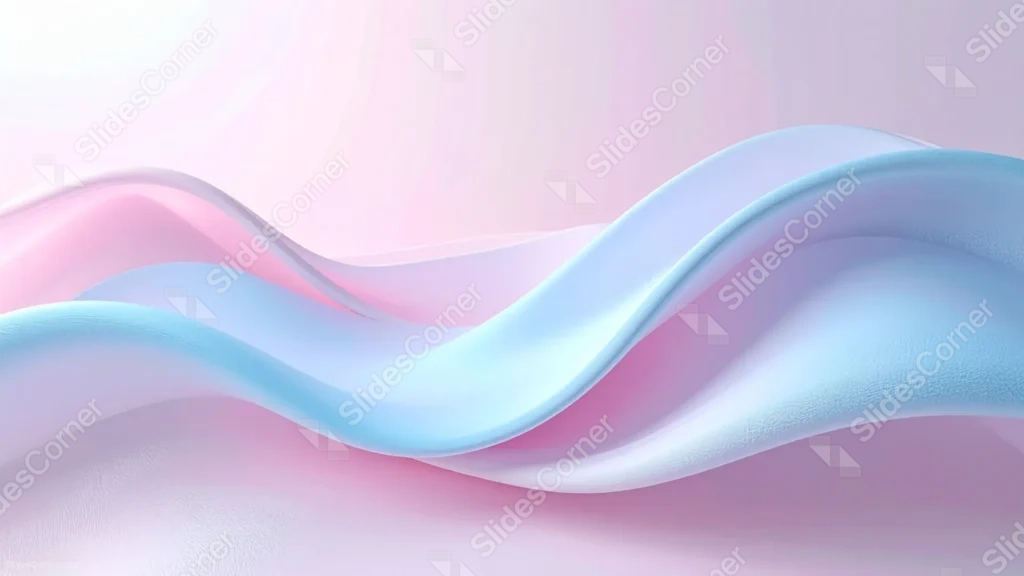
This pastel background for PowerPoint is built around two glossy silk ribbons, one in soft pink and one in pale blue, twisting through each other across the middle of the frame.
A gentle light glow spreads from the top left, keeping the upper portion of the frame soft and airy.
What This Pastel Background Looks Like
Two 3D ribbons, rendered with a soft satin sheen and a faint visible fabric grain, cross and braid through one another diagonally across the frame.
One ribbon shifts from pale lavender-pink to a deeper rose, the other from ice blue to a dustier periwinkle, both catching light along their curved edges.
The upper left corner glows a warm near-white, fading into a soft pink haze across the rest of the background.
Where This Pastel Background For PowerPoint Fits
- Beauty, wellness, or lifestyle brand presentations
- Baby shower, gender reveal, or nursery-themed decks
- Product launches wanting a soft, modern 3D look
- Any title slide calling for a light, calm mood
Design Choices Behind the Ribbon Braid
I paired pink and blue rather than keeping both ribbons the same hue, so the braid reads as two distinct forms crossing rather than one flat shape.
Keeping the palette pale and desaturated, instead of saturated jewel tones, lets the glossy highlights on each ribbon do the work of adding depth.
I placed the light source in the upper left and let the rest of the frame stay uncluttered, so there’s a natural, breathable spot for a headline.
How to Apply It in PowerPoint
- Go to Design > Format Background.
- Choose Picture or texture fill, then Insert from file.
- Click Apply to All to use it across the whole deck.
How to Apply It in Google Slides
- Open Slide > Change background.
- Click Choose image and upload the downloaded file.
- Select Done, repeating on any other slides you want to match.
Legibility Tip for This Pastel Background
Keep text in the glowing upper left corner, using a deep navy or charcoal font so it stands out against the pale ribbons.
Frequently Asked Questions
Is this pastel background free?
Yes, it’s a free download with no watermark and no account required.
Does it work in Google Slides too?
Yes, it’s a standard image file, so it applies the same way in both PowerPoint and Google Slides.
What resolution is included?
1920×1080 px, HD 16:9, suited to slides and to a desktop or phone wallpaper.
Can I use it as a wallpaper?
Yes, the 16:9 ratio matches most laptop and desktop screens.
Features at a Glance
- HD 1920×1080 resolution, 16:9 ratio
- Free download, no watermark
- Two intertwined 3D silk ribbon waves
- Pastel pink and blue duotone palette
- Soft glowing light in the upper left corner
- Works as a PowerPoint background, Google Slides background, or wallpaper
Specs
- 1920 x 1080 px · 16:9 widescreen
- JPG, high quality, no compression artefacts
- PowerPoint · Google Slides · Keynote · Canva
- No watermark · no sign-up
- Free for personal and commercial use
You can use this Silky Pastel Wave Background For PowerPoint as a Wallpaper or use it as a background for slides.
Looking for something different? Browse all our free PPT Backgrounds, or see how to set a background in PowerPoint and Google Slides.