You might also like:





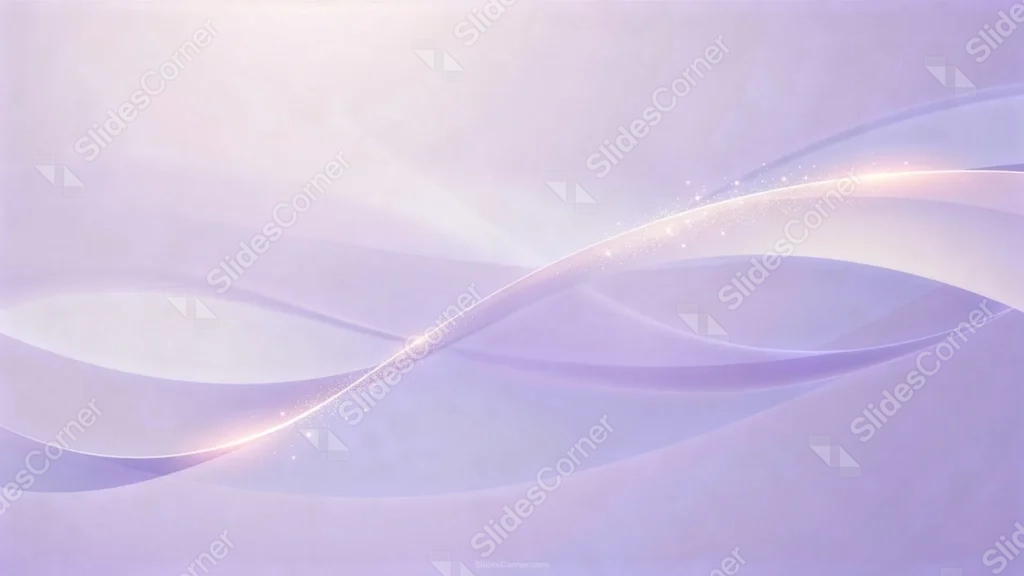
This elegant purple background for Google Slides layers several translucent lavender wave bands, crossed by a single bright streak dusted with fine sparkle.
The palette stays in one tight range of lilac and violet throughout, with a paler, glowing area in the upper left.
What This Elegant Purple Background Looks Like
Soft, overlapping wave shapes in muted violet cross the frame at gentle angles, some nearly invisible, others deep enough to read as shadow.
A single bright streak runs diagonally through the center, dusted with fine sparkle particles that thicken where the line curves brightest.
The upper left corner glows paler and warmer than the rest of the frame, giving the piece one clear area of light beyond the streak itself.
Where This Elegant Purple Background For Google Slides Fits
- Corporate, wellness, or beauty brand presentations
- Weddings, galas, or formal event decks
- Tech or product launches wanting a soft, modern tone
- Any title slide needing a calm, quietly luxurious feel
Design Choices Behind the Sparkling Light Streak
I layered several translucent purple wave bands at different angles rather than one flat curve, so the piece has real depth even without strong color contrast.
Running a single bright streak diagonally across the center and dusting it with fine sparkle gives the eye one clear, glittering path through an otherwise quiet piece.
I kept the palette in one tight range of lilac and violet, so nothing pulls focus away from that central line of light.
How to Apply It in PowerPoint
- Go to Design > Format Background.
- Choose Picture or texture fill, then Insert from file.
- Click Apply to All to use it across the whole deck.
How to Apply It in Google Slides
- Open Slide > Change background.
- Click Choose image and upload the downloaded file.
- Select Done, repeating on any other slides you want to match.
Legibility Tip for This Elegant Purple Background
Place text in the upper left glow or the lower right, away from the sparkling streak, using a deep violet or charcoal font.
Frequently Asked Questions
Is this elegant purple background free?
Yes, it’s a free download with no watermark and no account required.
Does it work in PowerPoint too?
Yes, it’s a standard image file, so it applies the same way in both Google Slides and PowerPoint.
What resolution is included?
1920×1080 px, HD 16:9, suited to slides and to a desktop or phone wallpaper.
Can I use it as a wallpaper?
Yes, the 16:9 ratio matches most laptop and desktop screens.
Features at a Glance
- HD 1920×1080 resolution, 16:9 ratio
- Free download, no watermark
- Layered translucent lavender wave bands
- Sparkling diagonal light streak through the center
- Soft, glowing upper left area for text
- Works as a Google Slides background, PowerPoint background, or wallpaper
Download the ZIP file and get a free full HD background, designed in the perfect size for your PPT or Google Slides presentation.
You can use this Ethereal Elegant Purple Background For Google Slides as a Wallpaper or use it as a background for slides.
- High quality jpg image
- Add the design that best suits your needs
- This background is designed to be used in Google Slides and Microsoft PowerPoint PPT files
- 16:9 widescreen format suitable for all types of screens
- 1920x1080 Full HD also usable as wallpaper