



Aurora Night Sky Background For Google Slides With Teal To Purple
Free aurora night sky background for Google Slides blending teal into deep purple, HD 16:9.
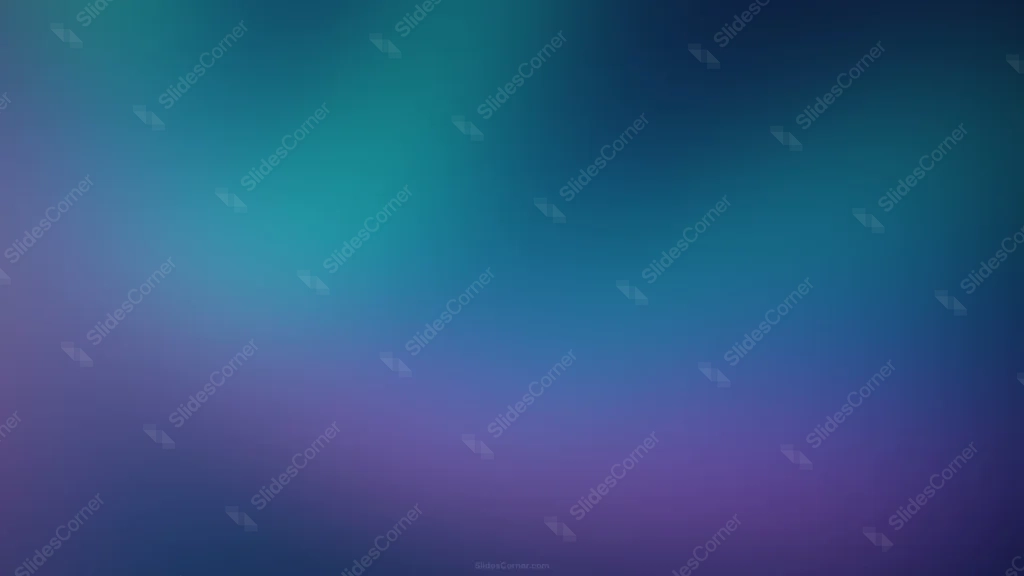
This aurora night sky background for Google Slides splits the frame between a bright teal upper half and a deep purple lower half, meeting through a genuine blue transition zone.
Both colors carry equal weight here, rather than one acting as a small accent to the other, so the piece reads as two halves of the same sky.
What This Aurora Night Sky Background Looks Like
Teal fills the upper-left corner, at its brightest and most saturated there, before cooling into a mid-tone blue that spreads across the center of the frame.
That blue then warms into a rich violet-plum purple across the bottom half, deepest and most saturated near the lower edge.
Only the upper-right corner falls into true near-black, leaving the rest of the frame evenly lit and legible.
Where This Aurora Night Sky Background For Google Slides Fits
It suits creative and design decks, wellness and mindfulness presentations, evening event slides, and any keynote that wants a dreamy, atmospheric feel without going fully dark or fully bright.
The near-black upper-right corner gives a natural, quiet spot for a logo.
Design Choices Behind the Teal to Purple Blend
I gave both teal and purple equal presence, splitting the frame roughly in half, rather than treating one as a minor accent to the other.
Running the shift through a real blue transition zone, instead of blending teal directly into purple, gives the eye a resting point between the cooler and warmer halves.
Keeping the single darkest patch confined to just one corner leaves the rest of the frame evenly lit, so it never competes with text placed anywhere else on the slide.
How to Apply It in Google Slides
- Open Slide > Change background.
- Click Choose image and upload the downloaded file.
- Select Done, repeating on each slide you want to match.
How to Apply It in PowerPoint
- Go to Design > Format Background.
- Choose Picture or texture fill, then Insert from file.
- Click Apply to All for the whole deck.
Legibility Tip for This Aurora Night Sky Background
White text reads clearly across both the teal and purple halves. For the strongest contrast, place headlines near the upper-right corner.
Frequently Asked Questions
Is this aurora night sky background free?
Yes, it’s a free download with no watermark and no account required.
Does it work in PowerPoint too?
Yes, it’s a standard image file, so it applies the same way in both PowerPoint and Google Slides.
What resolution is included?
1920×1080 px, HD 16:9, suited to slides and to a desktop or phone wallpaper.
Can I use it as a wallpaper?
Yes, the 16:9 ratio matches most laptop and desktop screens.
Features at a Glance
- HD 1920×1080 resolution, 16:9 ratio
- Free download, no watermark
- Teal upper half blending into deep purple lower half
- Genuine blue transition zone through the center
- Single dark corner, evenly lit elsewhere
- Works as a Google Slides background, PowerPoint background, or wallpaper
Specs
- 1920 x 1080 px · 16:9 widescreen
- JPG, high quality, no compression artefacts
- PowerPoint · Google Slides · Keynote · Canva
- No watermark · no sign-up
- Free for personal and commercial use
You can use this Dreamy Teal to Purple Aurora Night Sky Gradient Background for Slides as a Wallpaper or use it as a background for slides.
Looking for something different? Browse all our free PPT Backgrounds, or see how to set a background in PowerPoint and Google Slides.








