

You might also like:





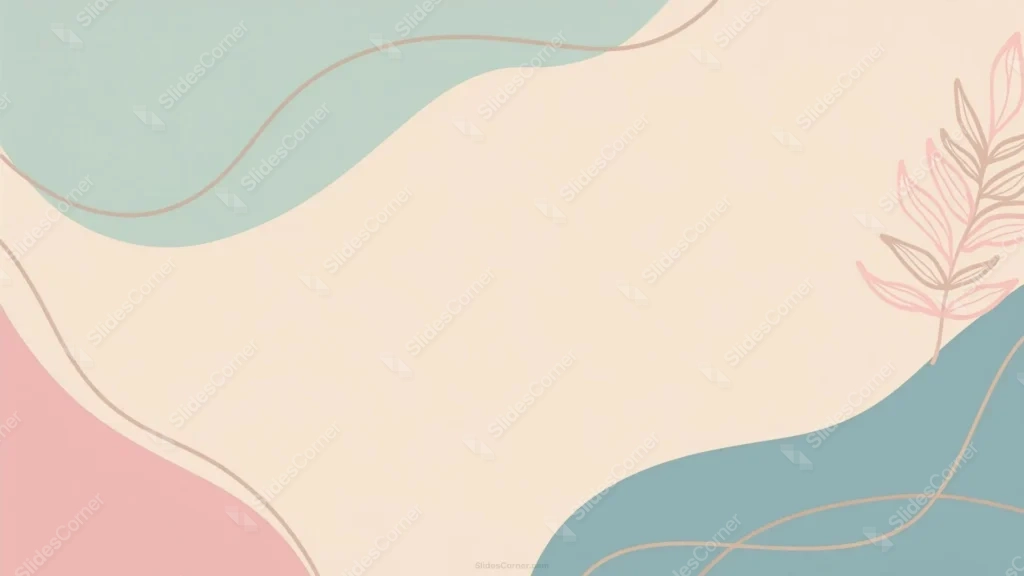
This aesthetic pastel background for PPT arranges four soft color blocks, sage green, cream, dusty pink, and muted teal, into large wavy shapes with a big open center for your content.
Thin tan contour lines trace through each shape like a topographic map, and a hand-drawn leaf sprig sits quietly along the right edge.
What This Aesthetic Pastel Background Looks Like
Sage green fills the upper-left corner, a dusty pink sits lower-left, and a muted teal-blue anchors the bottom-right, all connected by a large cream shape that sweeps across the middle.
Every color block is edged with a thin tan line that winds through the composition independently of the shapes themselves, adding movement without adding clutter.
A single botanical branch, drawn in outline with pink and warm brown leaves, grows up from the lower-right into the cream area, the only illustrated detail in the piece.
Where This Aesthetic Pastel Background For PPT Fits
The wide cream center makes it a natural fit for title slides, quotes, personal branding decks, wellness content, and boho-styled portfolios.
It also suits workshops, wedding or event planning slides, and any presentation that wants a soft, curated palette instead of a single flat color.
Design Choices Behind the Boho Palette
I split the frame into four soft color blocks instead of one gradient, so the piece feels like a curated palette rather than a photographic backdrop.
Running thin tan contour lines through every shape ties the blocks together visually without adding weight or competing with text.
Keeping the leaf sprig confined to the right third, and limiting it to just two ink tones, lets it read as a deliberate accent rather than clutter, leaving the whole center open for content.
How to Apply It in PowerPoint
- Go to Design > Format Background.
- Choose Picture or texture fill, then Insert from file.
- Click Apply to All for the whole deck.
How to Apply It in Google Slides
- Open Slide > Change background.
- Click Choose image and upload the downloaded file.
- Select Done, repeating on each slide you want to match.
Legibility Tip for This Aesthetic Pastel Background
Keep your text inside the large cream area at center, away from the leaf sprig on the right, for the cleanest contrast and the most breathing room.
Frequently Asked Questions
Is this aesthetic pastel background free?
Yes, it’s a free download with no watermark and no account required.
Does it work in Google Slides too?
Yes, it’s a standard image file, so it applies the same way in both PowerPoint and Google Slides.
What resolution is included?
1920×1080 px, HD 16:9, suited to slides and to a desktop or phone wallpaper.
Can I use it as a wallpaper?
Yes, the 16:9 ratio matches most laptop and desktop screens.
Features at a Glance
- HD 1920×1080 resolution, 16:9 ratio
- Free download, no watermark
- Four soft pastel color blocks: sage, cream, pink, teal
- Thin tan contour lines throughout
- Hand-drawn boho leaf sprig accent
- Works as a PowerPoint background, Google Slides background, or wallpaper
Specs
- 1920 x 1080 px · 16:9 widescreen
- JPG, high quality, no compression artefacts
- PowerPoint · Google Slides · Keynote · Canva
- No watermark · no sign-up
- Free for personal and commercial use
You can use this Whimsical Boho Pastel Background with Hand-Drawn Leaves as a Wallpaper or use it as a background for slides.
Looking for something different? Browse all our free PPT Backgrounds, or see how to set a background in PowerPoint and Google Slides.







