





Teal Watercolor Background For PowerPoint With Soft Cloud Wisps
Download this free teal watercolor background for PowerPoint with soft, painterly cloud wisps.
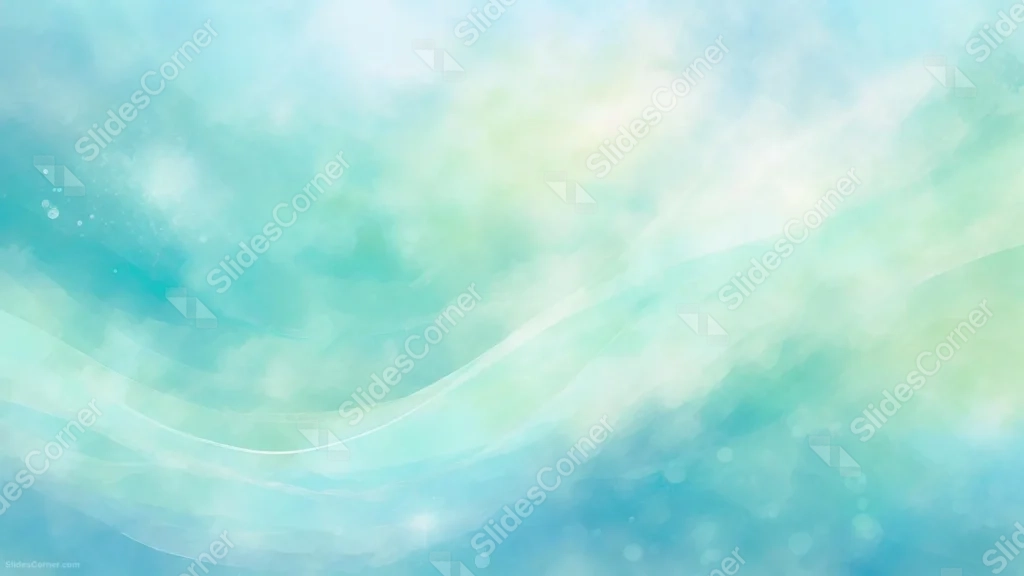
This teal watercolor background for PowerPoint washes soft teal and green pigment across the frame, with a warm, glowing cloud of yellow-white light breaking through the center.
A single thin, flowing white line traces through the lower half like a current of light beneath the surface.
What This Teal Watercolor Background Looks Like
Layers of teal, turquoise, and soft green pigment blend into each other like watercolor washes, deepening toward the lower left and right corners.
A bright, warm glow of pale yellow and white sits just above center, softened at the edges as if sunlight were filtering through the wash.
Tiny sparkle dots and a faint, curving light line drift through the lower portion of the frame, adding quiet movement.
Where This Teal Watercolor Background For PowerPoint Fits
- Wellness, meditation, or spa brand presentations
- Ocean, environmental, or sustainability decks
- Creative or art-focused talks
- Any title slide wanting a calm, painterly mood
Design Choices Behind the Cloud Wisps
I let the pigment pool unevenly, darker in the corners and lighter through the center, so the wash reads as genuine watercolor rather than a smoothed digital gradient.
Placing the warm glow just above center, rather than dead center, keeps the composition from feeling too symmetrical or staged.
The single flowing line beneath the wash was added last, as a quiet current to guide the eye without adding visual clutter.
How to Apply It in PowerPoint
- Go to Design > Format Background.
- Choose Picture or texture fill, then Insert from file.
- Click Apply to All to carry it across the whole deck.
How to Apply It in Google Slides
- Open Slide > Change background.
- Click Choose image and upload the downloaded file.
- Select Done, repeating on any other slides you want to match.
Legibility Tip for This Teal Watercolor Background
Place text in the glowing warm patch near the top center, using a deep teal or charcoal font so it holds up against the brightest wash.
Frequently Asked Questions
Is this teal watercolor background free?
Yes, it’s a free download with no watermark and no account required.
Does it work in Google Slides too?
Yes, it’s a standard image file, so it applies the same way in both PowerPoint and Google Slides.
What resolution is included?
1920×1080 px, HD 16:9, suited to slides and to a desktop or phone wallpaper.
Can I use it as a wallpaper?
Yes, the 16:9 ratio matches most laptop and desktop screens.
Features at a Glance
- HD 1920×1080 resolution, 16:9 ratio
- Free download, no watermark
- Painterly teal, turquoise, and green watercolor wash
- Warm glowing light patch just above center
- Sparkle dots and a soft flowing light line
- Works as a PowerPoint background, Google Slides background, or wallpaper
Specs
- 1920 x 1080 px · 16:9 widescreen
- JPG, high quality, no compression artefacts
- PowerPoint · Google Slides · Keynote · Canva
- No watermark · no sign-up
- Free for personal and commercial use
You can use this Dreamy Teal Watercolor Background For PowerPoint as a Wallpaper or use it as a background for slides.
Looking for something different? Browse all our free PPT Backgrounds, or see how to set a background in PowerPoint and Google Slides.