


Old Paper Background For PowerPoint With Delicate Scrollwork Corners
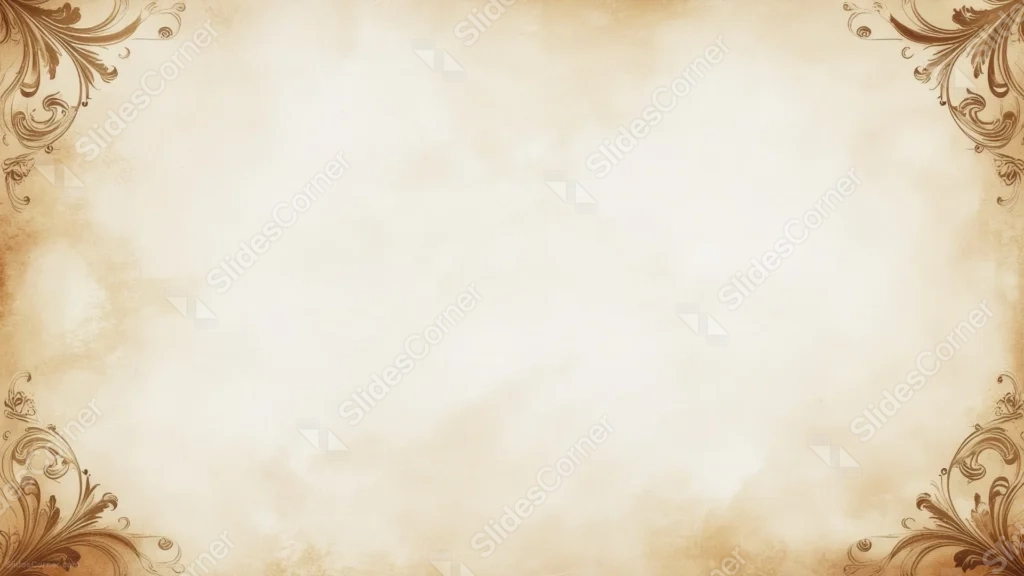
An old paper background for PowerPoint with soft cloud-like stains and delicate pen-line scrollwork in each corner.
This background is for anyone who wants an aged-paper feel without a heavy, ornate frame weighing down the slide. It’s a soft cream brown parchment with loose, cloud-like stains drifting across the surface, framed only by a thin, hand-drawn scrollwork flourish tucked into each of the four corners. Free, HD, and watermark-free for PowerPoint or Google Slides.
What This Old Paper Background Looks Like
The parchment itself is uneven and soft, with warm sepia stains pooling gently in patches rather than sitting as a uniform tone. In each corner, a fine, single-line pen scroll curls and loops outward like calligraphy, thin enough that it reads as decoration rather than a heavy border.
Between the corners, the entire middle of the page stays open and lightly textured, with no continuous frame or edge line connecting the four scrollwork pieces.
Where This Background Fits
This suits history and literature presentations, genealogy or heritage projects, wedding invitations with a classic feel, certificates and awards, or any slide that wants an old-world touch that still reads as clean and legible.
Design Choices Behind This Scrollwork Parchment
I kept the scrollwork to thin single lines instead of a carved, layered border because a heavier frame tends to compete with text placed anywhere near the edges. A light pen-line flourish gives the corners character without building a wall around the content.
Letting the stains sit as loose, irregular clouds instead of an even sepia wash was meant to keep the paper feeling handled and real, like something pulled from an archive rather than digitally aged. Leaving the corners disconnected from each other, instead of joining them into a full border, keeps the whole center open for a long title or a full paragraph.
How to Apply This Background in PowerPoint
- Download and unzip the file, then open your PowerPoint presentation.
- Go to the Design tab and click Format Background.
- Choose Picture or texture fill, then Insert picture from a file, and select the downloaded image.
- Click Apply to All to use it across the whole deck, or leave it on a single slide.
How to Apply This Background in Google Slides
- Open your presentation and go to Slide, then Change background.
- Click Choose image and upload the downloaded file.
- Click Done to apply it to the current slide.
- To apply it across every slide, make the change from the master theme instead.
Legibility Tip for This Background
Keep your text in the open center, away from the corner scrollwork. Dark brown or black text gives the cleanest contrast against the pale parchment, and this background stays light enough to hold a full block of body copy.
FAQ
Is this old paper background free? Yes, it’s a free download with no watermark and no attribution required.
Does it work in Google Slides? Yes, it uploads directly as a custom background image, no conversion needed.
What resolution is the file? It’s full HD at 1920×1080, so it stays sharp on any screen or projector.
Can I use this as a wallpaper? Yes, the soft tones and light corner detail make it a calm desktop background too.
Features at a Glance
- Free HD 1920×1080 download, no watermark
- Soft cream parchment with cloud-like sepia stains
- Delicate pen-line scrollwork in each corner
- Open, disconnected corners rather than a full frame
- Works in PowerPoint, Google Slides, and as a wallpaper
- Classic, historical mood suited to heritage and literary content
Specs
- 1920 x 1080 px · 16:9 widescreen
- JPG, high quality, no compression artefacts
- PowerPoint · Google Slides · Keynote · Canva
- No watermark · no sign-up
- Free for personal and commercial use
You can use this Classic Old Paper Background With Delicate Pen-Line Scrollwork Corners For Presentations as a Wallpaper or use it as a background for slides.
Looking for something different? Browse all our free PPT Backgrounds, or see how to set a background in PowerPoint and Google Slides.








