

Midnight Blue Sky Background For PowerPoint With A Quiet Glow
Free midnight blue sky background for PowerPoint with a single soft glow low in the frame, HD 16:9.
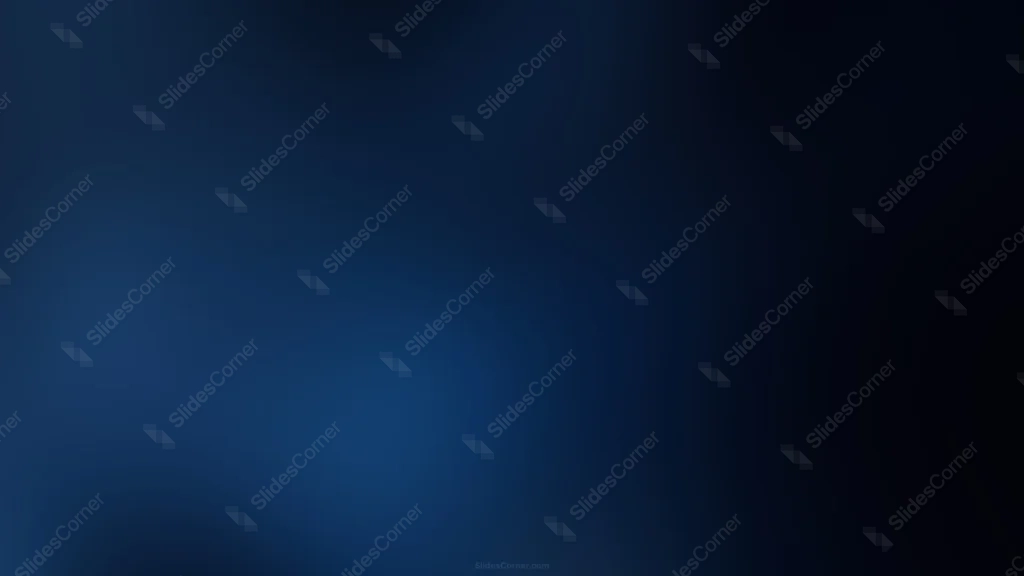
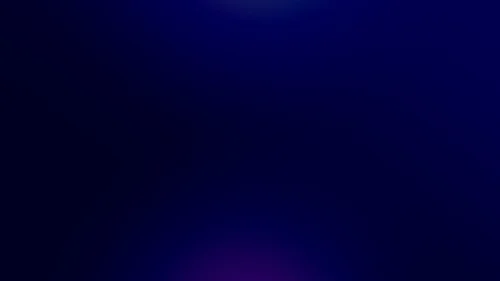
This midnight blue sky background for PowerPoint holds just one soft glow low in the lower-left, fading into a true near-black dark blue across nearly the whole frame.
There’s no second light source and no accent color here, only a single, modest point of light against a genuinely dark sky.
What This Midnight Blue Sky Background Looks Like
A quiet, medium-blue glow sits low and to the left, more like a distant light near the horizon than a bright, centered spotlight.
From there, the color deepens quickly, and the entire right two-thirds and top of the frame settle into a true, near-black midnight blue.
The transition is smooth and gradual, with no texture or grain, keeping the whole piece calm and understated.
Where This Midnight Blue Sky Background For PowerPoint Fits
It suits late-night event presentations, corporate and finance title slides, film and entertainment decks, and any keynote wanting a serious, quiet, after-dark mood.
The wide dark area gives plenty of room for a title or logo without ever competing with the glow.
Design Choices Behind the Quiet Glow
I used just one modest glow instead of two, so the piece feels genuinely quiet rather than dramatic or busy.
Pushing true near-black across nearly the entire frame, more darkness than most other backgrounds in this collection, is what earns this one the word midnight rather than just being a slightly darker blue.
Placing the glow low and to the left, instead of centered, makes it read like a distant light near the horizon rather than a designed spotlight effect.
How to Apply It in PowerPoint
- Go to Design > Format Background.
- Choose Picture or texture fill, then Insert from file.
- Click Apply to All for the whole deck.
How to Apply It in Google Slides
- Open Slide > Change background.
- Click Choose image and upload the downloaded file.
- Select Done, repeating on each slide you want to match.
Legibility Tip for This Midnight Blue Sky Background
White text reads clearly across the whole image, especially over the dark right two-thirds of the frame.
Frequently Asked Questions
Is this midnight blue sky background free?
Yes, it’s a free download with no watermark and no account required.
Does it work in Google Slides too?
Yes, it’s a standard image file, so it applies the same way in both PowerPoint and Google Slides.
What resolution is included?
1920×1080 px, HD 16:9, suited to slides and to a desktop or phone wallpaper.
Can I use it as a wallpaper?
Yes, the 16:9 ratio matches most laptop and desktop screens.
Features at a Glance
- HD 1920×1080 resolution, 16:9 ratio
- Free download, no watermark
- Single quiet glow low in the frame
- True near-black midnight blue across most of the image
- Calm, understated, after-dark mood
- Works as a PowerPoint background, Google Slides background, or wallpaper
Specs
- 1920 x 1080 px · 16:9 widescreen
- JPG, high quality, no compression artefacts
- PowerPoint · Google Slides · Keynote · Canva
- No watermark · no sign-up
- Free for personal and commercial use
You can use this Understated Midnight Blue Sky Gradient Background for Late-Night Presentations as a Wallpaper or use it as a background for slides.
Looking for something different? Browse all our free PPT Backgrounds, or see how to set a background in PowerPoint and Google Slides.








