

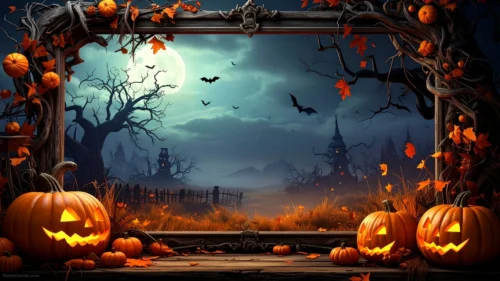
Halloween Vintage Paper Background For PowerPoint With Bats And Pumpkins
Free Halloween vintage paper background for PowerPoint with jack-o-lanterns and bats.
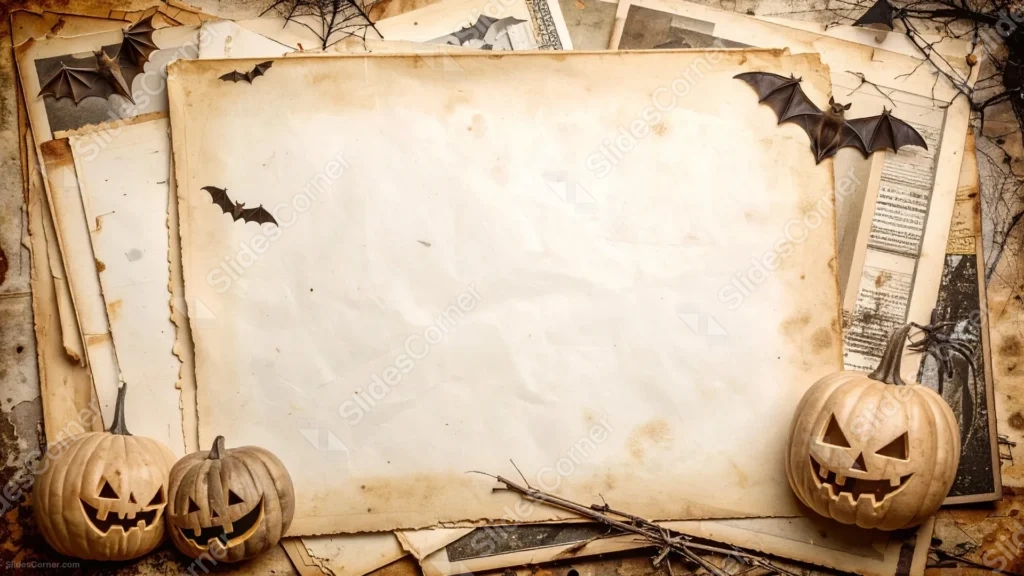
This Halloween vintage paper background for PowerPoint centers a large, torn sheet of stained antique paper over a scattered pile of old documents and photographs.
Carved jack-o-lanterns grin from both bottom corners, while paper bats and a spiderweb creep in from the top.
What This Halloween Vintage Paper Background Looks Like
A large, blank sheet of aged paper sits front and center, its edges curling and stained with age spots, resting on a messy stack of older documents.
Small bats fly in from both upper corners, one perched near a tangle of bare branches and a spiderweb in the top right.
Two carved pumpkins sit at the bottom left and one more at the bottom right, their triangle eyes and jagged grins glowing faintly against the brown paper tones.
Where This Halloween Vintage Paper Background For PowerPoint Fits
- Halloween history, folklore, or storytelling presentations
- Vintage-themed party invitations or event decks
- Classroom activities about autumn traditions
- Any title slide wanting an old, papery Halloween feel
Design Choices Behind This Paper Stack
I kept the topmost sheet completely blank and slightly larger than the ones beneath it, so it reads clearly as the intended writing surface rather than one document among many.
Pushing the pumpkins and bats out to the four corners protects that blank sheet, so nothing overlaps where a headline would sit.
Using aged, stained paper instead of clean white gives the piece a sense of history, which pairs naturally with the older, folklore side of Halloween rather than its modern candy-and-costume side.
How to Apply It in PowerPoint
- Go to Design > Format Background.
- Choose Picture or texture fill, then Insert from file.
- Click Apply to All to carry it across the whole deck.
How to Apply It in Google Slides
- Open Slide > Change background.
- Click Choose image and upload the downloaded file.
- Select Done, repeating on any other slides you want to match.
Legibility Tip for This Halloween Vintage Paper Background
Keep your headline centered on the blank paper sheet and use a dark brown or black font, since that area offers the cleanest, most even contrast.
Frequently Asked Questions
Is this Halloween vintage paper background free?
Yes, it’s a free download with no watermark and no account required.
Does it work in Google Slides too?
Yes, it’s a standard image file, so it applies the same way in both PowerPoint and Google Slides.
What resolution is included?
1920×1080 px, HD 16:9, suited to slides and to a desktop or phone wallpaper.
Can I use it as a wallpaper?
Yes, the 16:9 ratio matches most laptop and desktop screens.
Features at a Glance
- HD 1920×1080 resolution, 16:9 ratio
- Free download, no watermark
- Aged, stained paper stack as the centerpiece
- Carved jack-o-lanterns, bats, and a spiderweb border
- Large, blank writing surface for text
- Works as a PowerPoint background, Google Slides background, or wallpaper
Specs
- 1920 x 1080 px · 16:9 widescreen
- JPG, high quality, no compression artefacts
- PowerPoint · Google Slides · Keynote · Canva
- No watermark · no sign-up
- Free for personal and commercial use
You can use this Spooky Halloween Vintage Paper Background For PowerPoint as a Wallpaper or use it as a background for slides.
Looking for something different? Browse all our free PPT Backgrounds, or see how to set a background in PowerPoint and Google Slides.








