

Halloween Background For Google Slides With Watercolor Pumpkins And Bats
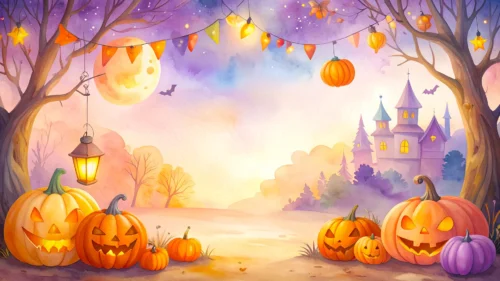
Free Halloween background for Google Slides with watercolor pumpkins, bats, and a moon.
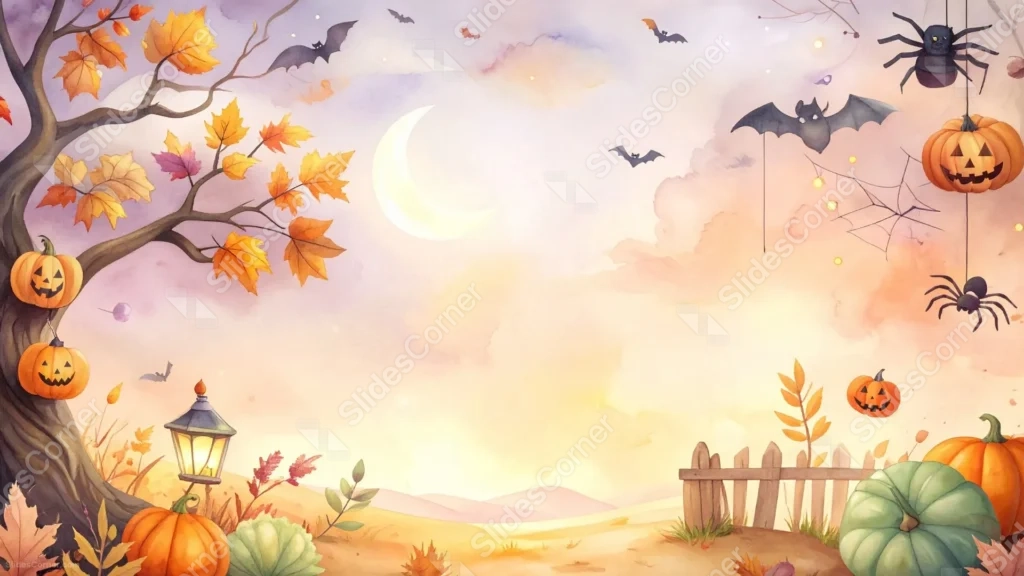
This Halloween background for Google Slides paints a gnarled autumn tree hung with jack-o-lanterns on one side, and a web of hanging spiders and pumpkins on the other.
Between them, a soft watercolor sky glows in peach and lavender, with a crescent moon and a scatter of bats drifting through the clouds.
What This Halloween Background Looks Like
On the left, a bare tree with golden autumn leaves holds two carved jack-o-lanterns among its branches, with a lit lantern and more pumpkins gathered at its roots.
On the right, a spider dangles beside hanging pumpkins and a delicate web, with a bat gliding just above them.
The sky between the two sides fades through soft watercolor washes of peach, cream, and lavender, framing a pale crescent moon and a few smaller bats in flight.
Where This Halloween Background For Google Slides Fits
- Halloween party invitations and school events
- Storytelling, book club, or children’s presentations
- Autumn-themed business or community decks
- Any title slide wanting a cozy, illustrated Halloween mood
Design Choices Behind This Watercolor Scene
I anchored the composition with a tree on one side and a spider web on the other, leaving the sky in between wide open for text.
Painting the sky in a soft watercolor wash, rather than a flat dark night, keeps the mood playful and warm instead of frightening, so it works for family and school settings too.
Adding a lit lantern near the base of the tree gives the scene a small, cozy focal point at ground level to balance all the activity happening up in the branches.
How to Apply It in PowerPoint
- Go to Design > Format Background.
- Choose Picture or texture fill, then Insert from file.
- Click Apply to All to carry it across the whole deck.
How to Apply It in Google Slides
- Open Slide > Change background.
- Click Choose image and upload the downloaded file.
- Select Done, repeating on any other slides you want to match.
Legibility Tip for This Halloween Background
Place your headline in the pale sky near the moon, using a dark plum or charcoal font, since that’s the softest, most even part of the frame.
Frequently Asked Questions
Is this Halloween background free?
Yes, it’s a free download with no watermark and no account required.
Does it work in PowerPoint too?
Yes, it’s a standard image file, so it applies the same way in both Google Slides and PowerPoint.
What resolution is included?
1920×1080 px, HD 16:9, suited to slides and to a desktop or phone wallpaper.
Can I use it as a wallpaper?
Yes, the 16:9 ratio matches most laptop and desktop screens.
Features at a Glance
- HD 1920×1080 resolution, 16:9 ratio
- Free download, no watermark
- Hand-painted watercolor style illustration
- Jack-o-lanterns, bats, spiders, and a crescent moon
- Wide, open sky for text
- Works as a Google Slides background, PowerPoint background, or wallpaper
Specs
- 1920 x 1080 px · 16:9 widescreen
- JPG, high quality, no compression artefacts
- PowerPoint · Google Slides · Keynote · Canva
- No watermark · no sign-up
- Free for personal and commercial use
You can use this Cozy Halloween Background For Google Slides as a Wallpaper or use it as a background for slides.
Looking for something different? Browse all our free PPT Backgrounds, or see how to set a background in PowerPoint and Google Slides.








