

Elegant Floral PowerPoint Background with a Crystal Garland
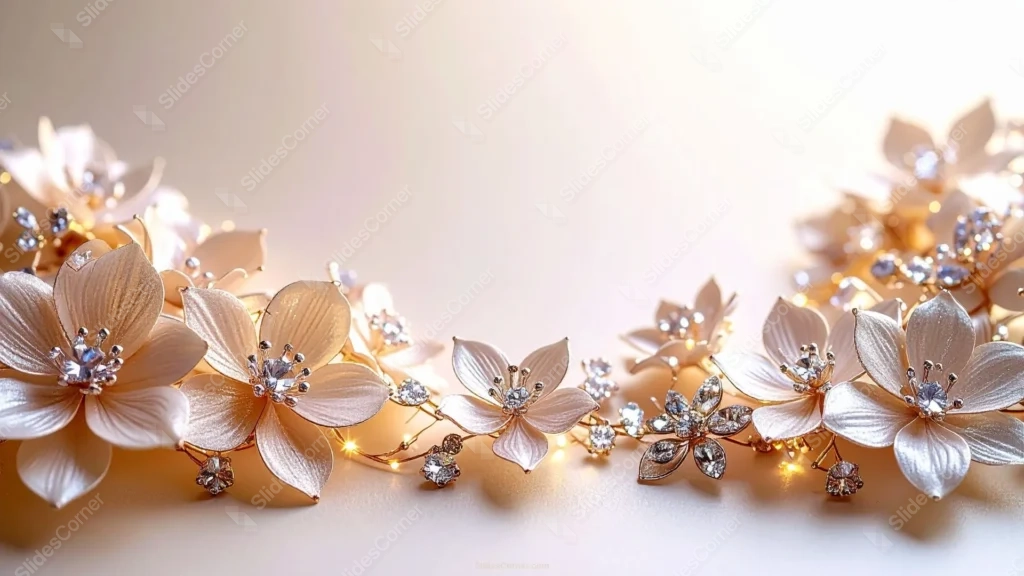
Free elegant floral PowerPoint background with a jeweled crystal garland and fairy lights.
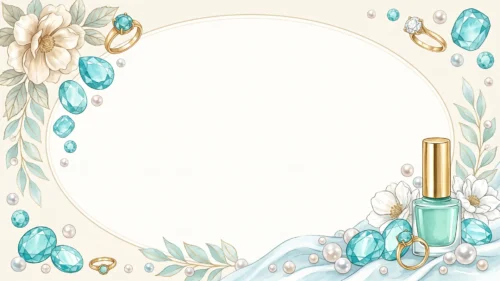
This elegant floral PowerPoint background swaps painted petals for something closer to fine jewelry. A garland of cream-toned porcelain flowers curves along the bottom edge, each petal catching light like enamel, with a cut crystal set at the center of every bloom.
Small warm fairy lights are woven through the gold wire stems, scattered between the flowers rather than lined up in a row, so the glow reads as candlelight caught mid-shimmer instead of a string of bulbs. The garland lifts slightly at both the left and right corners, leaving the entire upper two-thirds of the frame open and soft.
It’s a more luxurious register than a typical painted floral background, closer to a bridal accessory or a jewelry macro shot than an illustration, which is exactly the effect I was after.
What This Elegant Floral PowerPoint Background Suits
It’s built for wedding and engagement presentations, luxury brand and jewelry decks, gala or awards-night slides, and any content that wants to feel high-end rather than simply pretty.
Because the garland sits low and the top stays clear, it also works well as a closing or thank-you slide, or a title card for a formal announcement.
I’d pick this one over a plainer floral background whenever the occasion itself already carries some formality, an anniversary gala, a jewelry launch, a milestone birthday, since the jeweled detail matches that register.
Design Choices Behind the Jeweled Garland
I kept the petals in a single warm cream, close to #F2E4D0, rather than pure white, so they’d read as porcelain or resin instead of paper. That warmth also keeps the crystals from looking cold against them; the sparkle stays warm-toned rather than icy.
The background itself shifts gently from a soft blush near #F5E8DC on the left to a brighter, near-white glow on the right, mimicking the kind of soft studio light you’d see in real jewelry photography. That glow gives the crystals somewhere to catch light believably.
Scattering the fairy lights unevenly, rather than spacing them in a pattern, was a deliberate choice. Even spacing would have looked artificial; irregular placement reads as something you’d actually find woven through a real garland.
I also kept the depth of field shallow at the far left and right, so the garland softens slightly toward the corners. That blur signals scale and distance, which is part of why the piece reads as a photographed object rather than a flat graphic.
How to Apply It in PowerPoint
- Open your slide, go to Design > Format Background.
- Choose Picture or texture fill, then Insert from file and select the downloaded image.
- Click Apply to All for the whole deck, or use it on a single title or closing slide.
How to Apply It in Google Slides
- Open Slide > Change background.
- Click Choose image and upload the file from your computer.
- Select Done. Repeat on each slide you want to match, since Slides sets backgrounds one at a time.
Legibility Tip for This Floral Background
Keep text in the open upper two-thirds, away from the garland along the bottom. Dark brown, charcoal, or deep gold text all read cleanly against the soft cream background; save white text for smaller accents only.
Frequently Asked Questions
Is this elegant floral PowerPoint background free?
Yes, it’s a free download with no watermark and no account required.
Does it work in Google Slides?
Yes. It’s a standard image file, so it uploads and applies the same way it does in PowerPoint.
What resolution is included?
1920×1080 px, HD 16:9, suited to slides and to a desktop or phone wallpaper.
Is it only for weddings?
No. The jeweled, luxury tone also suits galas, awards, and high-end brand presentations.
Features at a Glance
- HD 1920×1080 resolution, 16:9 ratio
- Free download, no watermark
- Cream jeweled flower garland with crystal centers
- Warm fairy lights woven through gold wire stems
- Wide open upper two-thirds for titles and text
- Works as a PowerPoint background, Google Slides background, or wallpaper
Specs
- 1920 x 1080 px · 16:9 widescreen
- JPG, high quality, no compression artefacts
- PowerPoint · Google Slides · Keynote · Canva
- No watermark · no sign-up
- Free for personal and commercial use
You can use this Luxurious Crystal Floral Garland Background for Wedding Slides as a Wallpaper or use it as a background for slides.
Looking for something different? Browse all our free PPT Backgrounds, or see how to set a background in PowerPoint and Google Slides.