You might also like:
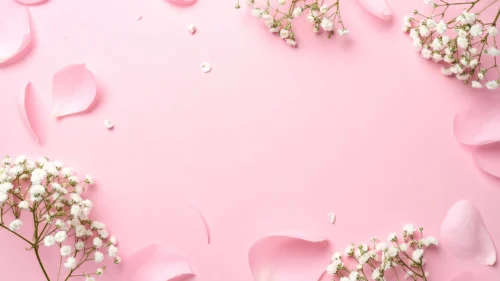
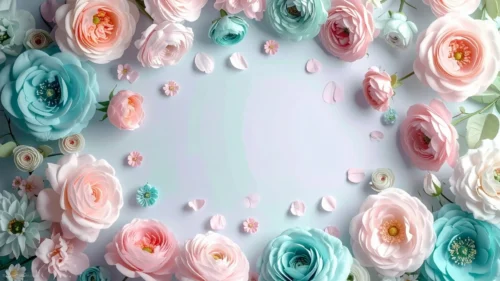
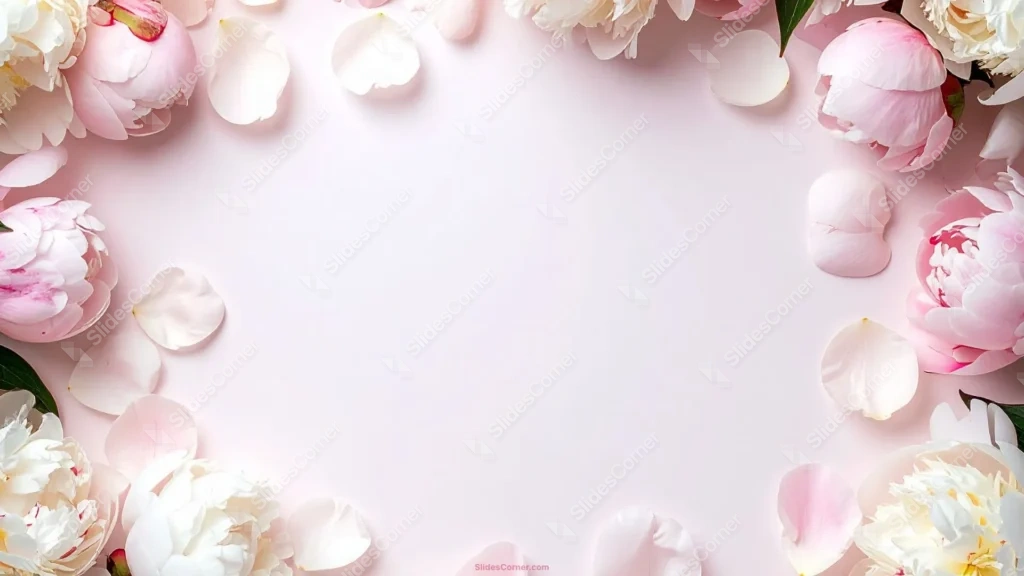
This elegant floral PowerPoint background frames your slide with soft pink and cream peonies while leaving the whole center open and calm. Full blooms and loose petals gather around every edge — blush pink at the corners, ivory-white through the middle of the border — and they rest on a pale, barely-there pink backdrop. That empty center is the entire point: it’s a clean, gentle stage for a title, a name, a date, or a quote.
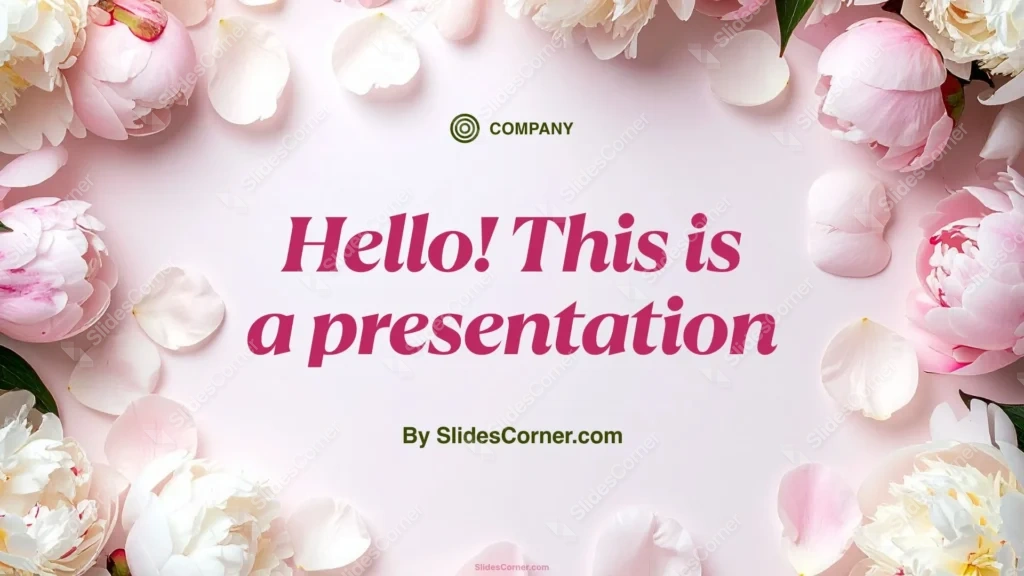
I arranged the flowers as a border rather than a scatter for one reason: text needs room. The pale pink center is deliberately soft and even so a headline reads without fighting any petals, while the fuller peonies anchor the corners and keep the frame from feeling empty. The palette is intentionally low-contrast and romantic — blush, cream, and a whisper of green leaf — so the mood stays elegant and unhurried rather than busy or loud. It’s the kind of softness that suits occasions where warmth matters more than volume.
What this elegant floral PowerPoint background is
This is a free, high-definition 16:9 background with no watermark, sized for slides and screens. It works as a title slide, a section divider, an invitation, or a full wallpaper for a laptop or phone. It’s built for PowerPoint, Google Slides, and Keynote, and exports cleanly to a JPG you can set as a desktop image.
Where I pictured you using it
I designed this peony floral background for soft, celebratory, feminine content rather than dense corporate data. It fits:
- Wedding, bridal shower, and engagement presentation slides
- Baby shower and gender-reveal PPT decks
- Mother’s Day, birthday, and anniversary greetings
- Feminine brand, beauty, and boutique Slides
- Spa, wellness, and self-care presentations
- Quotes, vows, poems, and invitation title cards
- Bridal or event-planning proposals and mood boards
- Teacher, classroom, and thank-you PowerPoint slides
- A soft, pretty wallpaper for laptop or phone
- Any Background where romance and elegance beat bold graphics
The design decision I care about most: readability on a soft background
A pale floral background is lovely but low-contrast, so text needs care. The soft pink center is your best zone — but because it’s so light, pale type will vanish. Use a dark color for headlines: charcoal, deep rose, muted plum, or a soft gold all sit beautifully on blush and stay perfectly legible. Keep text inside the open center and off the flowers themselves, where busy petals break up the letters. If you want a lighter font for contrast, add a subtle darker panel or a soft shadow behind it. My tested pairing: a deep charcoal or dusty-rose serif in the center reads elegant and stays crisp from across a room.
How to apply this elegant floral PowerPoint background in PowerPoint and Google Slides
In PowerPoint: open your deck, go to Design → Format Background → Picture or texture fill → Insert → From a File, and select the JPG. Choose Apply to All to carry the floral frame across the deck, or keep it on the title slide only. Add a text box in the open center and set the font to a dark tone so it reads.
In Google Slides: open Slide → Change background, click Choose image, upload the JPG, then pick Add to theme to apply it deck-wide or Done for a single slide. Insert a text box in the center and switch the text color to charcoal or deep rose under Format → Format options.
Readability tip that saves most soft decks: on a pale background, go darker and heavier with your font than instinct suggests. Thin pastel type looks delicate on your monitor and disappears on a projector.
FAQ
Is this elegant floral PowerPoint background free?
Yes. It’s a free download with no watermark, ready for personal and everyday presentation projects.
Does it work in Google Slides?
Yes. Upload the JPG through Slide → Change background. It also works in PowerPoint and Keynote the same way.
What resolution is it?
It’s HD 16:9, sized for widescreen slides and standard laptop and monitor screens.
Can I use it as a wallpaper?
Absolutely. Set the JPG as your desktop or phone wallpaper for a soft, floral look between decks.
Specs
- 1920 x 1080 px · 16:9 widescreen
- JPG, high quality, no compression artefacts
- PowerPoint · Google Slides · Keynote · Canva
- No watermark · no sign-up
- Free for personal and commercial use
You can use this Soft Blush Peony Floral Background for Elegant Wedding PowerPoint Slides as a Wallpaper or use it as a background for slides.
Looking for something different? Browse all our free PPT Backgrounds, or see how to set a background in PowerPoint and Google Slides.