







Aesthetic Medical Background PPT With Light Blue Hexagons
Free aesthetic medical background PPT with a soft light blue hexagon network pattern, HD 16:9.
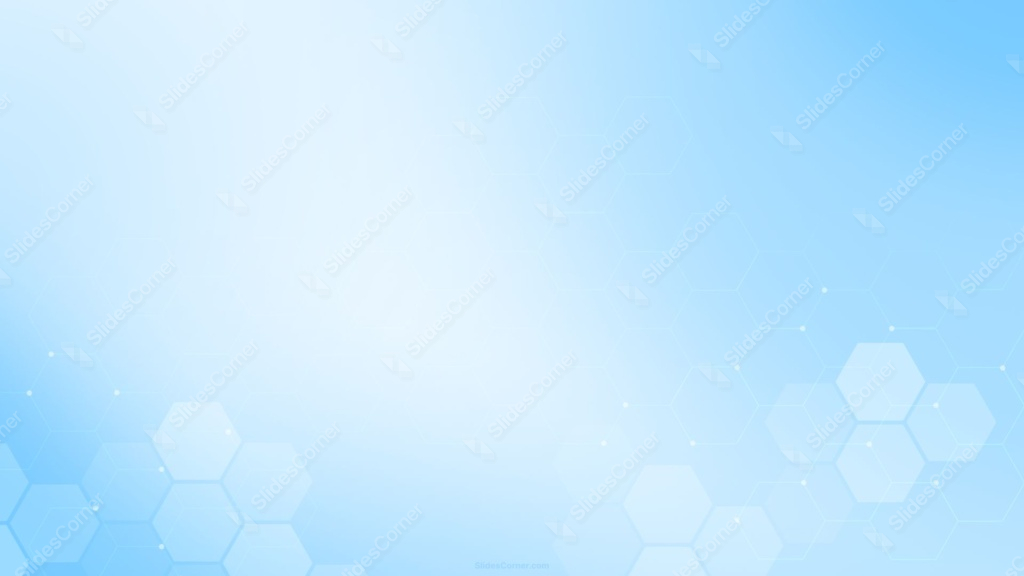
This aesthetic medical background PPT is built from a soft light blue hexagon grid, denser in the corners and fading to a nearly blank glow across the upper center.
Thin lines connect small circular nodes between hexagon centers, the kind of detail that reads instantly as scientific or medical without needing any icons or symbols.
What This Aesthetic Medical Background Looks Like
The hexagon shapes cluster most heavily in the bottom-left and bottom-right corners, some outlined only, others filled with a slightly deeper pale blue.
Thin connecting lines link the centers of certain hexagons, each junction marked with a tiny white dot, echoing a molecular or network diagram.
The upper-center area stays almost entirely clear, brightening to a soft, near-white glow where the pattern thins out completely.
Where This Aesthetic Medical Background PPT Fits
It suits healthcare and hospital presentations, pharmaceutical and biotech decks, medical conference slides, telehealth product pitches, and any keynote that wants a clean, clinical, trustworthy tone.
The open upper-center area works especially well for a title or key statistic.
Design Choices Behind the Hexagon Network
I let the hexagon grid stay dense in the corners and thin out toward the center, so the pattern reads as scientific without ever crowding the space where text needs to sit.
Adding thin connector lines and small circular nodes, rather than just floating hexagon outlines, taps into the visual shorthand most people already associate with medical and molecular diagrams.
Keeping every tone inside one pale blue family, with no accent color, gives the piece a clean, clinical feel appropriate for healthcare content.
How to Apply It in PowerPoint
- Go to Design > Format Background.
- Choose Picture or texture fill, then Insert from file.
- Click Apply to All for the whole deck.
How to Apply It in Google Slides
- Open Slide > Change background.
- Click Choose image and upload the downloaded file.
- Select Done, repeating on each slide you want to match.
Legibility Tip for This Aesthetic Medical Background
Keep text in the near-white upper-center area, clear of the denser hexagon corners. Dark navy or charcoal text reads cleanest there.
Frequently Asked Questions
Is this aesthetic medical background free?
Yes, it’s a free download with no watermark and no account required.
Does it work in Google Slides too?
Yes, it’s a standard image file, so it applies the same way in both PowerPoint and Google Slides.
What resolution is included?
1920×1080 px, HD 16:9, suited to slides and to a desktop or phone wallpaper.
Can I use it as a wallpaper?
Yes, the 16:9 ratio matches most laptop and desktop screens.
Features at a Glance
- HD 1920×1080 resolution, 16:9 ratio
- Free download, no watermark
- Light blue hexagon network pattern
- Thin connector lines with small node dots
- Clear, near-white center for text
- Works as a PowerPoint background, Google Slides background, or wallpaper
Specs
- 1920 x 1080 px · 16:9 widescreen
- JPG, high quality, no compression artefacts
- PowerPoint · Google Slides · Keynote · Canva
- No watermark · no sign-up
- Free for personal and commercial use
You can use this Clean Light Blue Hexagon Network Background for Medical Presentations as a Wallpaper or use it as a background for slides.
Looking for something different? Browse all our free PPT Backgrounds, or see how to set a background in PowerPoint and Google Slides.








