You might also like:
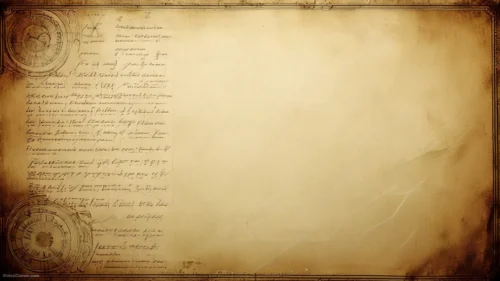
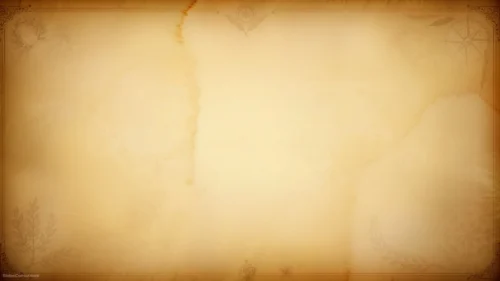
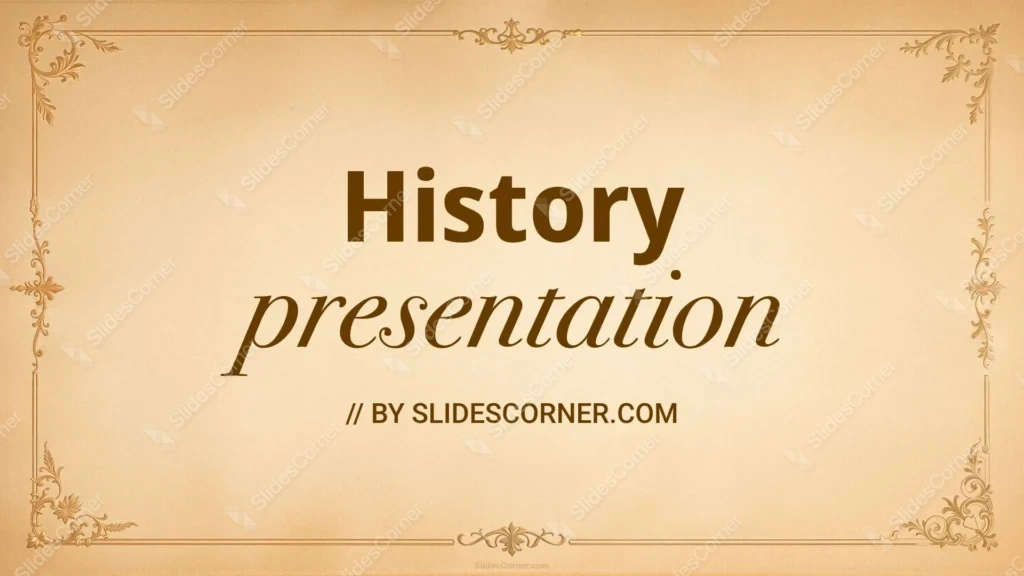
This aesthetic history background wraps your slide in the look of an antique document: a warm, aged parchment surface in soft cream and tan, edged with an ornate gold frame of Victorian-style flourishes. Delicate scrollwork curls at each corner, decorative motifs mark the middle of every side, and fine double lines connect them into a classic border. The whole center stays open and softly lit, so it reads like a certificate or an old manuscript waiting for its title.
I built this around the feeling of old paper and gilded detail. The parchment tone isn’t flat beige — it carries a gentle glow from the center outward, the way real aged paper catches light, which gives the slide warmth and depth. I kept the golden filigree symmetrical and confined to the border so it signals history, tradition, and formality without ever crowding your text. That restraint matters: the ornamentation does the storytelling at the edges, and the calm cream middle keeps everything legible and refined.
What this aesthetic history background is
This is a free, high-definition 16:9 background with no watermark, sized for slides and screens. It works as a title slide, a section divider, a certificate, or a full wallpaper for a laptop or phone. It’s built for PowerPoint, Google Slides, and Keynote, and exports cleanly to a JPG you can set as a desktop image.
Where I pictured you using it
I designed this vintage history background for classic, formal, and heritage-themed content. It fits:
- History, literature, and humanities presentation decks
- Certificates, diplomas, and award PPT slides
- Old-world storytelling, mythology, and classics lessons
- Antique, museum, and genealogy Slides
- Poetry, quotes, and calligraphy title cards
- Vintage wedding invitations and formal event programs
- Book reports, essay covers, and academic PowerPoint slides
- Historical societies, archives, and heritage talks
- A warm, classic wallpaper for a laptop or phone
- Any Background where tradition and elegance beat modern color
The design decision I care about most: readability on parchment
An aged-paper background looks refined but needs the right text treatment. The cream center is your writing zone — keep every word inside the gold frame and off the ornamental corners, where the filigree competes with letters. Because the parchment is light and warm, use a dark font: deep brown, black, burgundy, or a rich navy all read beautifully and match the classic mood. A serif typeface suits this style far better than a modern sans-serif — think the lettering you’d see on a real certificate or old book. Avoid pale gold or cream text; it melts into the paper. If you want gold to echo the frame, outline or shadow it so it stays crisp.
How to apply this aesthetic history background in PowerPoint and Google Slides
In PowerPoint: open your deck, go to Design → Format Background → Picture or texture fill → Insert → From a File, and select the JPG. Choose Apply to All to carry the framed look across the deck, or keep it on the title slide only. Add a text box in the cream center and set the font to a dark serif so it reads.
In Google Slides: open Slide → Change background, click Choose image, upload the JPG, then pick Add to theme to apply it deck-wide or Done for a single slide. Insert a text box in the center and switch the text color to dark brown or black under Format → Format options.
Readability tip that saves most vintage decks: pair this frame with a classic serif in a dark tone and keep the text block well inside the border. The empty parchment margin is what makes the whole slide feel like a real document, so resist filling it.
FAQ
Is this aesthetic history background free?
Yes. It’s a free download with no watermark, ready for personal and everyday presentation projects.
Does it work in Google Slides?
Yes. Upload the JPG through Slide → Change background. It also works in PowerPoint and Keynote the same way.
What resolution is it?
It’s HD 16:9, sized for widescreen slides and standard laptop and monitor screens.
Can I use it as a wallpaper?
Absolutely. Set the JPG as your desktop or phone wallpaper for a warm, classic look between decks.
Specs
- 1920 x 1080 px · 16:9 widescreen
- JPG, high quality, no compression artefacts
- PowerPoint · Google Slides · Keynote · Canva
- No watermark · no sign-up
- Free for personal and commercial use
You can use this Ornate Vintage Aesthetic History Background for Classic Formal PowerPoint Slides as a Wallpaper or use it as a background for slides.
Looking for something different? Browse all our free PPT Backgrounds, or see how to set a background in PowerPoint and Google Slides.