

You might also like:




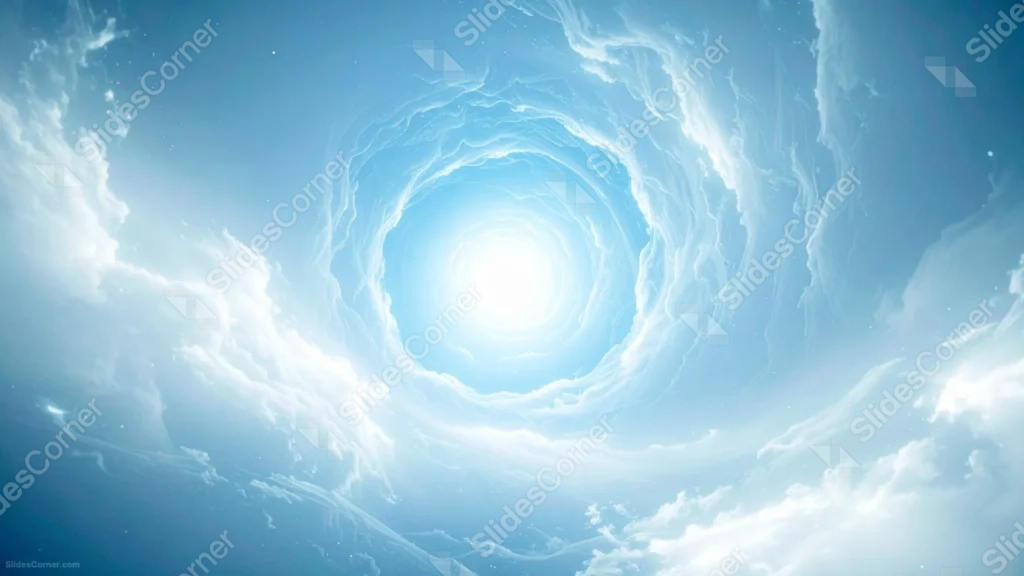
This blue sky background for PowerPoint looks straight up into a spiraling tunnel of clouds, all curving inward toward one bright point of light at the center.
Faint stars scatter through the deeper blue corners, giving the swirl a sense of scale that stretches far beyond the frame.
What This Blue Sky Background Looks Like
Wispy cloud bands curl and twist in a rough circle, all drawn toward a glowing white core at the center of the frame.
The blue deepens steadily from that bright center out to the corners, where soft, textured clouds pile up like the edge of a storm seen from below.
A few tiny points of starlight sit in the darkest corners, hinting that this sky opens onto something bigger than an ordinary afternoon.
Where This Blue Sky Background For PowerPoint Fits
- Science, astronomy, or space-themed presentations
- Meditation, spirituality, or mindfulness decks
- Fantasy or sci-fi storytelling slides
- Any title slide wanting a dreamy, otherworldly feel
Design Choices Behind This Cloud Vortex
I built the clouds to spiral toward a single point rather than drift randomly, since that pull toward the center gives the whole image a sense of motion and depth.
Keeping the corners darker and denser with cloud detail leaves the bright center calm and open, which is exactly where a headline naturally wants to sit.
Adding just a few faint stars, rather than a full starfield, was a deliberate choice: it suggests something vast beyond the clouds without turning this into a full space scene.
How to Apply It in PowerPoint
- Go to Design > Format Background.
- Choose Picture or texture fill, then Insert from file.
- Click Apply to All to carry it across the whole deck.
How to Apply It in Google Slides
- Open Slide > Change background.
- Click Choose image and upload the downloaded file.
- Select Done, repeating on any other slides you want to match.
Legibility Tip for This Blue Sky Background
Keep your headline in the glowing center, using a dark navy font, since that’s the brightest, most even part of the entire frame.
Frequently Asked Questions
Is this blue sky background free?
Yes, it’s a free download with no watermark and no account required.
Does it work in Google Slides too?
Yes, it’s a standard image file, so it applies the same way in both PowerPoint and Google Slides.
What resolution is included?
1920×1080 px, HD 16:9, suited to slides and to a desktop or phone wallpaper.
Can I use it as a wallpaper?
Yes, the 16:9 ratio matches most laptop and desktop screens.
Features at a Glance
- HD 1920×1080 resolution, 16:9 ratio
- Free download, no watermark
- Spiraling cloud vortex with a glowing center
- Faint stars in the deep blue corners
- Bright, open center for text
- Works as a PowerPoint background, Google Slides background, or wallpaper
Specs
- 1920 x 1080 px · 16:9 widescreen
- JPG, high quality, no compression artefacts
- PowerPoint · Google Slides · Keynote · Canva
- No watermark · no sign-up
- Free for personal and commercial use
You can use this Ethereal Blue Sky Background For PowerPoint as a Wallpaper or use it as a background for slides.
Looking for something different? Browse all our free PPT Backgrounds, or see how to set a background in PowerPoint and Google Slides.








