You might also like:



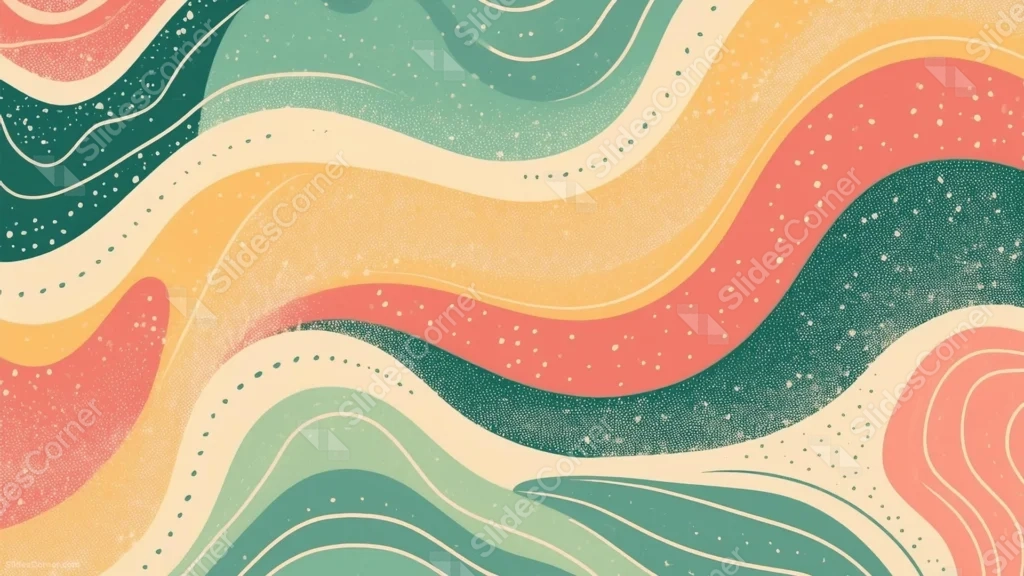
This aesthetic boho background for Google Slides runs continuous wavy bands of coral, mustard, teal, and deep green edge to edge across the frame.
A fine dot-grain texture and scattered speckles cover every band, giving the whole piece a printed, retro poster feel.
What This Aesthetic Boho Background Looks Like
Loose, hand-drawn wave bands ripple diagonally across the frame, alternating between cream, mustard, coral, teal, and dark forest green.
Thin cream contour lines trace along several of the waves, while small dots and a fine grain texture cover the surface of every color.
A single dark green leaf shape peeks in from the lower right corner, the only recognizable object in an otherwise fully abstract composition.
Where This Aesthetic Boho Background For Google Slides Fits
- Retro, groovy, or 70s-themed presentations
- Music, festival, or creative brand decks
- Podcast covers or social media templates
- Any wallpaper wanting a bold, warm color story
Design Choices Behind the Retro Wave Stripes
I ran continuous wavy bands edge to edge in coral, mustard, teal, and deep green rather than isolating them to corners, so the piece leans fully into a retro poster look instead of a modern minimal one.
Layering a fine dot-grain texture and small scattered dots over every band means even the flattest colors read as printed rather than digital.
I kept the wave curves loose and organic instead of perfectly symmetrical, so the rhythm feels hand-drawn rather than generated.
How to Apply It in PowerPoint
- Go to Design > Format Background.
- Choose Picture or texture fill, then Insert from file.
- Click Apply to All to use it across the whole deck.
How to Apply It in Google Slides
- Open Slide > Change background.
- Click Choose image and upload the downloaded file.
- Select Done, repeating on any other slides you want to match.
Legibility Tip for This Aesthetic Boho Background
Use a cream or white font over the darker teal and green bands, since the lighter mustard and coral sections have less contrast for pale text.
Frequently Asked Questions
Is this aesthetic boho background free?
Yes, it’s a free download with no watermark and no account required.
Does it work in PowerPoint too?
Yes, it’s a standard image file, so it applies the same way in both Google Slides and PowerPoint.
What resolution is included?
1920×1080 px, HD 16:9, suited to slides and to a desktop or phone wallpaper.
Can I use it as a wallpaper?
Yes, the 16:9 ratio matches most laptop and desktop screens.
Features at a Glance
- HD 1920×1080 resolution, 16:9 ratio
- Free download, no watermark
- Continuous retro wave bands in coral, mustard, and teal
- Fine dot-grain texture across every band
- Hand-drawn, loosely organic wave curves
- Works as a Google Slides background, PowerPoint background, or wallpaper
Specs
- 1920 x 1080 px · 16:9 widescreen
- JPG, high quality, no compression artefacts
- PowerPoint · Google Slides · Keynote · Canva
- No watermark · no sign-up
- Free for personal and commercial use
You can use this Groovy Aesthetic Boho Background For Google Slides as a Wallpaper or use it as a background for slides.
Looking for something different? Browse all our free PPT Backgrounds, or see how to set a background in PowerPoint and Google Slides.