You might also like:
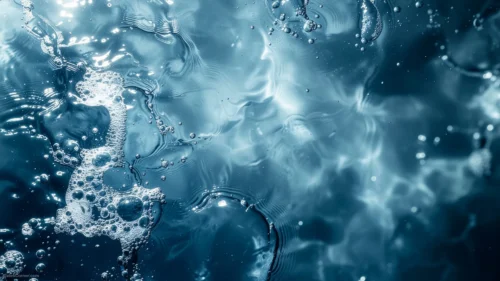
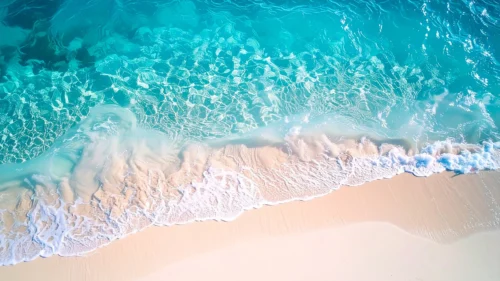
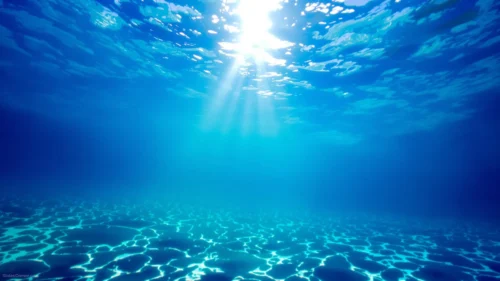
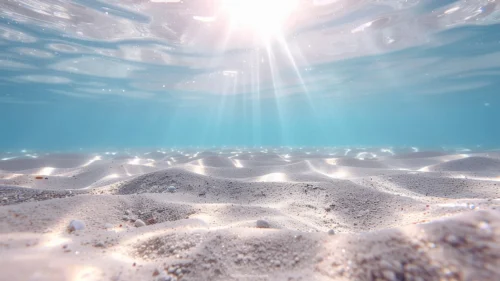
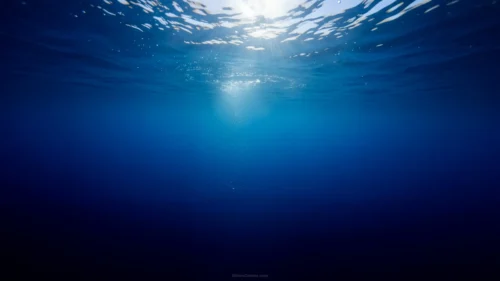
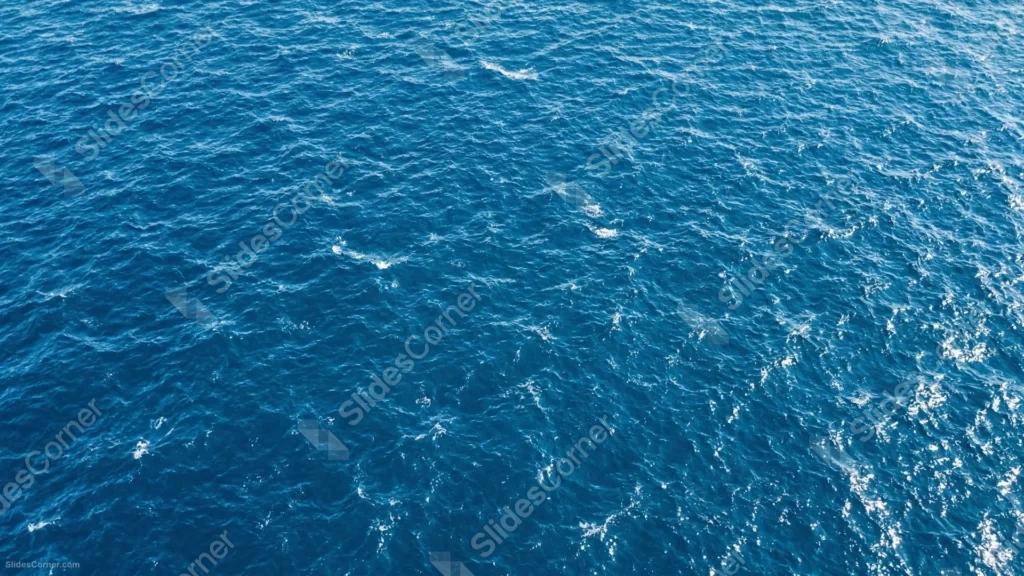
This ocean background for PowerPoint looks straight down onto a rippling blue ocean surface, with white foam and glint patterns scattered edge to edge.
There’s no horizon line or sky in the shot, just a continuous aerial view of moving water.
What This Ocean Background Looks Like
Deep blue water fills the entire frame, its surface broken into countless small ripples that catch light unevenly across the whole image.
Streaks of white foam and scattered glints of sunlight trace loose, irregular paths across the water, thickening toward the lower right corner.
The texture holds steady across the whole frame, with no single focal point, sky, or horizon breaking up the water.
Where This Ocean Background For PowerPoint Fits
- Marine biology, oceanography, or environmental presentations
- Travel, sailing, or coastal brand decks
- Wellness or meditation slides wanting a calm, natural texture
- Any wallpaper needing a genuine aerial water photograph
Design Choices Behind the Aerial Water Texture
I shot this straight down from above rather than at an angle, so the water reads as pure texture with no horizon line pulling focus to one spot.
Letting the white foam and glint patterns scatter unevenly across the frame, instead of following a single wave direction, makes the surface feel like a genuine aerial photograph rather than a repeating pattern.
I kept the color in one tight range of deep blue throughout, since a texture like this works best as a backdrop when it isn’t competing with multiple tones.
How to Apply It in PowerPoint
- Go to Design > Format Background.
- Choose Picture or texture fill, then Insert from file.
- Click Apply to All to use it across the whole deck.
How to Apply It in Google Slides
- Open Slide > Change background.
- Click Choose image and upload the downloaded file.
- Select Done, repeating on any other slides you want to match.
Legibility Tip for This Ocean Background
Use a white or pale font with a subtle shadow or semi-transparent panel behind it, since the busy water texture runs edge to edge with no plain area.
Frequently Asked Questions
Is this ocean background free?
Yes, it’s a free download with no watermark and no account required.
Does it work in Google Slides too?
Yes, it’s a standard image file, so it applies the same way in both PowerPoint and Google Slides.
What resolution is included?
1920×1080 px, HD 16:9, suited to slides and to a desktop or phone wallpaper.
Can I use it as a wallpaper?
Yes, the 16:9 ratio matches most laptop and desktop screens.
Features at a Glance
- HD 1920×1080 resolution, 16:9 ratio
- Free download, no watermark
- Genuine aerial photograph of open ocean water
- Scattered white foam and sunlight glints
- Consistent deep blue texture edge to edge
- Works as a PowerPoint background, Google Slides background, or wallpaper
Specs
- 1920 x 1080 px · 16:9 widescreen
- JPG, high quality, no compression artefacts
- PowerPoint · Google Slides · Keynote · Canva
- No watermark · no sign-up
- Free for personal and commercial use
You can use this Rippling Ocean Background For PowerPoint Presentations as a Wallpaper or use it as a background for slides.
Looking for something different? Browse all our free PPT Backgrounds, or see how to set a background in PowerPoint and Google Slides.