

You might also like:





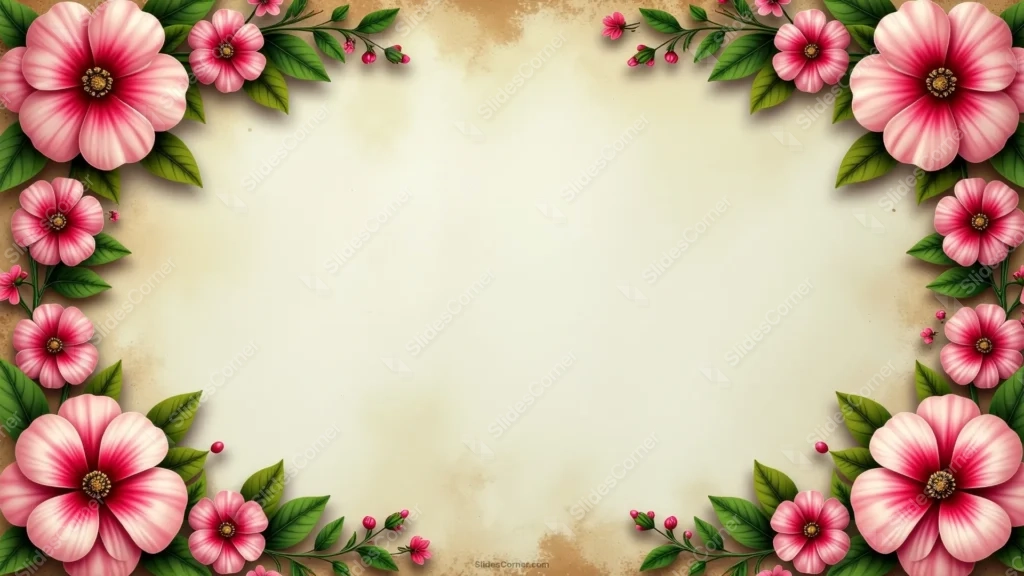
This vintage floral background for PPT arranges glossy pink and white blooms as independent clusters at each corner, rather than one continuous vine, over aged parchment.
Three flowers stack vertically down the right edge in their own column, giving that side more rhythm than the top-and-bottom clusters on the left.
What This Vintage Floral Background Looks Like
Large hibiscus-style blooms in pink, white, and deep red-centered gradients anchor the top-left and top-right corners, each with its own short stem and leaf cluster.
Down the right edge, three separate flowers stack in a vertical column, connected only by their own individual stems rather than a shared vine.
The parchment staining concentrates along the edges, while the center stays a cleaner, more even cream than a page aged all the way through.
Where This Vintage Floral Background For PPT Fits
It’s a strong fit for wedding stationery, botanical journaling content, vintage-styled certificates, and any presentation wanting a classic floral frame.
The calmer, cleaner center also suits text-heavy slides needing more legible open space.
Design Choices Behind the Corner Blooms
I kept each flower cluster independent, rather than linking them with one continuous vine, so the border reads as four separate bouquets instead of a single unbroken garland.
Stacking three flowers vertically down the right edge in their own column gives that side more rhythm and repetition than the top-and-bottom-only clusters on the left.
Concentrating the parchment staining at the edges, and letting the center stay a cleaner, more even cream, makes the open middle feel calmer and more usable for longer blocks of text.
How to Apply It in PowerPoint
- Go to Design > Format Background.
- Choose Picture or texture fill, then Insert from file.
- Click Apply to All for the whole deck.
How to Apply It in Google Slides
- Open Slide > Change background.
- Click Choose image and upload the downloaded file.
- Select Done, repeating on each slide you want to match.
Legibility Tip for This Vintage Floral Background
Keep text in the clean cream center, using dark brown or charcoal type, well clear of the flower clusters at each edge.
Frequently Asked Questions
Is this vintage floral background free?
Yes, it’s a free download with no watermark and no account required.
Does it work in Google Slides too?
Yes, it’s a standard image file, so it applies the same way in both PowerPoint and Google Slides.
What resolution is included?
1920×1080 px, HD 16:9, suited to slides and to a desktop or phone wallpaper.
Can I use it as a wallpaper?
Yes, the 16:9 ratio matches most laptop and desktop screens.
Features at a Glance
- HD 1920×1080 resolution, 16:9 ratio
- Free download, no watermark
- Independent glossy floral clusters at each corner
- Vertical stacked flower column down the right edge
- Edge-concentrated parchment staining with a clean center
- Works as a PowerPoint background, Google Slides background, or wallpaper
Specs
- 1920 x 1080 px · 16:9 widescreen
- JPG, high quality, no compression artefacts
- PowerPoint · Google Slides · Keynote · Canva
- No watermark · no sign-up
- Free for personal and commercial use
You can use this Classic Vintage Floral Corners on Edge-Stained Parchment as a Wallpaper or use it as a background for slides.
Looking for something different? Browse all our free PPT Backgrounds, or see how to set a background in PowerPoint and Google Slides.







