


You might also like:



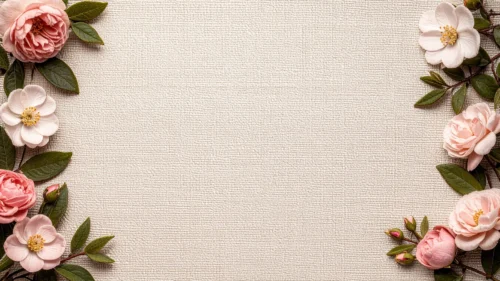

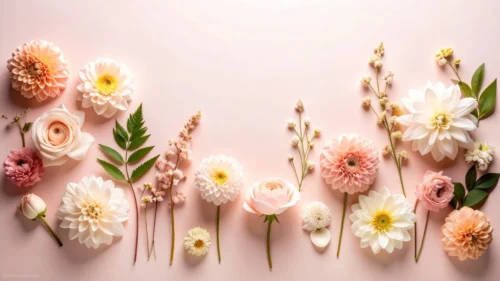
This pink rose background for slides keeps to a single bloom and a scatter of loose petals, all within one pink tone, tucked into the upper-right corner.
Roughly three-quarters of the frame stays completely plain, more open space than a multi-flower cluster usually leaves.
What This Pink Rose Background Looks Like
A single, fully open rose sits in the upper-right corner, its petals rendered in soft, layered pink with gentle natural shadow between each fold.
Loose petals scatter downward and to the left of the bloom, thinning out gradually until the plain background takes over completely.
There’s no green leaf, stem, or contrasting color anywhere, the rose, its petals, and the backdrop all sit within the same monochromatic pink.
Where This Pink Rose Background For Slides Fits
The large open area suits minimalist title slides, beauty and skincare brands, romantic invitations, and any deck wanting a soft touch of floral without visual clutter.
It also works well for Valentine’s or anniversary content, where a single rose carries more restraint than a full bouquet.
Design Choices Behind the Single Bloom
I used a single rose bloom instead of a cluster of different flowers, so the piece stays quiet and focused rather than busy.
Keeping every element, petals, background, and bloom, within one pink tone, with no green leaves or contrasting color anywhere, gives it a genuinely monochromatic look.
Confining the rose and its scattered petals to the upper-right corner leaves roughly three-quarters of the frame as plain, open pink, more usable space than a multi-flower cluster typically leaves.
How to Apply It in Google Slides
- Open Slide > Change background.
- Click Choose image and upload the downloaded file.
- Select Done, repeating on each slide you want to match.
How to Apply It in PowerPoint
- Go to Design > Format Background.
- Choose Picture or texture fill, then Insert from file.
- Click Apply to All for the whole deck.
Legibility Tip for This Pink Rose Background
Keep text in the open left two-thirds of the frame, using dark plum or charcoal type, well away from the rose in the corner.
Frequently Asked Questions
Is this pink rose background free?
Yes, it’s a free download with no watermark and no account required.
Does it work in PowerPoint too?
Yes, it’s a standard image file, so it applies the same way in both PowerPoint and Google Slides.
What resolution is included?
1920×1080 px, HD 16:9, suited to slides and to a desktop or phone wallpaper.
Can I use it as a wallpaper?
Yes, the 16:9 ratio matches most laptop and desktop screens.
Features at a Glance
- HD 1920×1080 resolution, 16:9 ratio
- Free download, no watermark
- Single rose bloom with scattered petals
- Fully monochromatic pink palette
- Roughly three-quarters open, plain space
- Works as a Google Slides background, PowerPoint background, or wallpaper
Specs
- 1920 x 1080 px · 16:9 widescreen
- JPG, high quality, no compression artefacts
- PowerPoint · Google Slides · Keynote · Canva
- No watermark · no sign-up
- Free for personal and commercial use
You can use this Minimal Monochromatic Rose Background with Scattered Petals as a Wallpaper or use it as a background for slides.
Looking for something different? Browse all our free PPT Backgrounds, or see how to set a background in PowerPoint and Google Slides.








