You might also like:
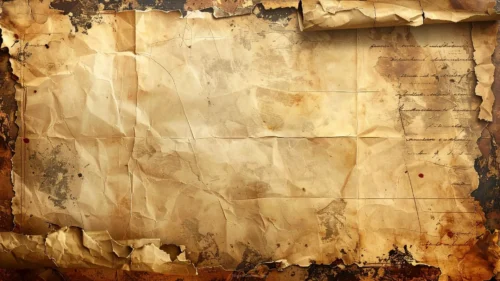
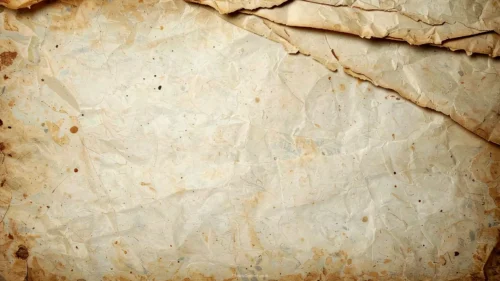
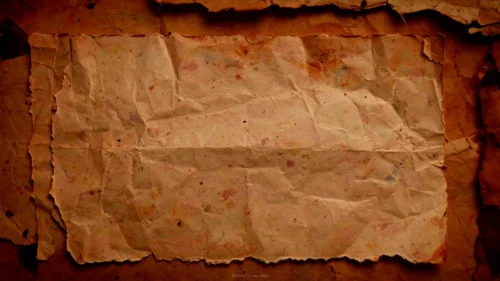
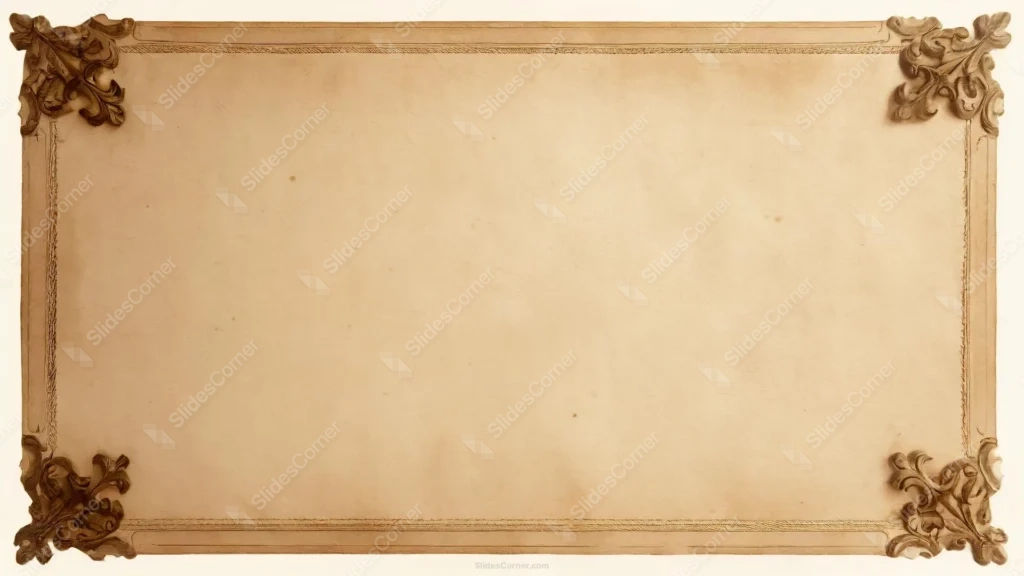
This antique parchment background for Google Slides looks like a page pulled from a bound ledger that’s sat in an attic for a hundred years: warm cream paper, a thin double-line border, and four corners carved with weathered brown scrollwork.
The surface isn’t flat or uniform. Faint age spots and foxing marks sit unevenly across the page, the kind of blemish real paper picks up after decades in a drawer, not a filter dropped on top afterward.
What This Antique Parchment Background Looks Like
Each corner carries an acanthus-leaf motif carved in relief, the kind you’d find on an old picture frame or a wax seal press. The lines sit crisp near the ornament and soften into the paper as they radiate outward.
A slim double rule runs just inside the outer edge on all four sides, the classic mark of a formal certificate or a historical document, without boxing the center in so tightly that it fights with your text.
The middle of the page stays a clean, even tan. No scrolls, no concentrated spots there, just quiet paper waiting for a title or a quote.
Where This Antique Parchment Background For Google Slides Fits
It suits genealogy presentations, history lessons, literature units, legal or heritage documents, wedding programs, book launches, or any deck that wants the gravity of an old document rather than a flat corporate template.
The carved corners also work well on a title slide or a closing “thank you” slide, where the ornament frames a short line of text without competing with dense content.
Design Choices Behind the Carved Corners and Aged Tone
I built the aging in layers rather than a single tint. The paper grain, the scattered spots, and the corner shading each sit on their own layer, so the texture holds up at full 1920×1080 size instead of turning muddy.
I chose a narrow tonal range, roughly #C9A876 to #8B6B4A, so the piece reads as parchment and not as scorched or dirty paper. Keeping the corners darker than the center does the contrast work: your eye lands on the middle, where the text goes.
The carving detail in the corners took the most restraint. Enough shading to read as dimensional relief at a glance, but not so much fine detail that it turns into visual noise once a text box sits nearby.
How to Apply It in Google Slides
- Open Slide > Change background.
- Click Choose image and upload the downloaded file.
- Select Done. Repeat on each slide you want to match, since Slides sets backgrounds one at a time.
How to Apply It in PowerPoint
- Open your slide, go to Design > Format Background.
- Choose Picture or texture fill, then Insert from file and select the downloaded image.
- Click Apply to All for the whole deck, or leave it on a single title or divider slide.
Legibility Tip for This Antique Parchment Background
Keep your text inside the calmer center, clear of the carved corners. Dark brown, black, or deep burgundy type reads best against this paper; pale or white text tends to wash out against the warm cream tone.
Frequently Asked Questions
Is this antique parchment background free?
Yes, it’s a free download with no watermark and no account required.
Does it work in Google Slides?
Yes, it’s built and tested for Google Slides, and it applies the same way in PowerPoint.
What resolution is included?
1920×1080 px, HD 16:9, suited to slides and to a desktop or phone wallpaper.
Can I use it as a wallpaper?
Yes, the 16:9 ratio matches most laptop and desktop screens.
Features at a Glance
- HD 1920×1080 resolution, 16:9 ratio
- Free download, no watermark
- Hand-carved acanthus-leaf corner ornaments in weathered brown
- Thin double-line border framing the page
- Warm cream center with scattered age spots and foxing
- Works as a Google Slides background, PowerPoint background, or wallpaper
Specs
- 1920 x 1080 px · 16:9 widescreen
- JPG, high quality, no compression artefacts
- PowerPoint · Google Slides · Keynote · Canva
- No watermark · no sign-up
- Free for personal and commercial use
You can use this Timeworn Parchment Background for Heritage and History Presentations as a Wallpaper or use it as a background for slides.
Looking for something different? Browse all our free PPT Backgrounds, or see how to set a background in PowerPoint and Google Slides.