Nostalgic Vintage Background for Slides with Collage
Download a free nostalgic vintage background for slides with a layered journal collage and a blank note for your text.
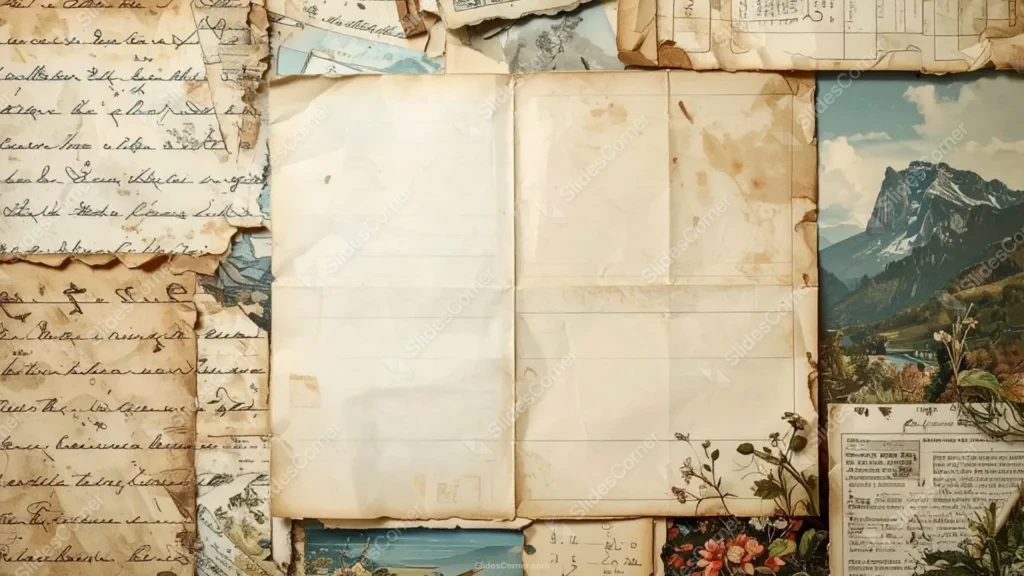
This background is for slides that want warmth and memory — storytelling and memoir decks, history and literature lessons, journaling and scrapbook layouts, poetry or quote pages, travel and heritage projects, or a heartfelt title screen. It is a layered vintage collage: old handwritten letters in faded ink, postcards of mountains and alpine lakes, pressed flowers, and clippings from ledgers and books, all overlapping like a page from a keepsake journal. A blank, folded sheet of aged paper sits in the center, creased and softly stained, giving your text a calm clearing in the middle of all that texture.
Why I built it as a layered collage
I composed this one as a scrapbook rather than a single texture, because nostalgia lives in the layers — the sense that many small memories were gathered onto one page over time. The letters, postcards, and pressed flowers sit around the edges where they set the mood, while the plain aged note in the center holds everything together and keeps a space open for your words.
I chose muted, sun-faded tones — cream, sepia, dusty blue, soft green — so the collage reads as genuinely old and gentle on the eye, never loud. That blank sheet in the middle was deliberate: without it, a collage this rich would leave nowhere for text to breathe, so I placed a quiet, lightly lined note right where your content needs to go.
Every clipping around it earns its place by adding story, not clutter, and the whole thing feels handmade rather than printed.
Where this nostalgic vintage background for slides works best
- Storytelling, memoir, and family-history decks
- History and literature lessons with a personal touch
- Journaling, scrapbook, and bullet-journal layouts
- Poetry, quotes, and reflective title slides
- Travel diaries and heritage or genealogy projects
- Wedding, anniversary, and keepsake presentations
- A cozy, sentimental wallpaper for a nostalgic desktop
Because the collage fills the frame while the note anchors the center, the layout stays balanced on any 16:9 slide and always leaves room for your content.
How to apply it in PowerPoint and Google Slides
In PowerPoint: open the Design tab, click Format Background, choose Picture or texture fill, select Insert, and load the downloaded image. Click Apply to All to place it on every slide. For a version you can’t nudge by mistake, add it through View → Slide Master instead.
In Google Slides: go to Slide → Change background, click Choose image, upload the file, and select Add to theme to apply it across the whole deck.
Readability tip: keep your text on the pale blank note in the center, away from the busy collage at the edges. Dark brown, deep sepia, or charcoal type reads cleanly on the aged paper and suits the nostalgic mood. For a text-heavy slide, drop a soft cream box at 85% opacity over the note to lift contrast while keeping the layered look around it.
What you get
- One HD background in 16:9, ready for widescreen slides
- Layered vintage journal collage with letters, postcards, and flowers
- Blank aged paper note in the center for your content
- Muted, sun-faded palette of cream, sepia, and dusty blue
- Handmade scrapbook feel with authentic worn detail
- No watermark and no attribution required
- Works in PowerPoint, Google Slides, Keynote, and as a wallpaper
- Free download for classroom, personal, and event use
FAQ
Is this nostalgic background free?
Yes. Download it at no cost and use it for lessons, personal projects, and events, with no watermark on the file.
Does it work in Google Slides?
It does. Upload it through Slide → Change background → Choose image, then pick Add to theme to use it on every slide.
What resolution is the file?
It is a high-definition 16:9 image built for widescreen presentations, so the collage detail stays sharp when projected or shown full-screen.
Can I use it as a wallpaper?
Yes. The 16:9 ratio fits most laptop and desktop screens, which makes it a cozy, sentimental wallpaper as well as a slide background.
Specs
- 1920 x 1080 px · 16:9 widescreen
- JPG, high quality, no compression artefacts
- PowerPoint · Google Slides · Keynote · Canva
- No watermark · no sign-up
- Free for personal and commercial use
You can use this Heartfelt Layered Journal Nostalgic Vintage Background for Storytelling Slides as a Wallpaper or use it as a background for slides.
Looking for something different? Browse all our free PPT Backgrounds, or see how to set a background in PowerPoint and Google Slides.