







Green Yellow Gradient Background For Google Slides With Layered Organic Shapes
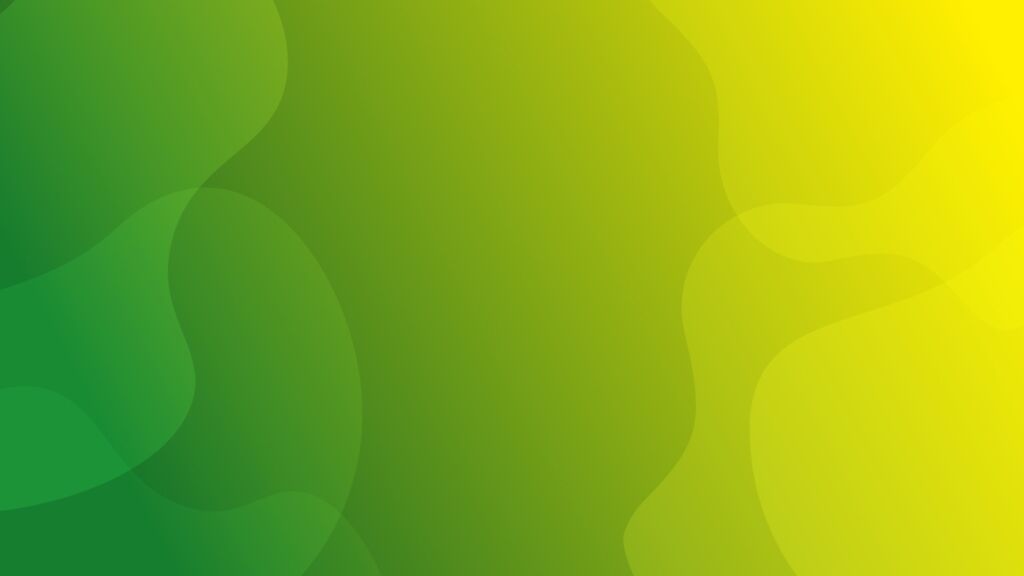
A green yellow gradient background for Google Slides with layered, organic blob shapes across the frame.
This background is for a slide that wants energy and texture without a single straight line. Fresh green pools on the left and warms into bright yellow on the right, with several overlapping organic blob shapes layered across the entire frame. Free, HD, and watermark-free for Google Slides or PowerPoint.
What This Green Yellow Gradient Background Looks Like
Unlike a simple linear gradient, this one is built from several soft, rounded shapes stacked on top of the base color shift, each one only a shade lighter or darker than what’s underneath.
The shapes cover the full frame edge to edge, so there’s no single flat zone; every part of the background has some gentle curve or overlap running through it.
Where This Background Fits
This suits sustainability and eco-brand decks, wellness and outdoor presentations, creative agency slides, and any content that wants an organic, energetic background instead of a flat, minimal one.
Design Choices Behind These Layered Organic Shapes
I chose rounded, blob-like shapes instead of geometric ones because green and yellow already read as natural and organic, and sharp angles would have worked against that association.
Keeping every shape close in tone to its neighbor was important too. It lets the layers create depth and movement without ever turning into a busy, high-contrast pattern that would fight with text placed on top.
How to Apply This Background in Google Slides
- Download and unzip the file, then open your Google Slides presentation.
- Go to Slide, then Change background.
- Click Choose image and upload the downloaded file.
- Click Done, or apply it to the whole theme from the master slide for a consistent look.
How to Apply This Background in PowerPoint
- Open your PowerPoint presentation and go to the Design tab.
- Click Format Background, then Picture or texture fill.
- Select Insert picture from a file and choose the downloaded image.
- Click Apply to All to use it on every slide.
Legibility Tip for This Background
White or dark charcoal text both work well, but check placement first since the shapes shift brightness slightly across the frame. The center-left zone tends to offer the most even contrast.
FAQ
Is this green yellow gradient background free? Yes, it’s a free download with no watermark and no attribution required.
Does it work in PowerPoint? Yes, it’s a standard image file, so it applies the same way in both Google Slides and PowerPoint.
What resolution is the file? It’s full HD at 1920×1080, so it stays sharp on any screen or projector.
Can I use this as a wallpaper? Yes, the layered green and yellow shapes work well as an energetic desktop background too.
Features at a Glance
- Free HD 1920×1080 download, no watermark
- Green to yellow color shift
- Layered, overlapping organic blob shapes
- Full edge-to-edge coverage with no flat zone
- Works in Google Slides, PowerPoint, and as a wallpaper
- Fresh, natural mood suited to eco and wellness decks
Specs
- 1920 x 1080 px · 16:9 widescreen
- JPG, high quality, no compression artefacts
- PowerPoint · Google Slides · Keynote · Canva
- No watermark · no sign-up
- Free for personal and commercial use
You can use this Fresh Green Yellow Gradient Background With Layered Organic Shapes For Presentations as a Wallpaper or use it as a background for slides.
Looking for something different? Browse all our free PPT Backgrounds, or see how to set a background in PowerPoint and Google Slides.






