You might also like:





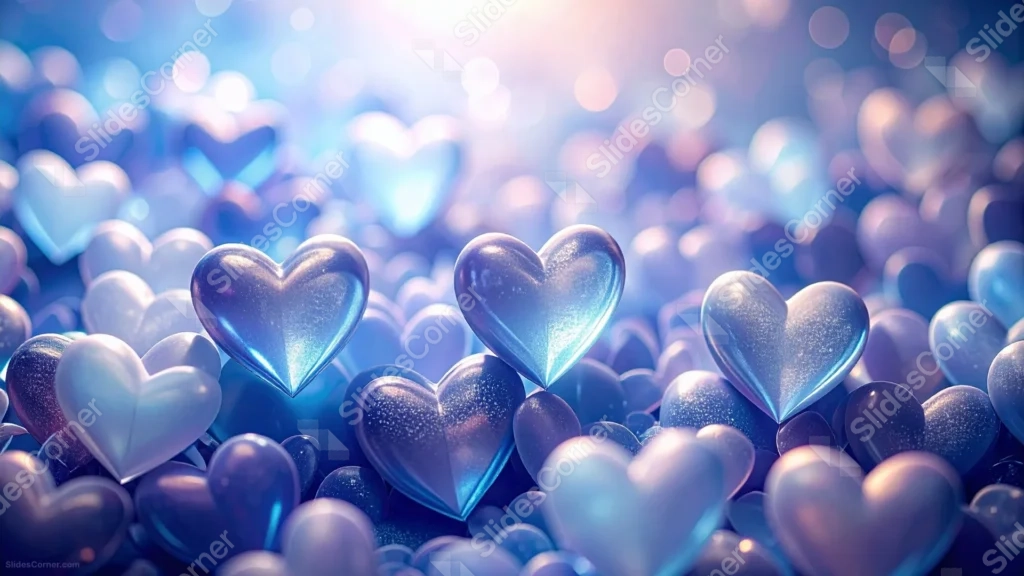
This background is for a Valentine’s slide that wants a cooler, more dreamlike palette than the usual red and pink. Glossy 3D hearts in icy blue and lilac pack the entire frame edge to edge, layered front to back until they dissolve into soft bokeh, with a single warm glow breaking through above. Free, HD, and watermark-free for PowerPoint or Google Slides.
What This Blue Hearts Background Looks Like
Sharp, glossy hearts sit in the front rows, their surfaces catching light like polished glass or brushed metal, cool blue on top fading to deeper indigo in the shadowed folds. Behind them, rows and rows of smaller hearts blur into soft, glowing shapes that recede into the distance.
There’s no open sky or clear ground here, just heart after heart filling the frame, broken only by a warm, hazy light source glowing near the top center.
Where This Background Fits
This suits a Valentine’s Day slide with a moodier, more ethereal tone, winter romance content, anniversary or engagement announcements, or a dreamy phone wallpaper for anyone who wants hearts without going full pink.
Design Choices Behind This Glossy Icy Heart Field
I chose a cool blue-to-lilac palette instead of the expected red or pink because it makes the hearts read as sculptural objects first and a Valentine’s symbol second. That shift in color does a lot of the work in keeping this from feeling like a cliché.
Filling the entire frame with hearts and layering the depth of field so the front row stays crisp while everything behind it softens was meant to give real dimension to what could easily have been a flat, repeated pattern. The single warm glow at the top keeps the cool palette from feeling cold or flat, and gives the piece one clear focal point in an otherwise busy field.
How to Apply This Background in PowerPoint
- Download and unzip the file, then open your PowerPoint presentation.
- Go to the Design tab and click Format Background.
- Choose Picture or texture fill, then Insert picture from a file, and select the downloaded image.
- Click Apply to All to use it across the whole deck, or leave it on a single slide.
How to Apply This Background in Google Slides
- Open your presentation and go to Slide, then Change background.
- Click Choose image and upload the downloaded file.
- Click Done to apply it to the current slide.
- To apply it across every slide, make the change from the master theme instead.
Legibility Tip for This Background
Since this background has no clear open zone, place a short title near the softer, blurred area at the top and add a subtle dark overlay or text box behind it. White or pale gold text will read best against the cool blue tones.
FAQ
Is this blue hearts background free? Yes, it’s a free download with no watermark and no attribution required.
Does it work in Google Slides? Yes, it uploads directly as a custom background image, no conversion needed.
What resolution is the file? It’s full HD at 1920×1080, so it stays sharp on any screen or projector.
Can I use this as a wallpaper? Yes, this one was actually built with that in mind, since the dense, edge-to-edge pattern works well as a phone or desktop background.
Features at a Glance
- Free HD 1920×1080 download, no watermark
- Glossy 3D hearts in icy blue and lilac tones
- Layered depth of field from sharp foreground to soft bokeh
- Warm glow breaking through a cool palette
- Works in PowerPoint, Google Slides, and as a wallpaper
- Dreamy, ethereal mood suited to a moodier Valentine’s tone
Specs
- 1920 x 1080 px · 16:9 widescreen
- JPG, high quality, no compression artefacts
- PowerPoint · Google Slides · Keynote · Canva
- No watermark · no sign-up
- Free for personal and commercial use
You can use this Icy Blue Hearts Background With A Glossy Dreamlike Heart Field For Presentations as a Wallpaper or use it as a background for slides.
Looking for something different? Browse all our free PPT Backgrounds, or see how to set a background in PowerPoint and Google Slides.