You might also like:





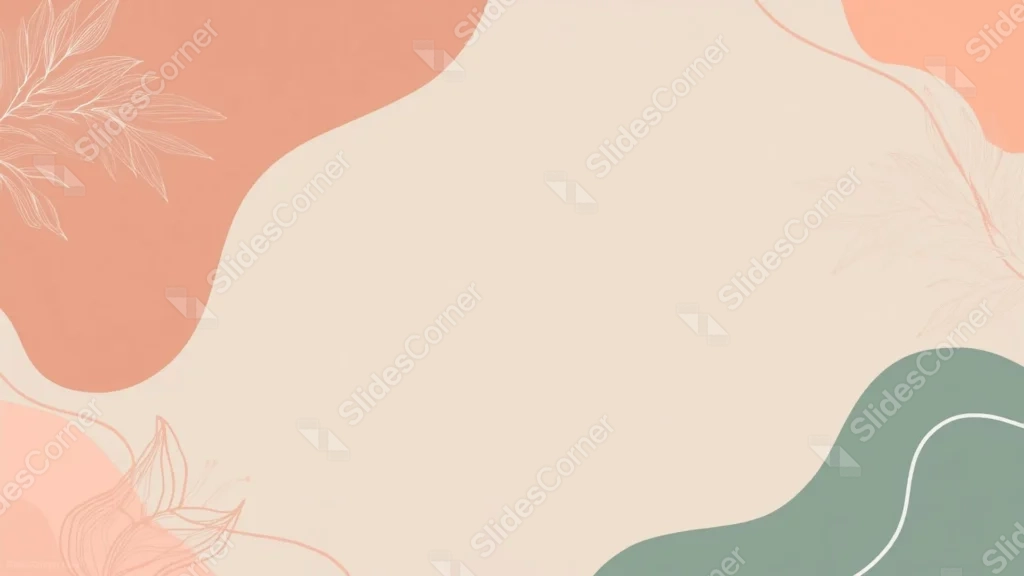
This aesthetic pastel background for PowerPoint pairs warm coral and terracotta blobs with a sage green wave, each one traced in its own tonal leaf line art.
A large, open beige center sits between them, left clear of any pattern.
What This Aesthetic Pastel Background Looks Like
A large terracotta blob fills the top left, with a light, single-tone leaf sprig traced over it in a paler cream line.
A smaller coral shape sits at the top right, echoed by a peach blob at the bottom left, both carrying the same soft, monochrome leaf outlines.
A sage green wave curves through the bottom right corner, crossed by a single thin white line, balancing the warm tones with something cooler.
Where This Aesthetic Pastel Background For PowerPoint Fits
- Lifestyle, wellness, or personal branding decks
- Boho-styled portfolios and mood boards
- Workshop or course slides wanting a calm, friendly tone
- Any title slide needing a soft, uncluttered center
Design Choices Behind the Tonal Leaf Outlines
I kept each blob’s leaf line art in a single tone, lighter or darker than the shape beneath it, rather than switching to a contrasting color, so each corner reads as one cohesive piece.
Pairing warm coral and terracotta with a cool sage green diagonally across the frame keeps the palette balanced instead of leaning entirely into one temperature.
I left the beige center large and completely unbroken, since the blobs already carry enough visual interest without needing a pattern in the middle too.
How to Apply It in PowerPoint
- Go to Design > Format Background.
- Choose Picture or texture fill, then Insert from file.
- Click Apply to All to use it across the whole deck.
How to Apply It in Google Slides
- Open Slide > Change background.
- Click Choose image and upload the downloaded file.
- Select Done, repeating on any other slides you want to match.
Legibility Tip for This Aesthetic Pastel Background
Keep text in the open beige center, using a dark brown or charcoal font so it reads clearly against the light background.
Frequently Asked Questions
Is this aesthetic pastel background free?
Yes, it’s a free download with no watermark and no account required.
Does it work in Google Slides too?
Yes, it’s a standard image file, so it applies the same way in both PowerPoint and Google Slides.
What resolution is included?
1920×1080 px, HD 16:9, suited to slides and to a desktop or phone wallpaper.
Can I use it as a wallpaper?
Yes, the 16:9 ratio matches most laptop and desktop screens.
Features at a Glance
- HD 1920×1080 resolution, 16:9 ratio
- Free download, no watermark
- Coral, terracotta, and sage green organic blobs
- Tonal, single-color leaf line art in each corner
- Large, unbroken open center for text
- Works as a PowerPoint background, Google Slides background, or wallpaper
Specs
- 1920 x 1080 px · 16:9 widescreen
- JPG, high quality, no compression artefacts
- PowerPoint · Google Slides · Keynote · Canva
- No watermark · no sign-up
- Free for personal and commercial use
You can use this Dreamy Aesthetic Pastel Background For PowerPoint Presentations as a Wallpaper or use it as a background for slides.
Looking for something different? Browse all our free PPT Backgrounds, or see how to set a background in PowerPoint and Google Slides.