

You might also like:






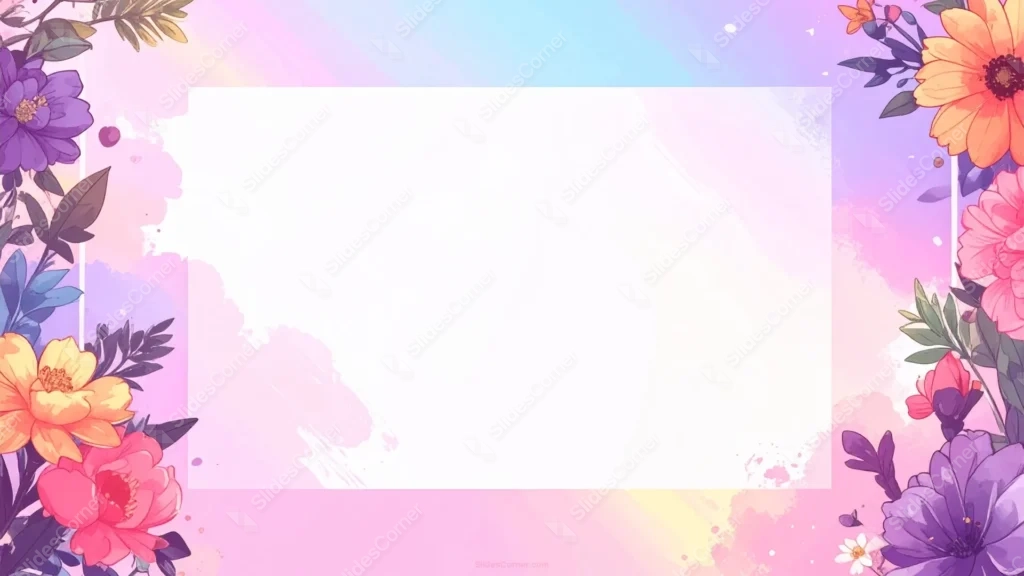
This colorful floral frame background for PPT surrounds a white inset card panel with vivid colorful blooms over a full rainbow watercolor wash.
The rectangular white panel sits slightly offset from center, already framed and ready for text or a photo.
What This Colorful Floral Frame Background Looks Like
Marigolds, zinnias, peonies, and purple asters in fully saturated orange, pink, red, and violet border the left and right edges in dense clusters.
Behind the flowers, the sky washes through blue, purple, pink, and gold, a full rainbow gradient rather than a single pastel tone.
A rectangular white card panel sits inset within the frame, slightly offset from center, with soft watercolor splatter visible just outside its edges.
Where This Colorful Floral Frame Background For PPT Fits
Its built-in card panel suits invitations, greeting-style slides, quote cards, and any presentation wanting a ready-made frame for a photo or short message.
The vivid, saturated palette also makes it a strong fit for festival, spring market, or floral business branding.
Design Choices Behind the White Card Panel
I added a distinct rectangular white card panel inset within the frame, rather than leaving the center as open background, so there’s a built-in, slightly offset card ready for text or a photo.
Painting the sky in a full rainbow wash, blue, purple, pink, and gold, instead of a single pastel tone, lets the flower colors below feel like a natural continuation of the gradient rather than a contrast to it.
Mixing marigolds, zinnias, peonies, and asters in fully saturated hues, the most vivid palette in this series, makes the frame read as a real bouquet rather than a soft accent border.
How to Apply It in PowerPoint
- Go to Design > Format Background.
- Choose Picture or texture fill, then Insert from file.
- Click Apply to All for the whole deck.
How to Apply It in Google Slides
- Open Slide > Change background.
- Click Choose image and upload the downloaded file.
- Select Done, repeating on each slide you want to match.
Legibility Tip for This Colorful Floral Frame Background
Keep text inside the white card panel, using dark plum or charcoal type, for the cleanest contrast against the busier floral border.
Frequently Asked Questions
Is this colorful floral frame background free?
Yes, it’s a free download with no watermark and no account required.
Does it work in Google Slides too?
Yes, it’s a standard image file, so it applies the same way in both PowerPoint and Google Slides.
What resolution is included?
1920×1080 px, HD 16:9, suited to slides and to a desktop or phone wallpaper.
Can I use it as a wallpaper?
Yes, the 16:9 ratio matches most laptop and desktop screens.
Features at a Glance
- HD 1920×1080 resolution, 16:9 ratio
- Free download, no watermark
- Built-in white inset card panel
- Full rainbow watercolor sky wash
- Fully saturated marigold, zinnia, peony, and aster blooms
- Works as a PowerPoint background, Google Slides background, or wallpaper
Specs
- 1920 x 1080 px · 16:9 widescreen
- JPG, high quality, no compression artefacts
- PowerPoint · Google Slides · Keynote · Canva
- No watermark · no sign-up
- Free for personal and commercial use
You can use this Vibrant Rainbow Floral Frame with a White Card Panel as a Wallpaper or use it as a background for slides.
Looking for something different? Browse all our free PPT Backgrounds, or see how to set a background in PowerPoint and Google Slides.







