You might also like:
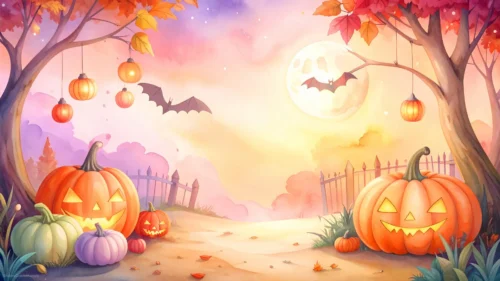
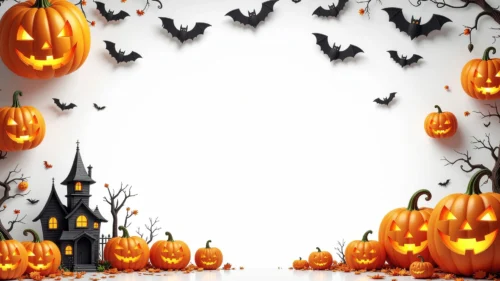
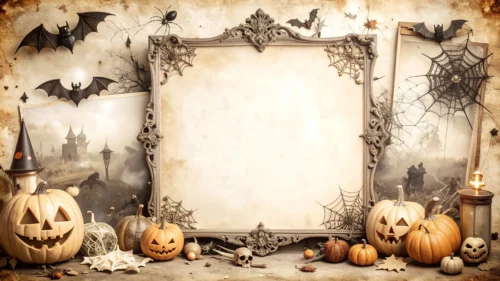
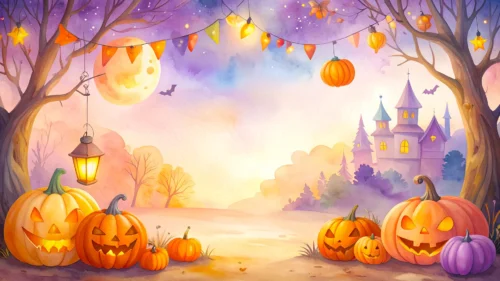
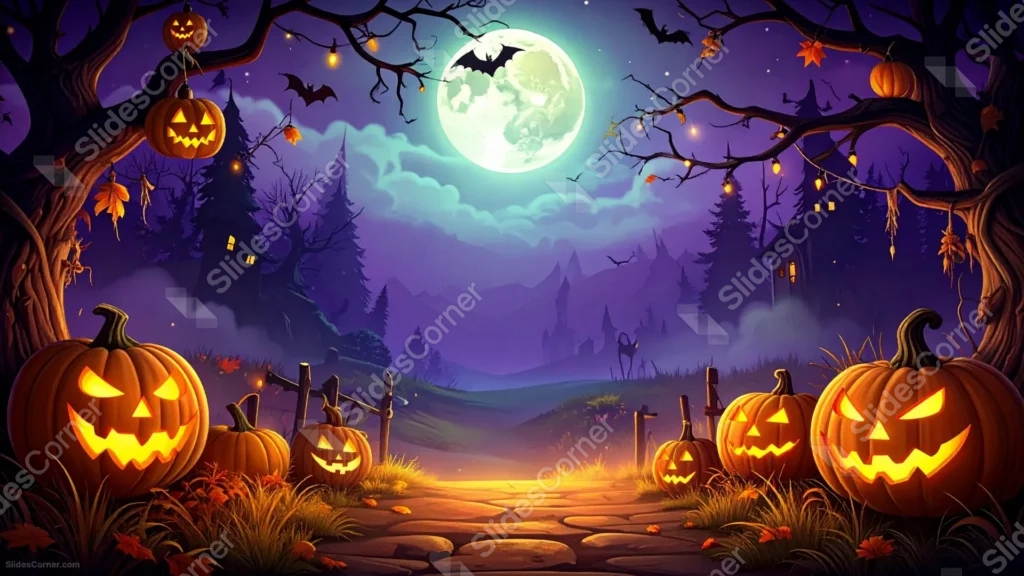
This spooky Halloween background for Google Slides lines a stone path with glowing jack-o-lanterns, leading toward a distant castle beneath a giant full moon.
Twisted, bare tree branches arch in from both top corners, hung with more carved pumpkins and strings of small lights, while bats cross silhouetted against the glowing sky.
What This Spooky Halloween Background Looks Like
An oversized, pale moon glows behind soft teal clouds at the top of the frame, with a bat silhouette crossing directly in front of it.
Rows of grinning jack-o-lanterns, each carved with a slightly different expression, line a stone footpath that curves off toward a misty, castle-topped hillside.
Gnarled trees frame both sides of the scene, their branches strung with fairy lights and hung with even more glowing pumpkins.
Where This Spooky Halloween Background For Google Slides Fits
- Halloween party invitations and countdown decks
- Spooky storytelling or haunted house presentations
- School or community trick-or-treat event slides
- A desktop wallpaper for anyone who loves a classic haunted night
Design Choices Behind This Haunted Path
I ran the stone path straight down the center of the frame so the eye follows the glowing pumpkins naturally toward the castle on the horizon.
Giving the moon a huge, oversized scale, rather than a small realistic one, makes the whole scene feel like a storybook illustration instead of a literal night photo.
Since jack-o-lanterns, trees, and lights fill every edge of the frame, I built this as a full wallpaper-style scene rather than one with a dedicated blank zone.
How to Apply It in PowerPoint
- Go to Design > Format Background.
- Choose Picture or texture fill, then Insert from file.
- Click Apply to All to carry it across the whole deck.
How to Apply It in Google Slides
- Open Slide > Change background.
- Click Choose image and upload the downloaded file.
- Select Done, repeating on any other slides you want to match.
Legibility Tip for This Spooky Halloween Background
Place your headline over the moon and clouds near the top, using a dark purple or black font, since that’s the lightest, most even area in the frame.
Frequently Asked Questions
Is this spooky Halloween background free?
Yes, it’s a free download with no watermark and no account required.
Does it work in PowerPoint too?
Yes, it’s a standard image file, so it applies the same way in both Google Slides and PowerPoint.
What resolution is included?
1920×1080 px, HD 16:9, suited to slides and to a desktop or phone wallpaper.
Can I use it as a wallpaper?
Yes, the 16:9 ratio and full-frame detail make it a striking desktop wallpaper.
Features at a Glance
- HD 1920×1080 resolution, 16:9 ratio
- Free download, no watermark
- Glowing jack-o-lanterns lining a stone path
- Oversized full moon with a bat silhouette
- Distant misty castle and gnarled framing trees
- Works as a Google Slides background, PowerPoint background, or wallpaper
Specs
- 1920 x 1080 px · 16:9 widescreen
- JPG, high quality, no compression artefacts
- PowerPoint · Google Slides · Keynote · Canva
- No watermark · no sign-up
- Free for personal and commercial use
You can use this Enchanting Spooky Halloween Background For Google Slides as a Wallpaper or use it as a background for slides.
Looking for something different? Browse all our free PPT Backgrounds, or see how to set a background in PowerPoint and Google Slides.